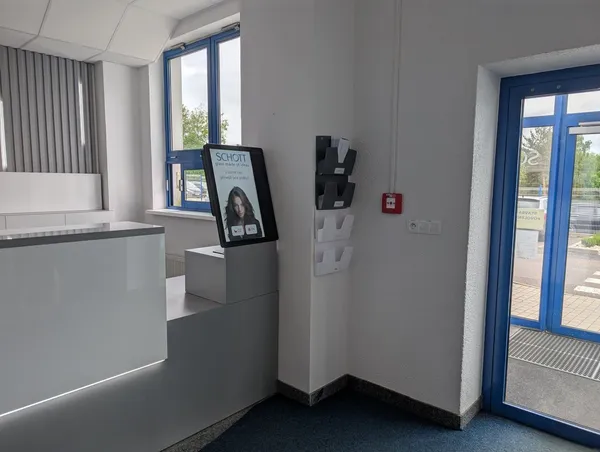
More contractor firms on site
Maintenance, machine service and inspections bring different people onto site every day.

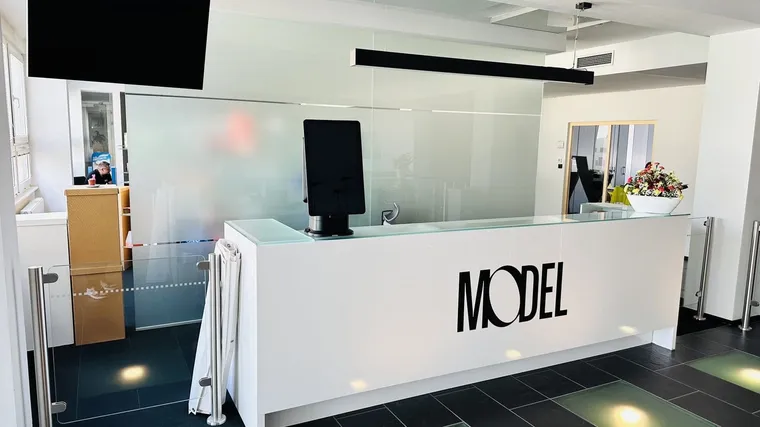
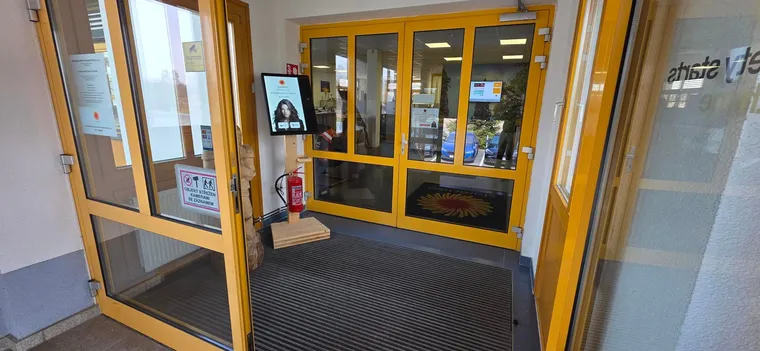
Site risk acknowledgment and inductions for contractors before arrival, visitor and truck check‑in at the entrance and an SMS during an evacuation.
Trusted at 70+ sites









By industry
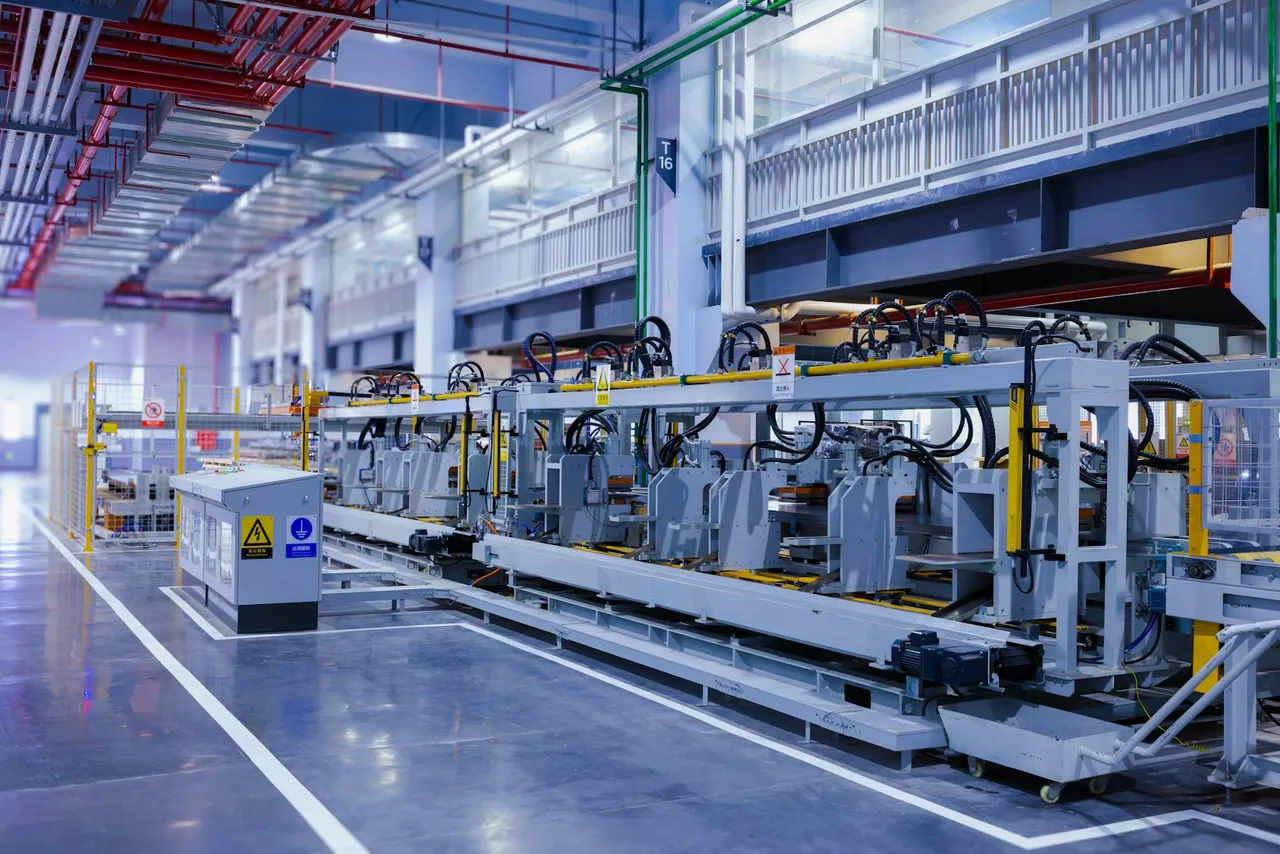
 AutomotiveLine maintenance and retooling bring dozens of contractors onto site. Induction and signature records support customer and IATF audits.Contractor management for automotive
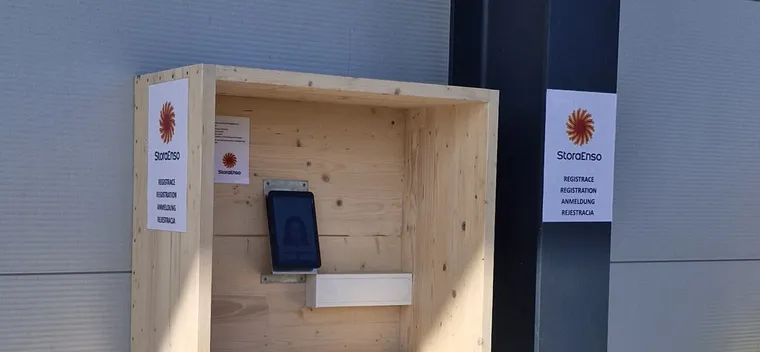
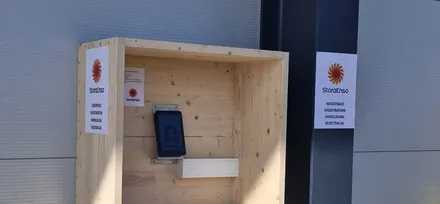
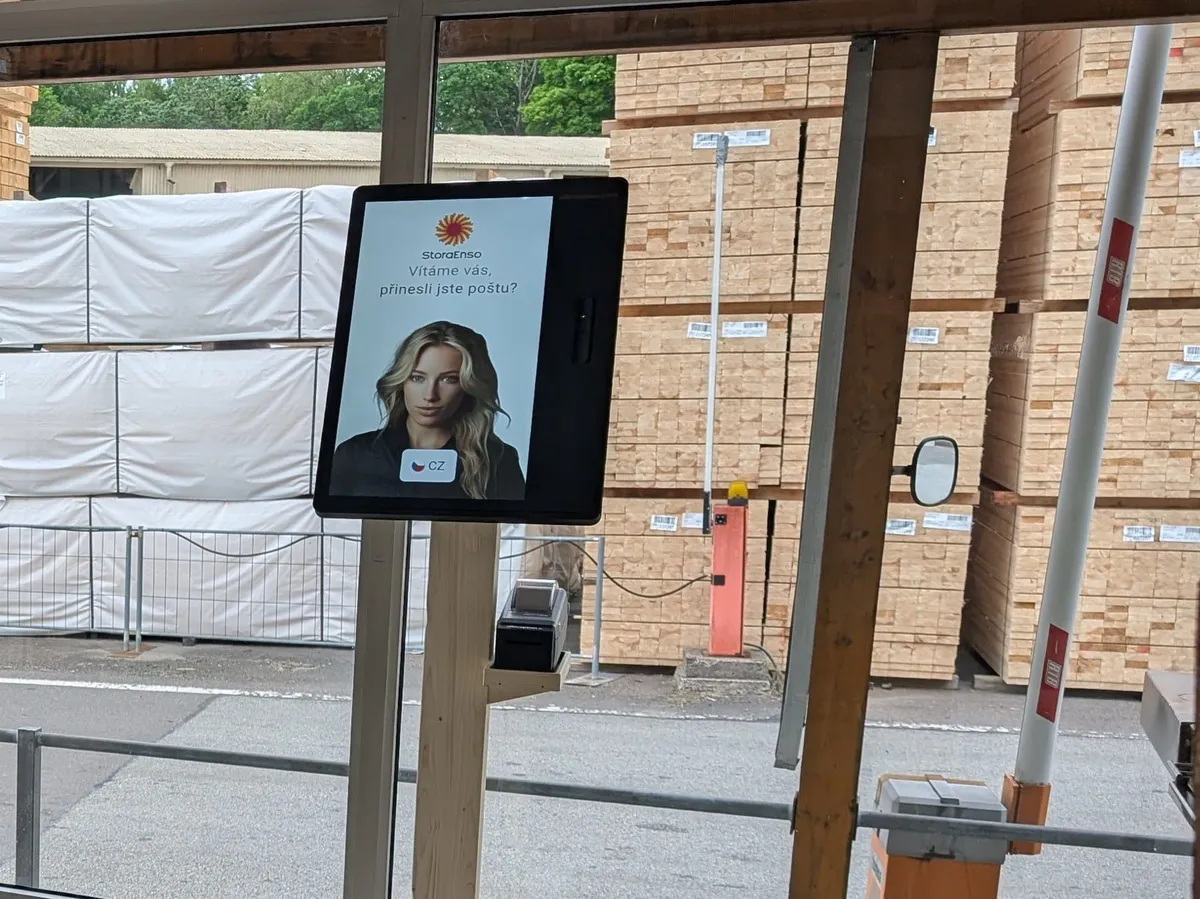 Wood, paper and packagingMachine service during shutdowns, dozens of trucks a day and an outdoor kiosk at the gate. Records support ISO 9001 and BRCGS audits.Contractor management for wood, paper and packaging
 Chemicals and pharmaHigh‑risk work and shutdowns: documents in advance, site risk acknowledgment and a muster list for evacuation. Records support GMP, ISO 45001 and SEVESO audits.Contractor management for chemicals and pharma
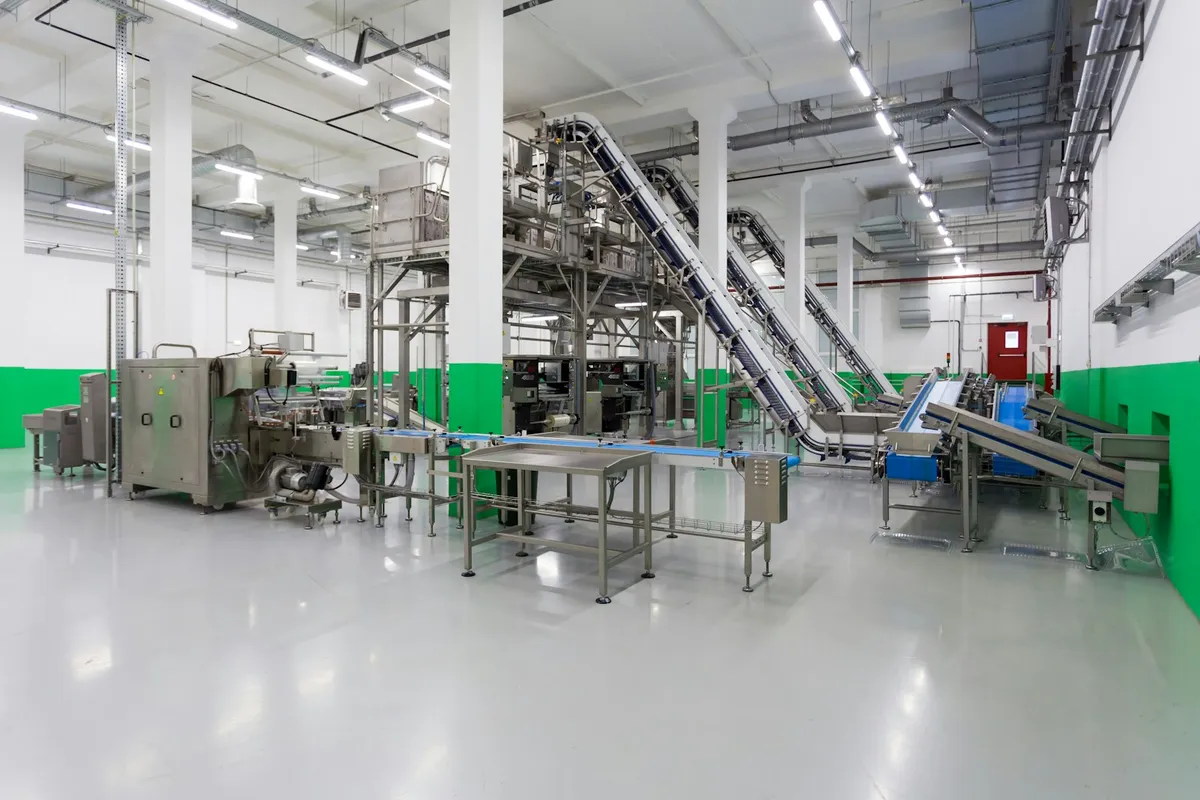 Food manufacturingHygiene rules in the safety induction and a health declaration as one of the check‑in steps. Records support HACCP, IFS and BRCGS audits.Contractor management for food manufacturing
What you deal with
Maintenance, machine service and inspections bring different people onto site every day.
Contractor inductions, signatures and certificates are traced by hand when someone asks.
A customer or internal audit wants to see who was trained, when and with which signature.
A technician without a verified induction waits at the entrance and line maintenance slips.
Each plant keeps its own records and the group has no single view.
During an evacuation there is no muster list of contractors on site.
How we solve it
The contractor uploads documents and certificates ahead, the EHS manager approves them, and the system reminds them before they expire.
You and the contractor confirm the risks, and the signed version is saved.
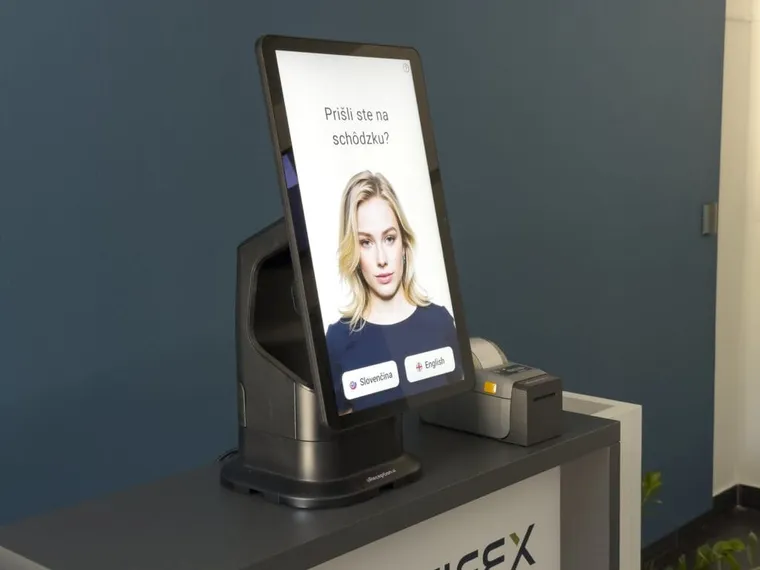
The worker completes the induction in the web app through the invitation link, or finishes it at the kiosk.
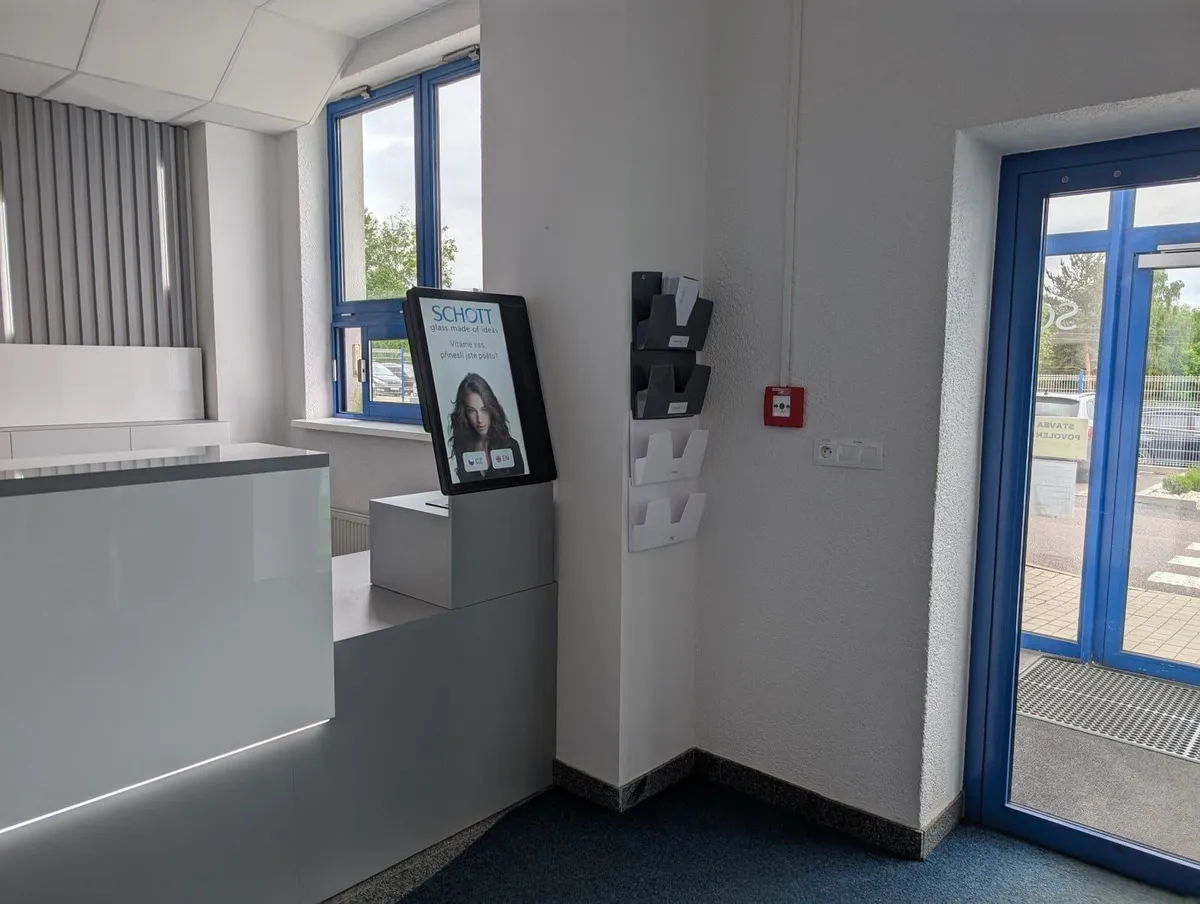
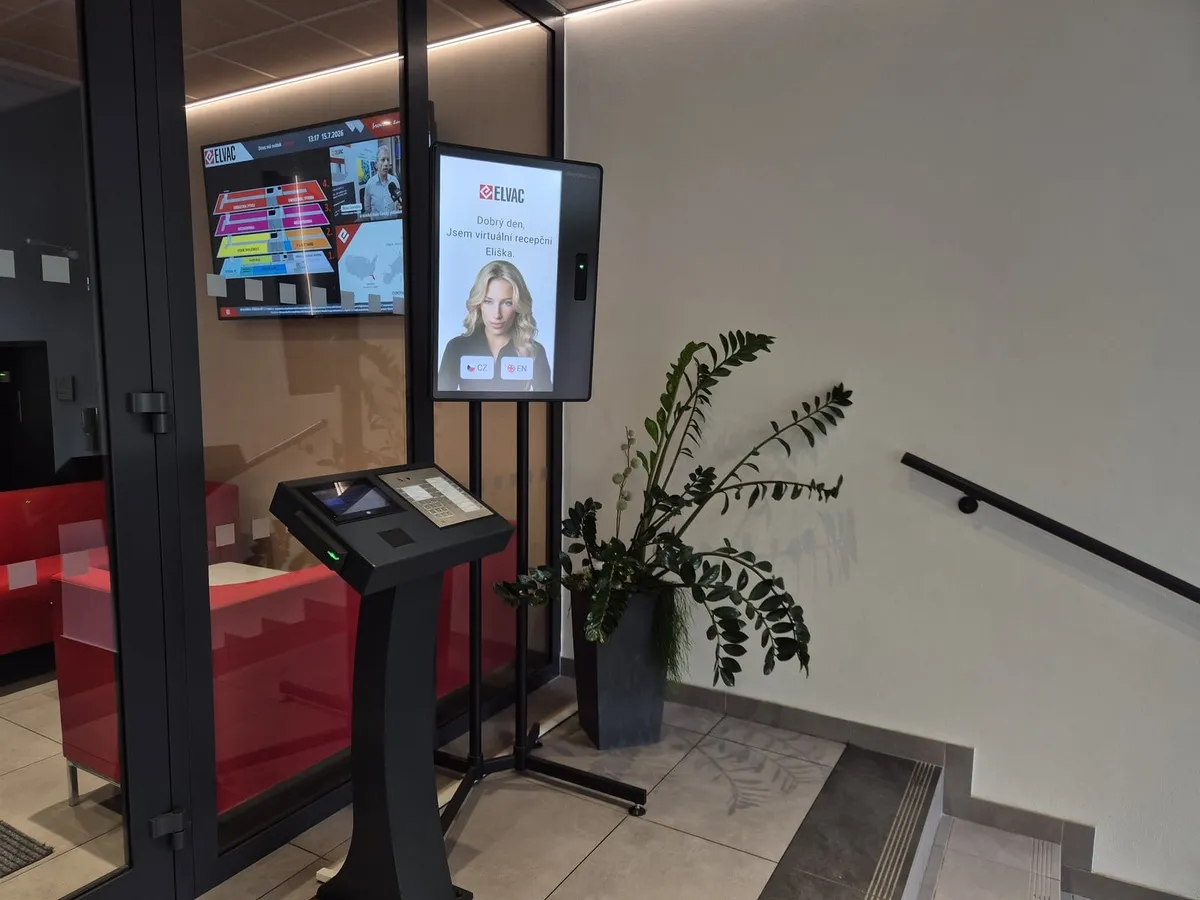
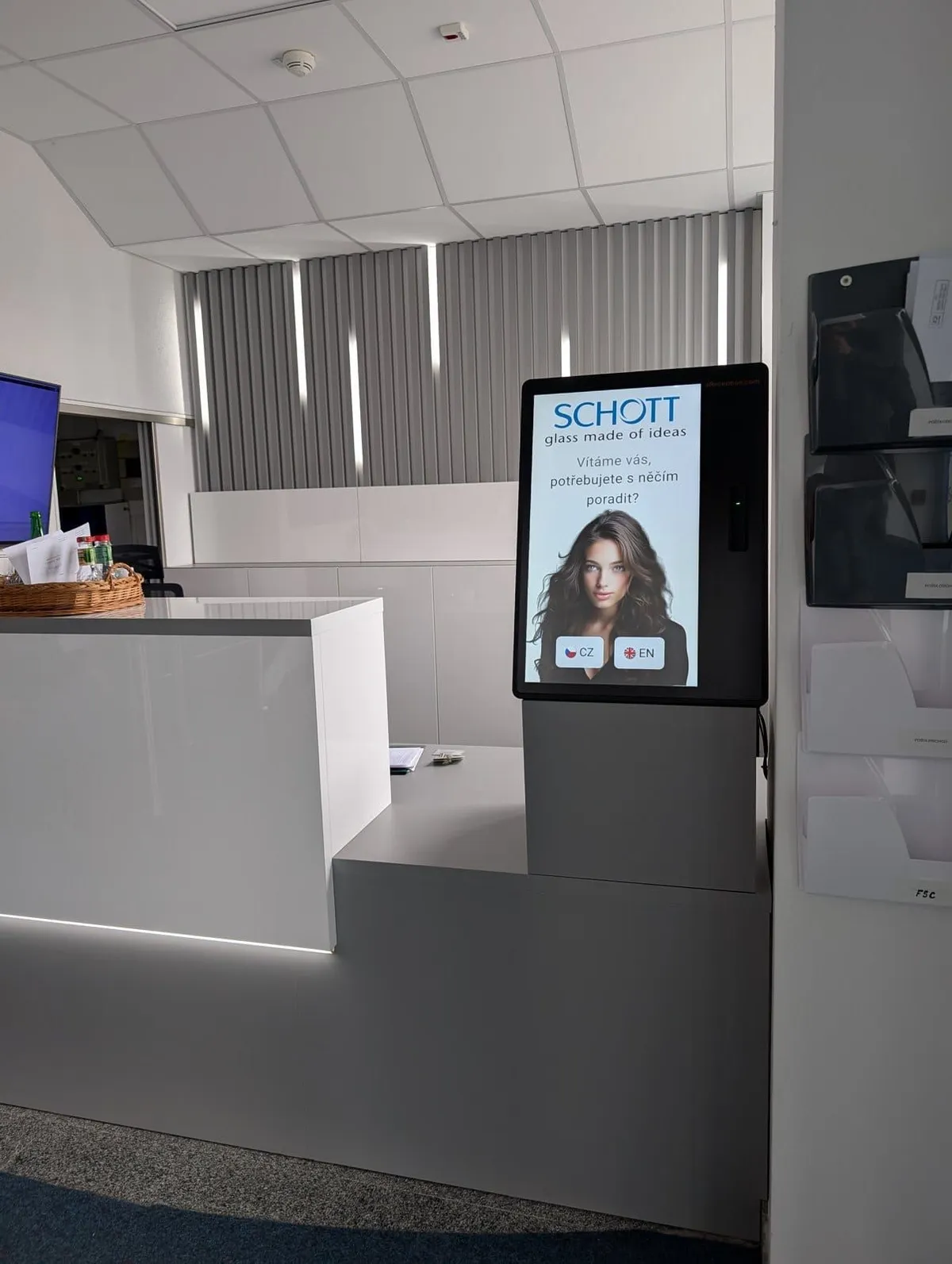
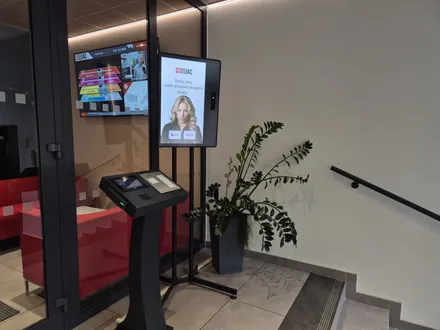
The kiosk can issue a card only to someone who finished the induction and signed. With your turnstile connected, nobody gets through without it.
Immediately get a report listing each person. The records help at ISO 45001 and ISO 9001 audits.
You can set up the same check‑in process at all your plants.
Operational needs
Only those who meet the conditions may enter production.
You must prove compliance at every inspection.
Only qualified, trained people near the equipment.
A queue at the gate holds up production.
During an alarm you need to know who is on site.
An induction only works if the worker understands it.
How it works
Step 1
The contractor fills in their details and uploads documents and certificates ahead. The Portal shows whether the EHS manager approved them.
Step 2
You and the contractor confirm the risks, and the signed version is saved.
Step 3
With the invitation the worker gets a link to the web app, where they complete and sign the induction. The rest happens at the kiosk.
Step 4
They scan the QR code from the invitation or enter their name. The median check‑in at the kiosk is 1 min 20 s.
Step 5
The kiosk can issue a card only to someone who finished the induction and signed. The host gets a notification.
Step 6
During an alarm you have a muster list of people on site and send an SMS with a map and instructions.
What you get
Case studies
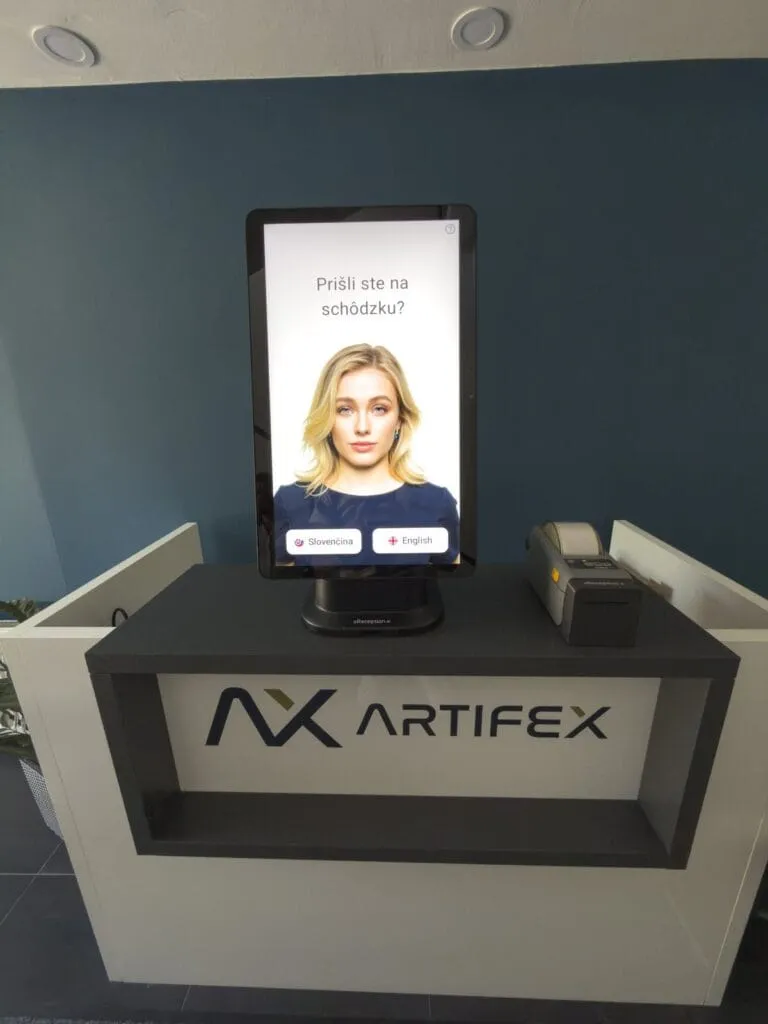
The introduction of aReception lets us welcome and brief every visitor consistently, without tying up our team. The safety briefing with signature runs automatically, and the numbers speak for themselves.
 Tomáš FicekHR digital transformation lead, Artifex
For every role
Price
Premium plan, billed annually, including updates and remote monitoring. The kiosk and accessories are billed separately. Card issuing and turnstile integration are on the Enterprise plan. Before you decide, you can try check‑in at your own site.
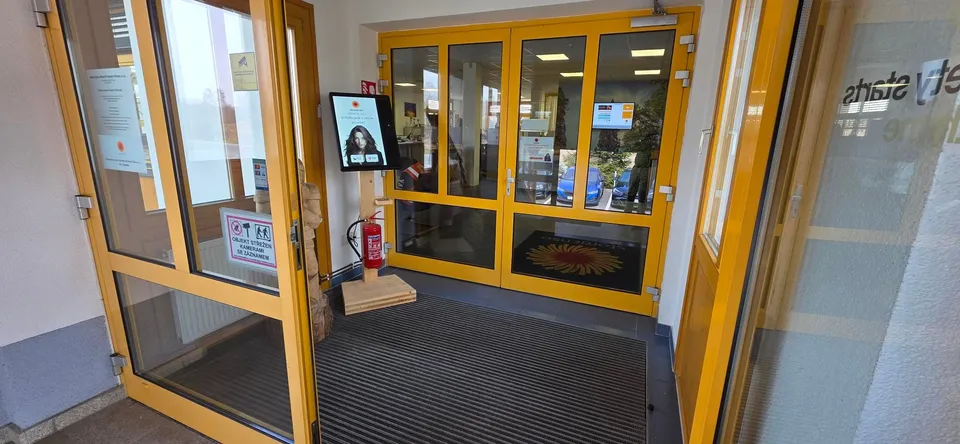
More solutions
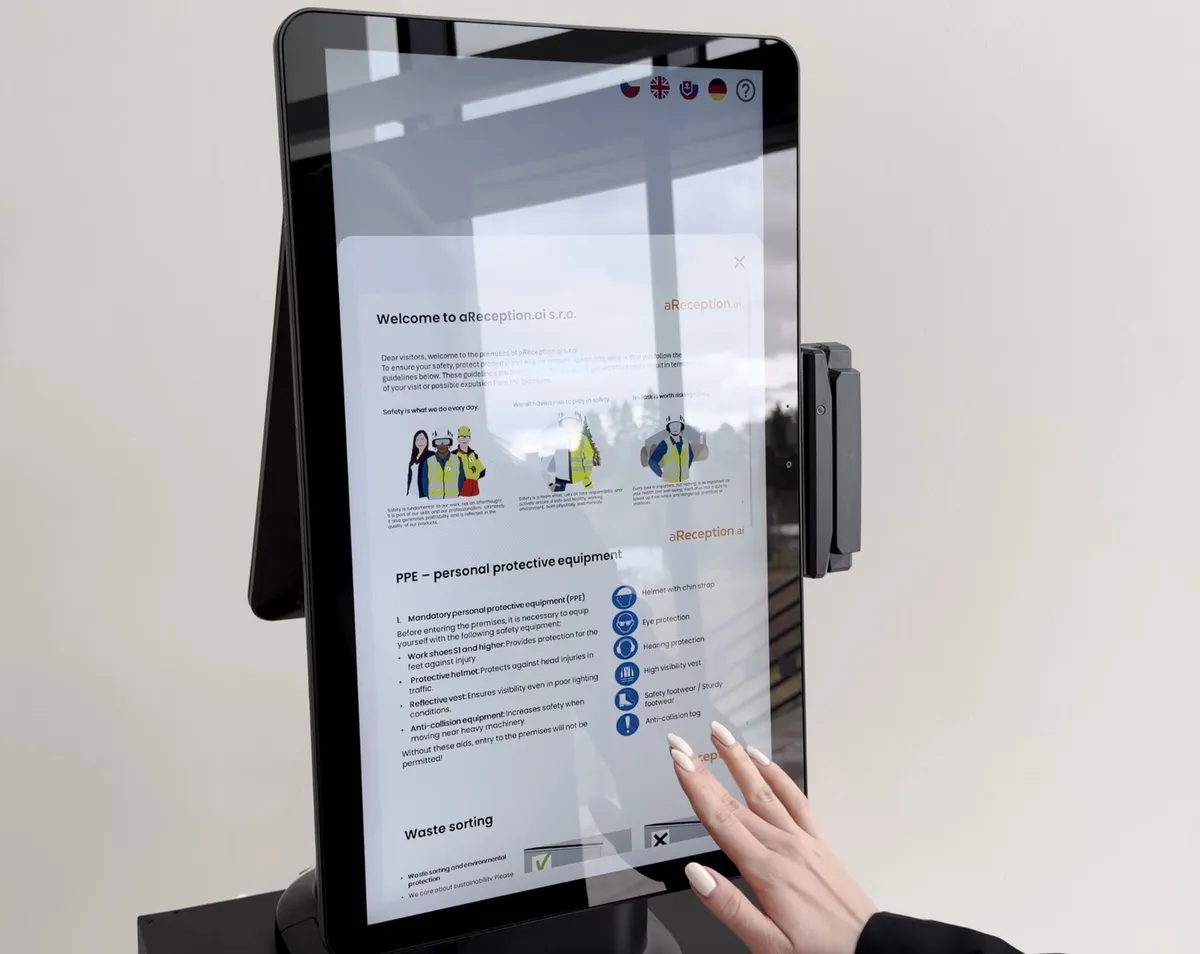 Contractor safety inductionThe contractor completes the site risk acknowledgment and the induction before arrival.Contractor safety induction and site risk acknowledgmentTruck driver check‑inDrivers check themselves in and an SMS sends them to the dock.Truck driver check‑in
 Visitor managementAn invitation with a QR code and a notification to the host.Visitor management
 IntegrationsTurnstiles, barriers, access control and MS Teams.Integrations
 Kiosks and hardwareIndustrial Zebra kiosks for indoors and outdoors.Kiosks and hardware
Questions
No. They can complete the induction and sign it at the kiosk on arrival. The site risk acknowledgment, though, works only through the invitation link.
The kiosk and invitation interface comes in 50+ languages; you upload the induction content in the languages you need.
We use industrial Zebra terminals indoors and outdoor Zebra terminals at the gate. We also run the software on your own compatible Android device.
The driver checks in at the kiosk and an SMS says when to drive in and which dock to use. Once connected, aReception opens the gate arm. Truck check‑in
Each dispenser issues a different card type, for example for visitors, contractors and VIPs. On the Enterprise plan, one kiosk takes up to three dispensers.
They fill in their details, complete the induction and sign right at the kiosk.
Yes. The system is GDPR‑ready, and consent to processing can be switched on right at check‑in.
In 15 minutes, we'll show you how aReception would work at your site.
In the meantime, watch a one‑minute video from a live site.
Pick a time nowTrusted at 70+ sites



 Filip, Tomáš or Luboš will replySales and deployment at aReception · we reply within one business day