Česky
 English
Contractors and service companies
Training matched to the risks of the workplace, expiry tracking and a view of who from each company is inside.

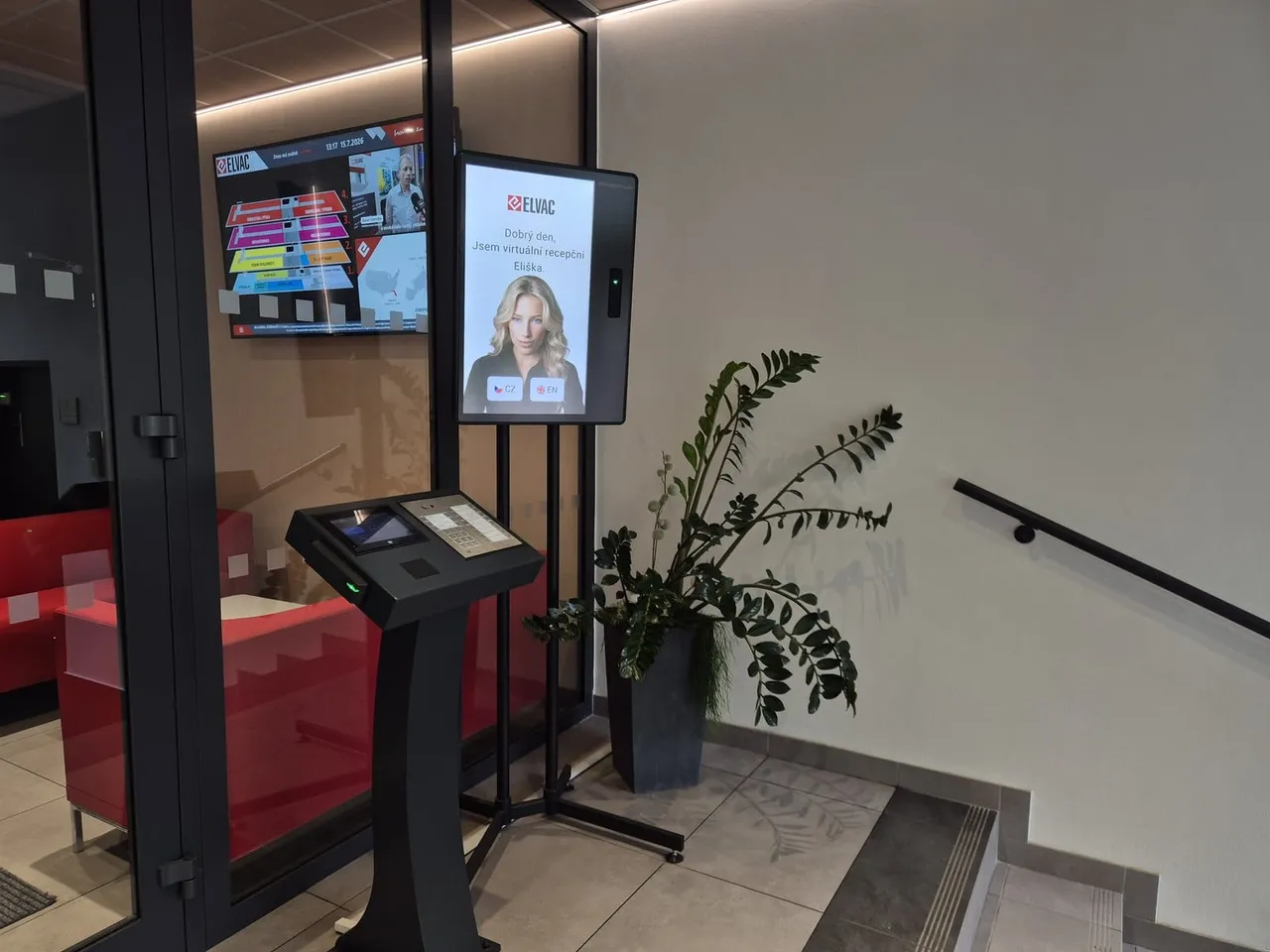
The kiosk at the gatehouse verifies each arrival, takes them through the induction and, once the turnstile is connected, lets them in. You see who is inside.
Trusted at 70+ sites









How it works today
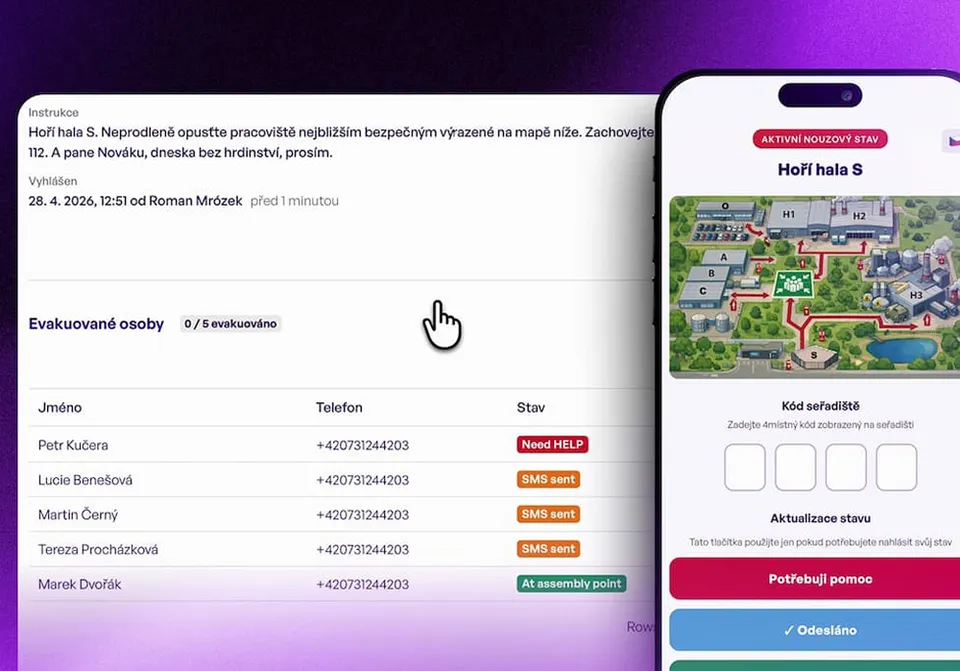
Visitors in a paper logbook, inductions in a binder. At an inspection you hunt for signatures. In an evacuation you need to know at once who is on site.
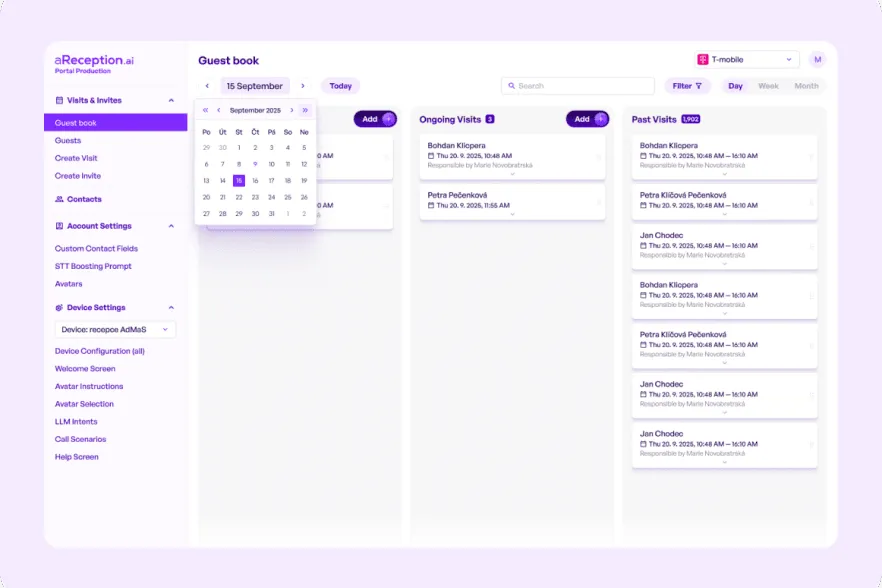
With aReception, the list of people on site and every training record are in one place.
The check‑in, step by step
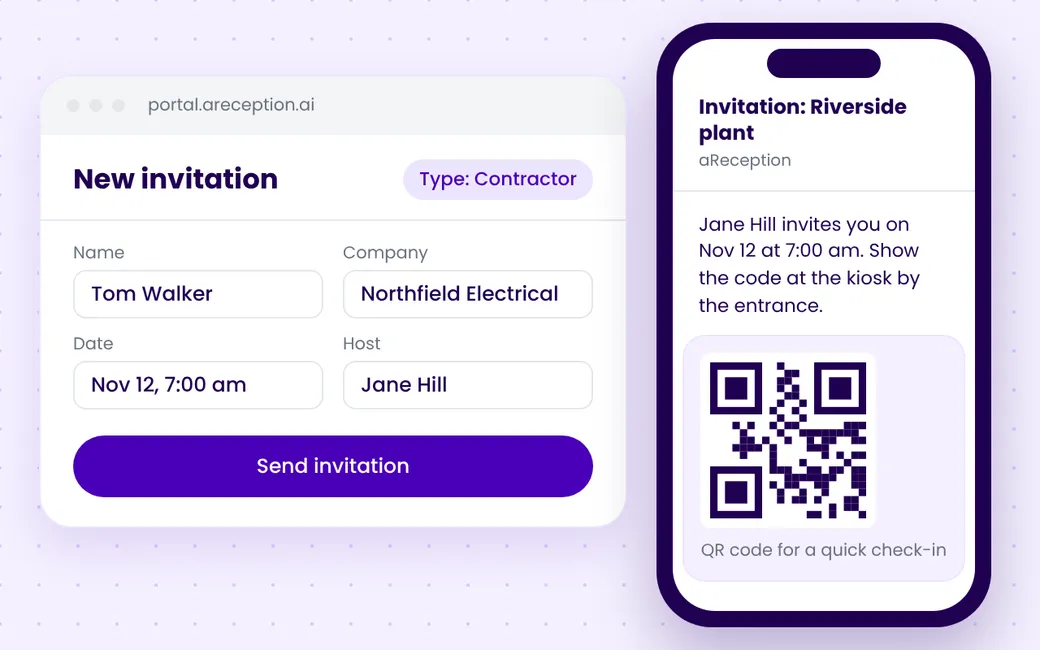
Step 1
You enter the name, company and date. The contractor gets a QR code and a link to acknowledge site risks in advance.
Step 2
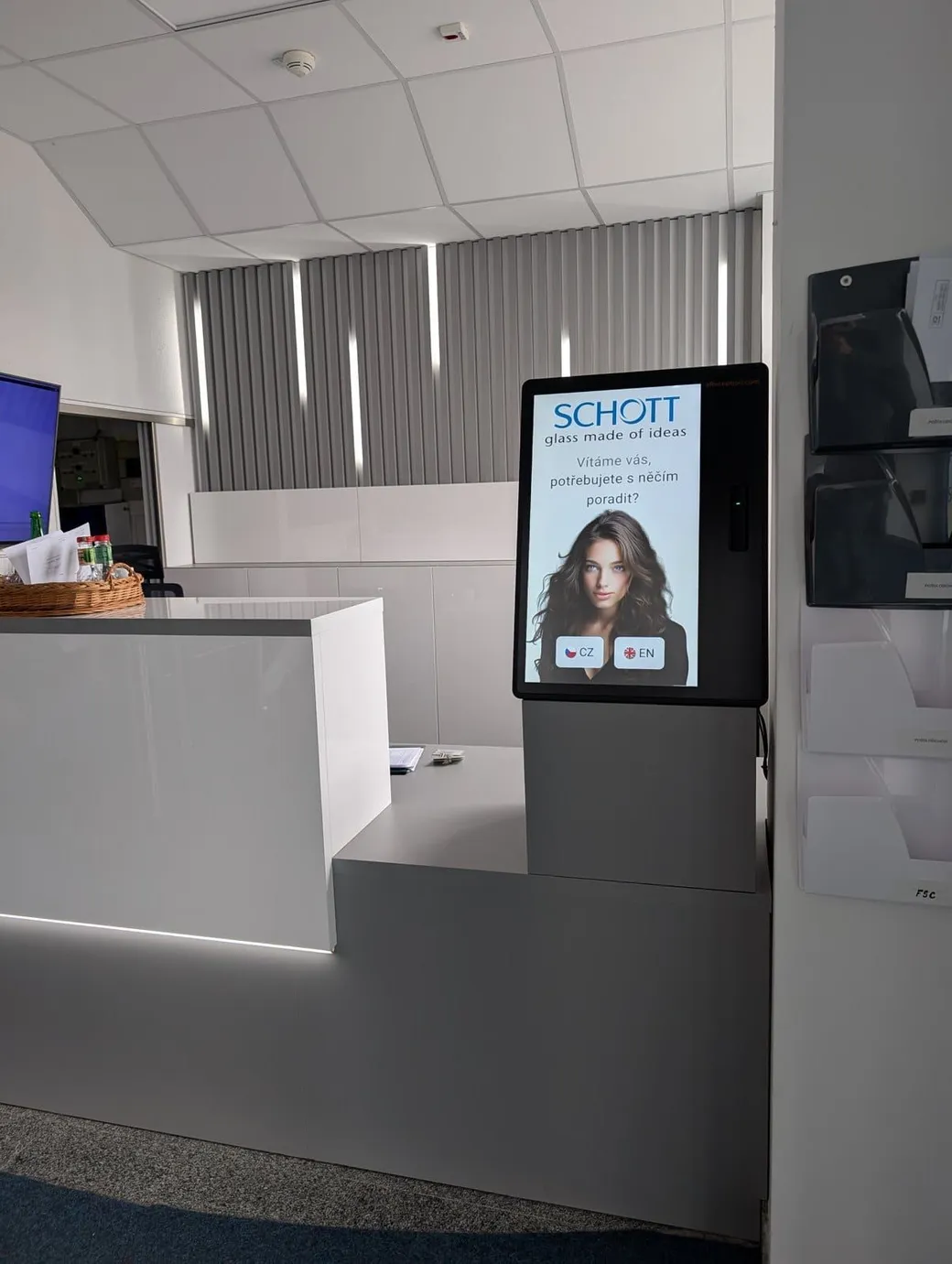
The arrival scans the QR code from the invitation or enters their name. The kiosk checks the visit and whether the training is still valid, then notifies the host.
Step 3
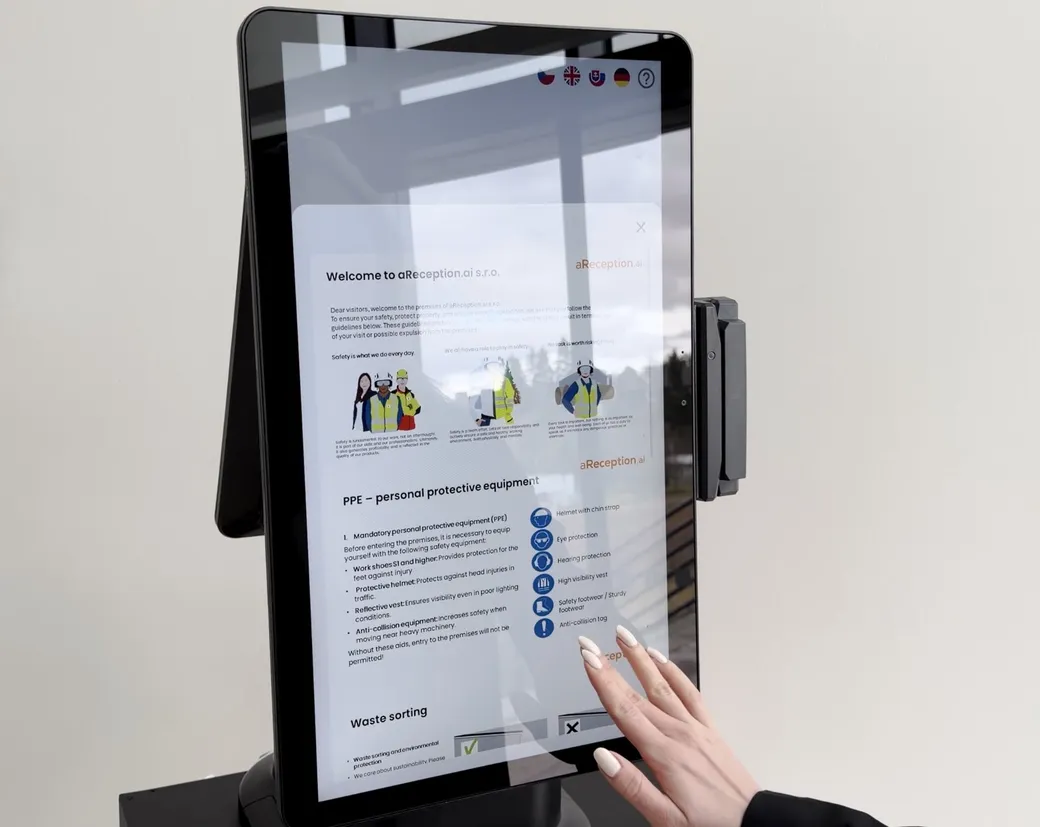
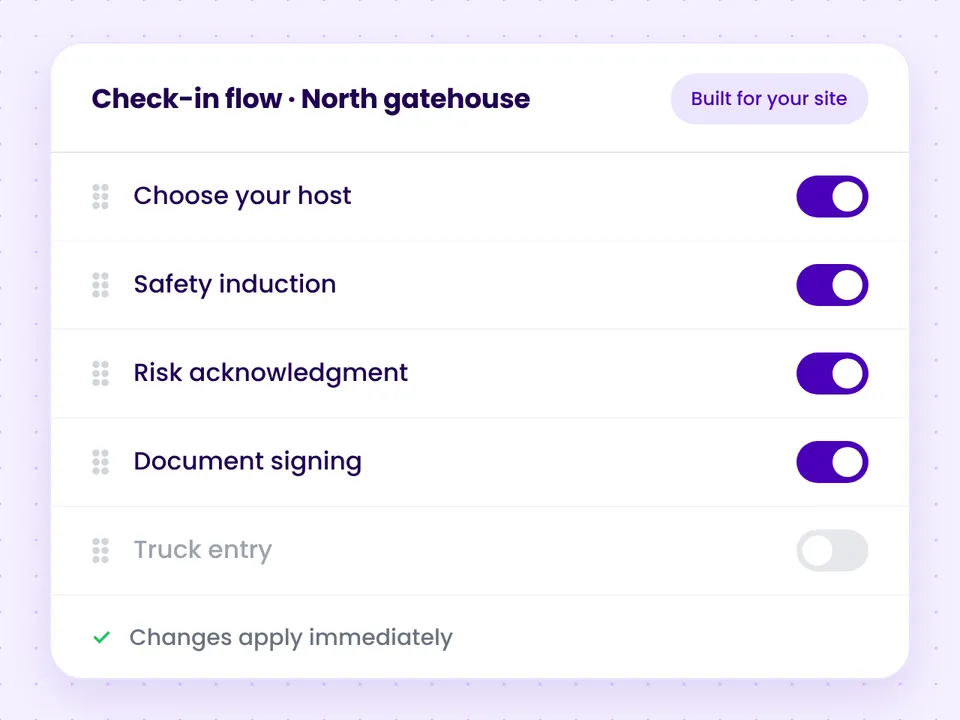
Anyone without a valid induction completes it in their own language and signs it. A connected turnstile or barrier lets them through only after they sign.
Step 4
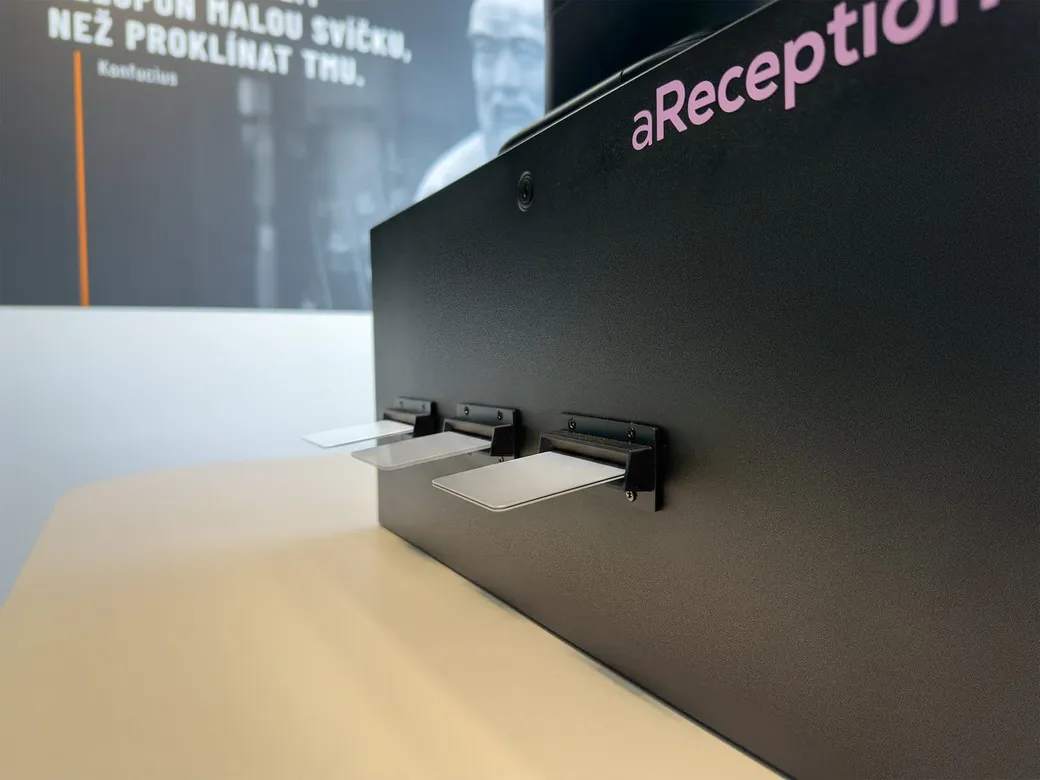
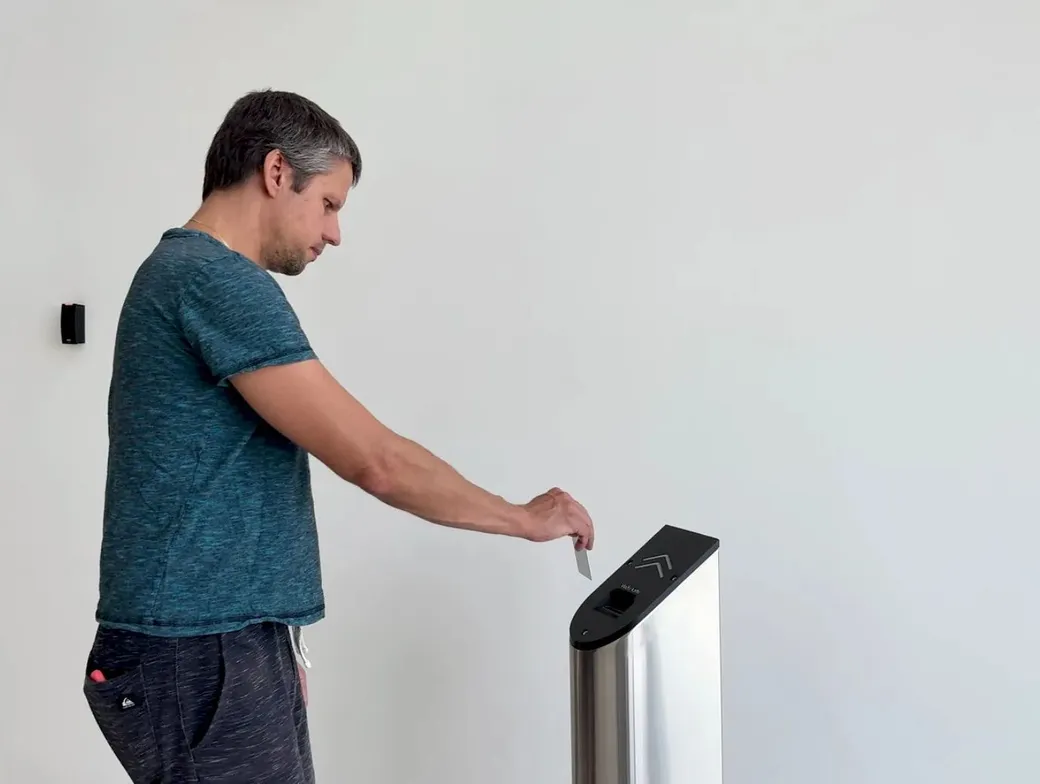
Once inducted, they get a card from the kiosk or pass a connected turnstile or barrier. Gatehouse staff no longer handle every arrival.
Step 5
They check out at the kiosk, return the card to the collector, or pass a connected turnstile. The record of the visit and the training stays on file.
Who it is for
Training matched to the risks of the workplace, expiry tracking and a view of who from each company is inside.
Visitors register and the kiosk notifies the host. The kiosk issues them a card or prints a visitor label.
Self check‑in at the gate, with instructions in their own language.
Overview and records
Customer results
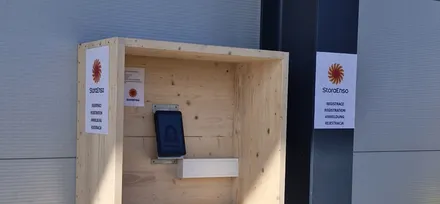
Roughly four in five drivers register themselves at the outdoor kiosk. Gate staff no longer type them into a spreadsheet.
Stora Enso ŽdírecRead the case studyA packaging plant in Opava. Only a contractor with a valid risk acknowledgment gets an active card.
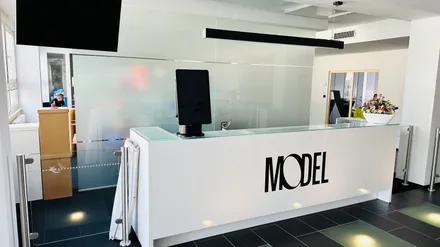
Model ObalyRead the case studyContractors complete their induction in their own language, right at the kiosk.
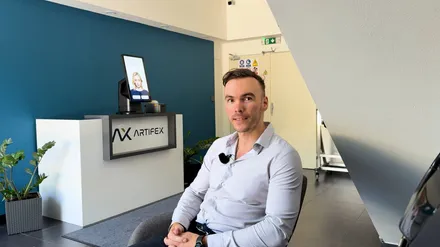
ArtifexRead the case studyIntegrations
We are glad to connect through their API to systems not listed here.
Deployment
Together we set up the training, the languages and the entry rules. The kiosk only needs internet over cable, Wi‑Fi or its own SIM. It needs no access to your internal network, so it poses no risk to your other systems. The license includes updates and remote monitoring.
At last I can see everyone on site in real time, and we are ready for both an inspection and an evacuation.
 Pavla BolackáH&S Manager, Model Obaly a.s.
Thanks to the integration with our ELIN system, it always works with current contacts.
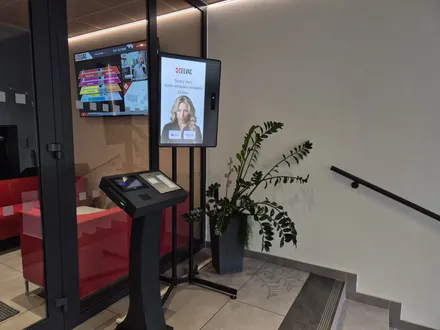
 Jaromír DrozdekOperations Director, ELVAC a.s.
Drivers now register themselves at the gate in their own language and we guide them into the site by SMS, so the queue finally moves on its own.
 Karel ŘípaSafety Manager, Stora Enso Wood Products
Questions and answers
The name, the time of entry, the version of the training and the signature. The record helps you prove how the induction was carried out.
The kiosk interface comes in 50+ languages. You provide the induction content in the languages you need.
The kiosk has them answer again until they get it right, or sends you a notification so you decide whether to let them through.
You upload it to the Portal as it is: a PDF, a video or text. We help you upload it during setup.
The kiosk only needs internet over cable, Wi‑Fi or its own SIM. It needs no access to your internal network. Connecting your other systems is optional; if you want it, we are glad to connect through their API.
In 15 minutes, we'll show you visitor check‑in, contractor inductions and the overview of who is on site.
In the meantime, watch a one‑minute video from a live site.
Pick a time nowTrusted at 70+ sites


 Filip, Tomáš or Luboš will replySales and deployment at aReception · we reply within one business day