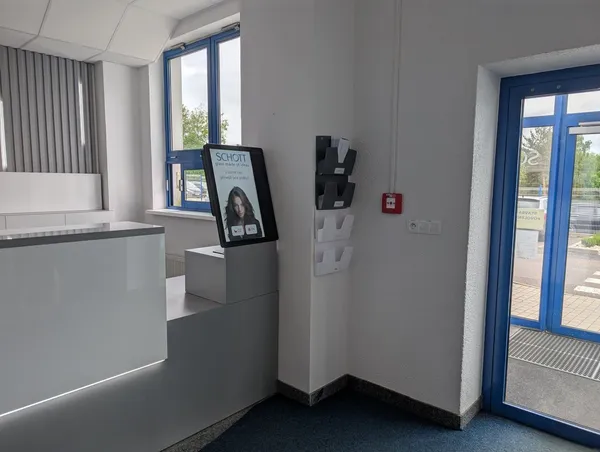
The guard copies names from ID documents
Names of foreign drivers and technicians get garbled when copied from an ID. At peak times a queue forms at the window.

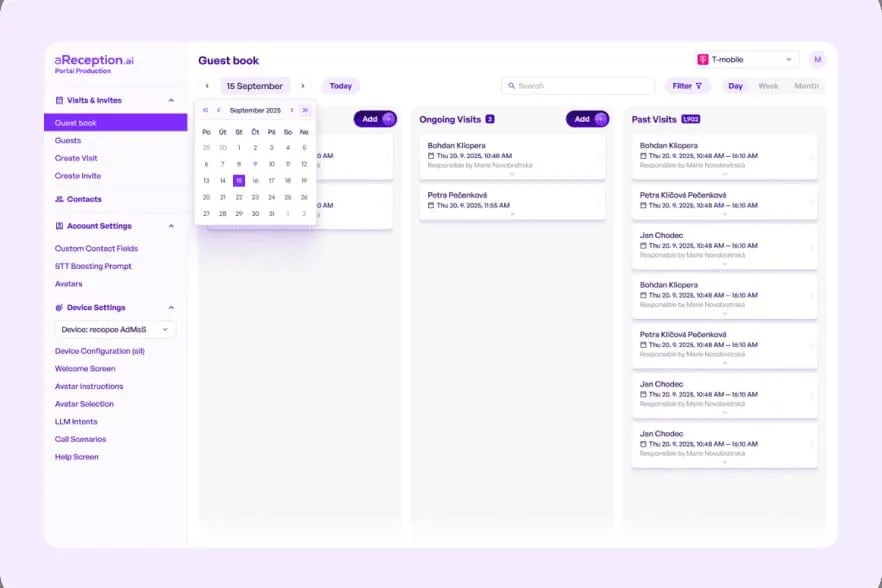
The kiosk checks in visitors, contractors and drivers and reduces the workload at the gatehouse. The Portal shows who is on site right now.
Trusted at 70+ sites









What gets in the way
Names of foreign drivers and technicians get garbled when copied from an ID. At peak times a queue forms at the window.
The visitor book doesn't show who has left. During an alarm the gatehouse only knows that card 15 has not come back, not who has it.
Only the company goes into the spreadsheet. Who came from it and whether their induction is valid is traced through emails.
How it works
The host sends an invitation from the Portal. Through the link in the invitation, the contractor completes the site risk acknowledgment and can also do the induction.
Before arrivalArrivals enter their own name or scan the invitation QR code. Anyone without a finished induction completes and signs it there.
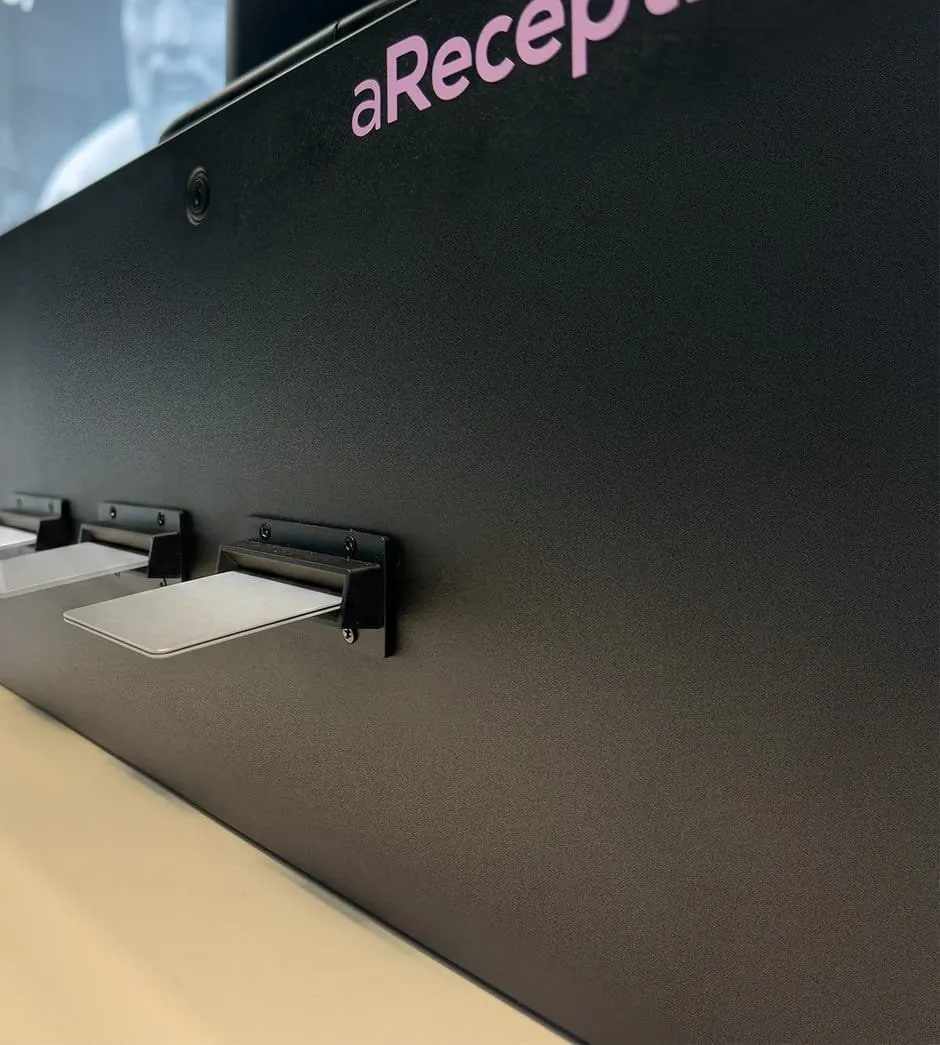
At the entranceThe kiosk can issue a card only to those who finished the induction. A connected turnstile lets only them in.
At the entranceOn the way out, a card dropped into the collector ends the visit.
On exitWhat you see in the Portal
Stora Enso Planá
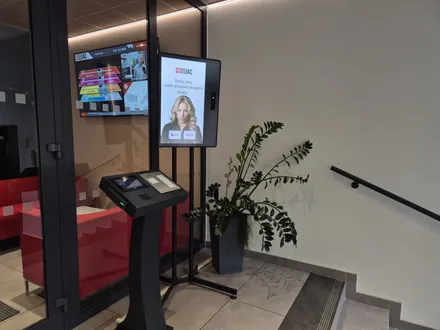
Visitors check themselves in at the kiosk by the main entrance.
Stora Enso PlanáRead the case studyAn invited visitor gets a QR code in advance and gets through faster.
Stora Enso PlanáRead the case studyThe kiosk checks people in outside office hours too.
Stora Enso PlanáRead the case studyCustomer
aReception has significantly improved how we handle visitor reception. The process is faster and smoother, no longer requires a receptionist to be physically present, and the system effectively prevents unauthorized entries and gives us full control over visitor movement.
 Zdeněk ToužimskýMill Director, Stora Enso Wood Products Planá
Connected to your entrance
We connect turnstiles and barriers on the Enterprise plan, which also includes access control integration.
The ExtHUB box next to the kiosk opens doors, turnstiles, barriers and elevators by relay. We don't supply turnstiles, we connect to yours.
We have ready‑made integrations with ANeT, RON, Aktion, Cominfo, Salto, Genetec and others. During an evacuation, your muster list then covers everyone on site, employees included.
With doors and elevators connected, visitors pass only into the zones their role allows.
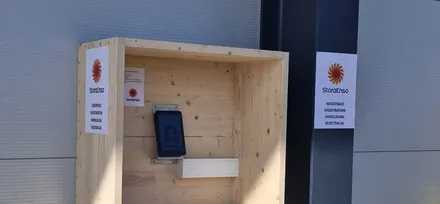
The outdoor Zebra kiosk works in rain and frost, and drivers can use it with gloves on.
More
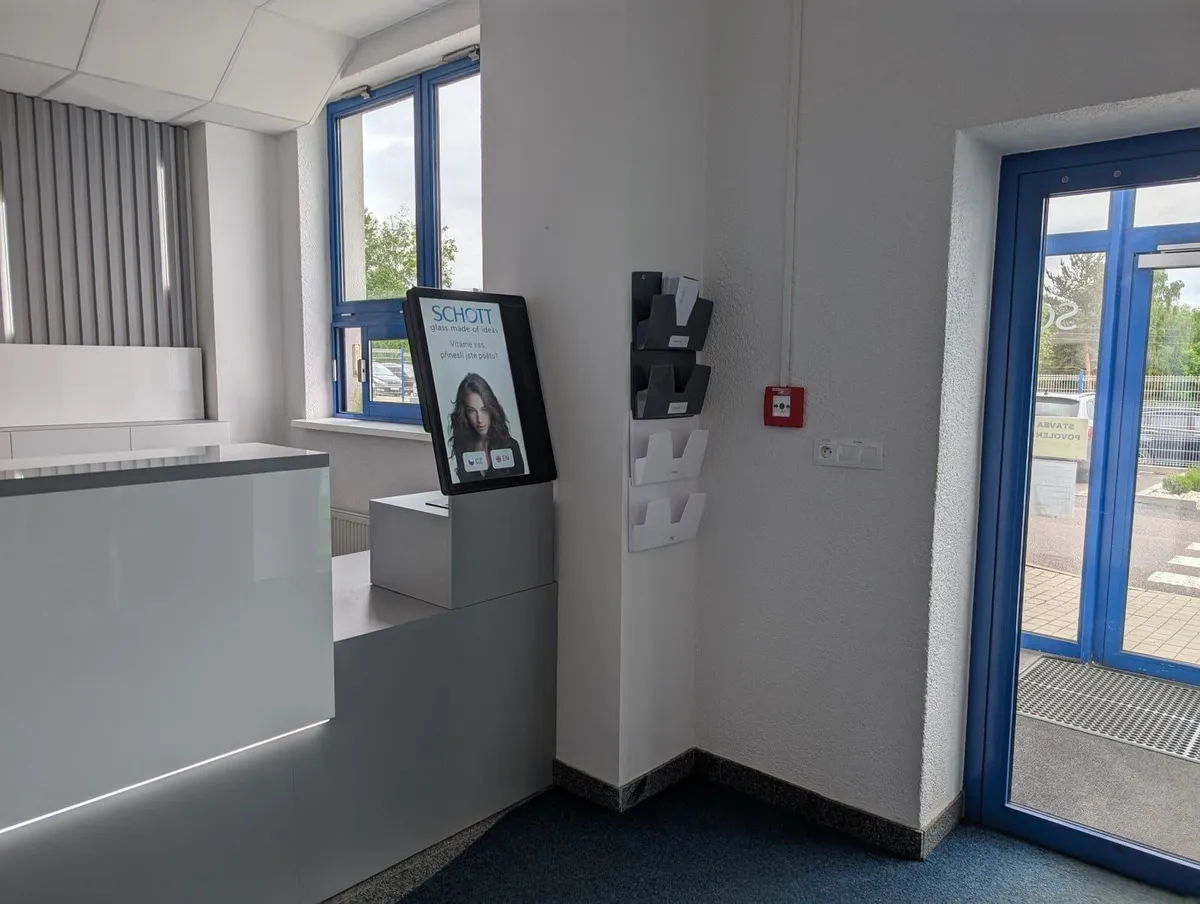 Visitor managementHow visitors check themselves in, from the QR invitation to the host notification.Visitor management
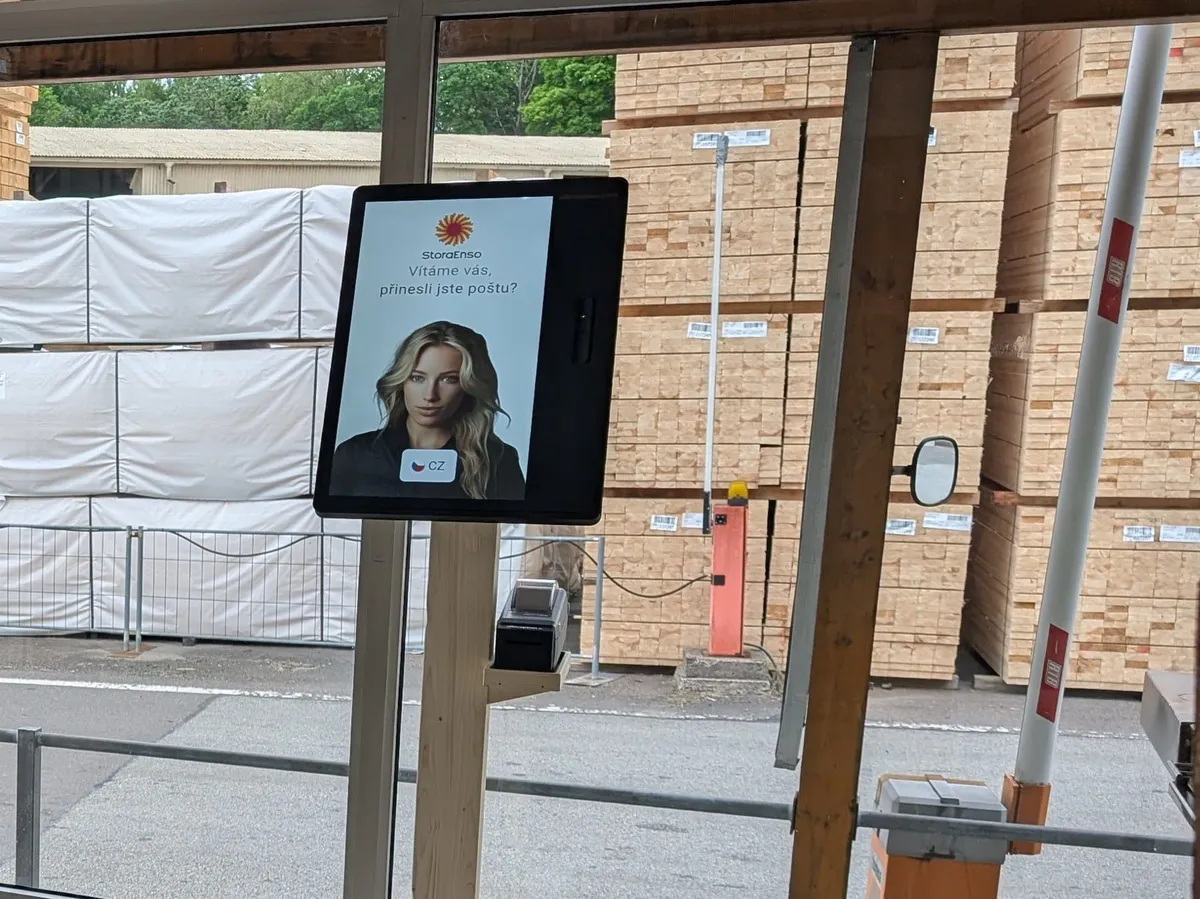 Truck check‑inThe driver registers at the outdoor kiosk and waits in the holding area. An SMS in their language calls them to the dock.Truck check‑in
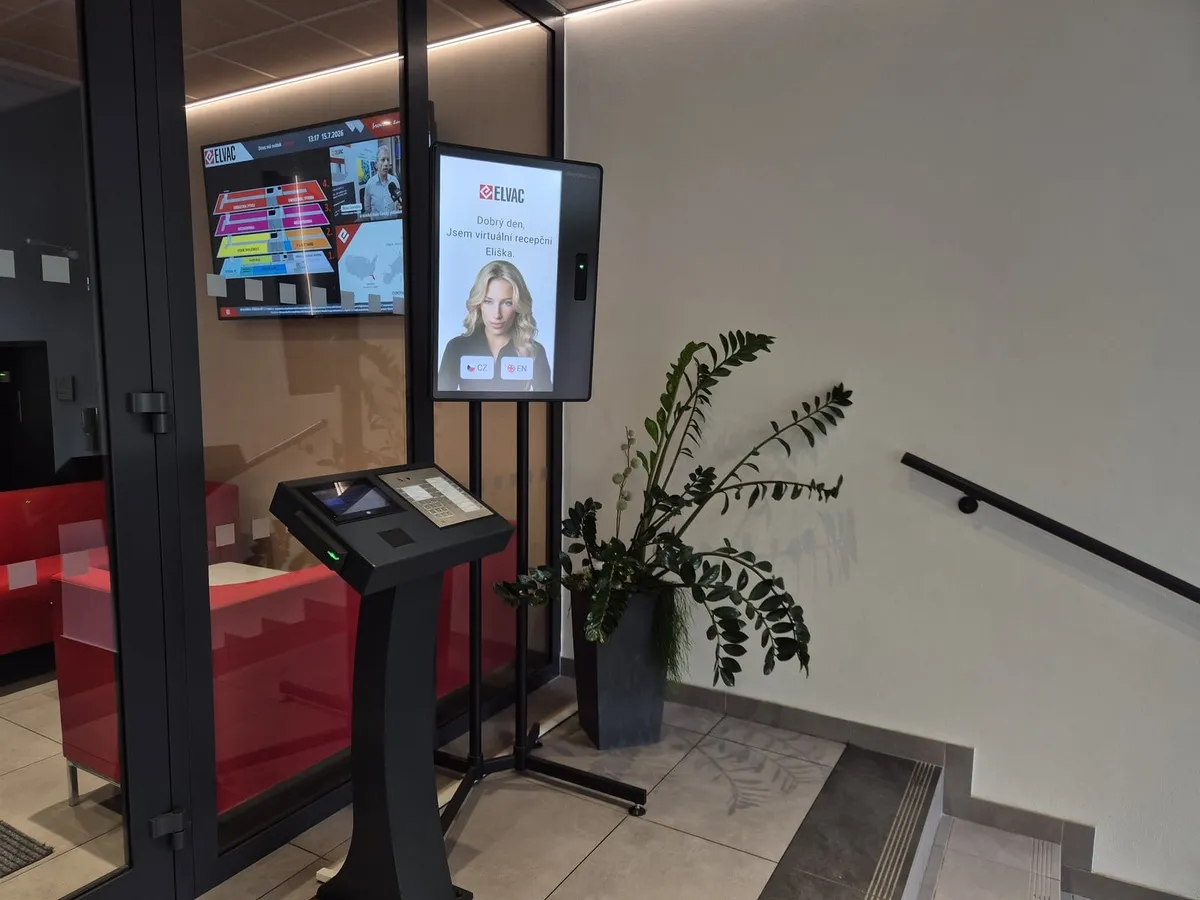 IntegrationsWe connect the kiosk to your turnstiles, barrier gates and access control. Integrations with ANeT, RON, Aktion, Cominfo, Salto, Genetec and others are ready‑made.Integrations
Frequently asked
We connect the turnstile you have at the entrance through the relay in ExtHUB, a box next to the kiosk, on the Enterprise plan. The turnstile then lets in only those who completed and signed the induction.
The visitor stays on the Portal's list of people present until the card goes into the collector. The gatehouse sees whose card is missing.
It scans passports, ID cards and eDoklady digital IDs.
The kiosk and invitation interface is available in more than 50 languages.
The kiosk only needs internet. It needs no access to your internal network, so your internal systems are not exposed.
The security agency can use the system so its guard doesn't double as a receptionist. Security agencies are often our partners, and we put the setup together with them.
The kiosk takes over visitor check‑in and record keeping, so the guard doesn't have to double as a receptionist.
Software for one kiosk starts in the Premium plan from €499 a month, billed annually. The kiosk, accessories and the one‑off setup are billed separately. See all plans on the pricing page.
In 15 minutes, we'll show you check‑in at the kiosk, issuing and collecting cards, and the overview of who is on site.
In the meantime, watch a one‑minute video from a live site.
Pick a time nowTrusted at 70+ sites


 Filip, Tomáš or Luboš will replySales and deployment at aReception · we reply within one business day