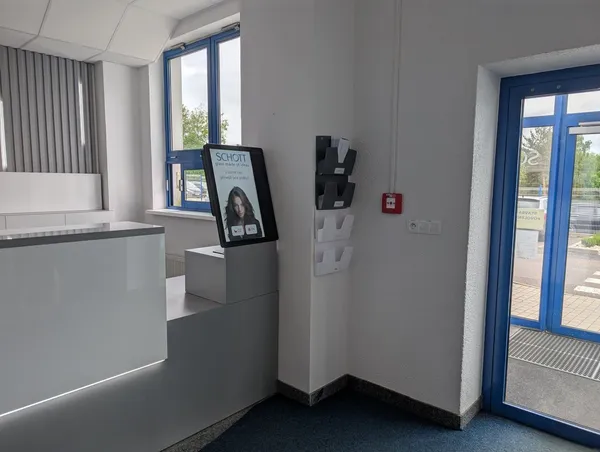
Site risk acknowledgment lives in emails and on paper
You email the site risks and collect signatures on paper. Before a customer audit, someone digs the signed version out of binders and emails.

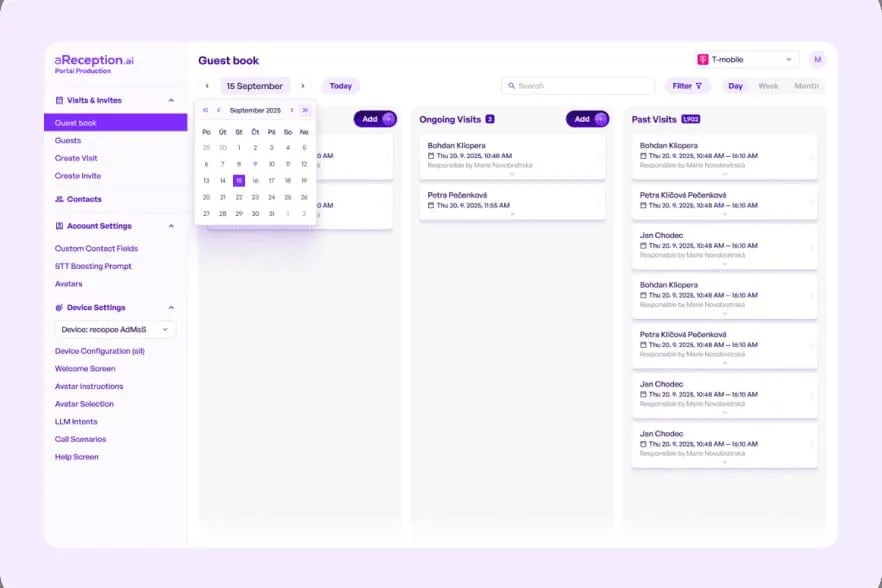
Every induction and site risk acknowledgment leaves a signed, time‑stamped record for audits. The Portal shows which contractors are on site right now.
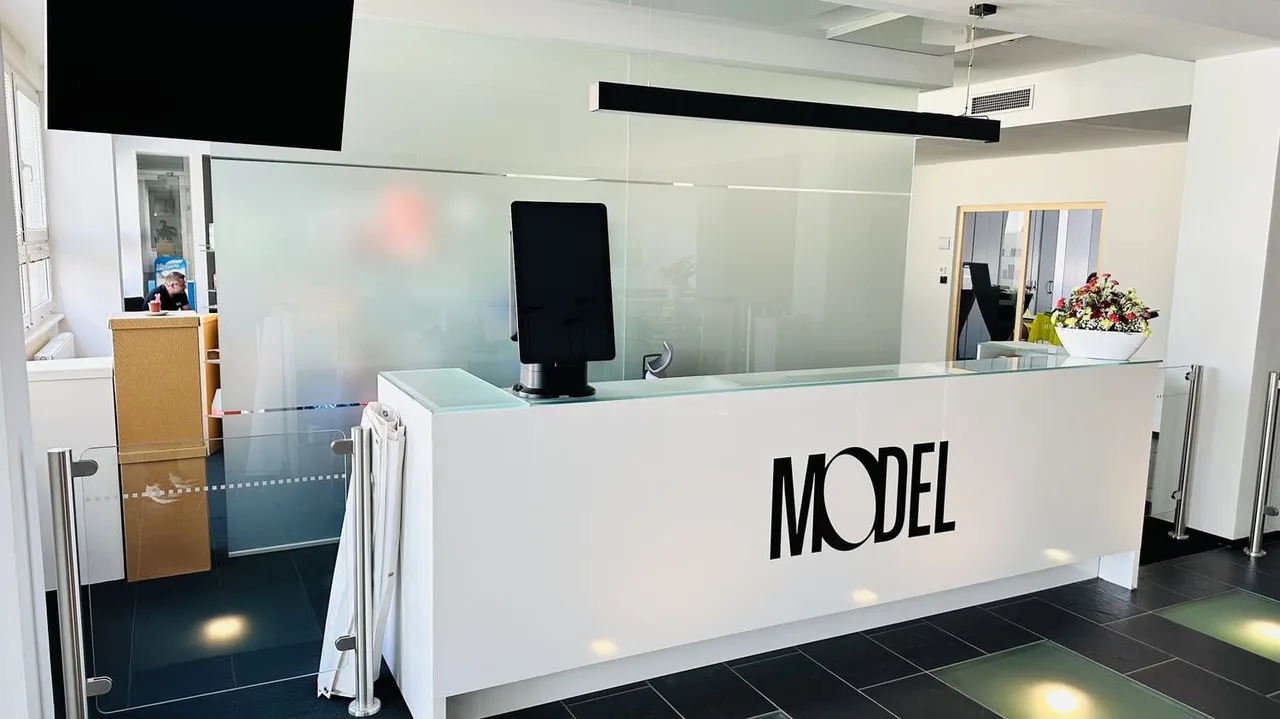
Trusted at 70+ sites









What gets in the way
You email the site risks and collect signatures on paper. Before a customer audit, someone digs the signed version out of binders and emails.
You track the validity of contractor inductions and certificates in a spreadsheet. The spreadsheet won't tell you that something expires soon.
A contractor's worker trips over a cable, and it's a workplace injury. They claim they were never instructed, and the signed paper is missing from the binder.
The guard checks paper records and emails by hand to see whether a technician has a valid induction and a signed site risk acknowledgment.
How it works
You send an invitation from the Portal. The contractor confirms your site's risks and adds the risks of their work for you to approve.
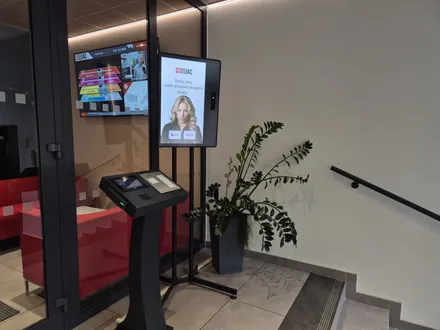
Before arrivalThrough the invitation link, the worker can complete the induction ahead and sign it. Anything left, they finish and sign at the kiosk.
Before arrival or at the entranceA connected turnstile or barrier lets in only someone with a valid, signed induction.
At the entranceWorkers check out or return the card on exit. During an alarm you have a muster list of everyone who checked in.
On exit and during an alarmWhat you see in the Portal
Case study
The introduction of aReception lets us welcome and brief every visitor consistently, without tying up our team. The safety briefing with signature runs automatically, and the numbers speak for themselves.
 Tomáš FicekHR digital transformation lead, Artifex
More
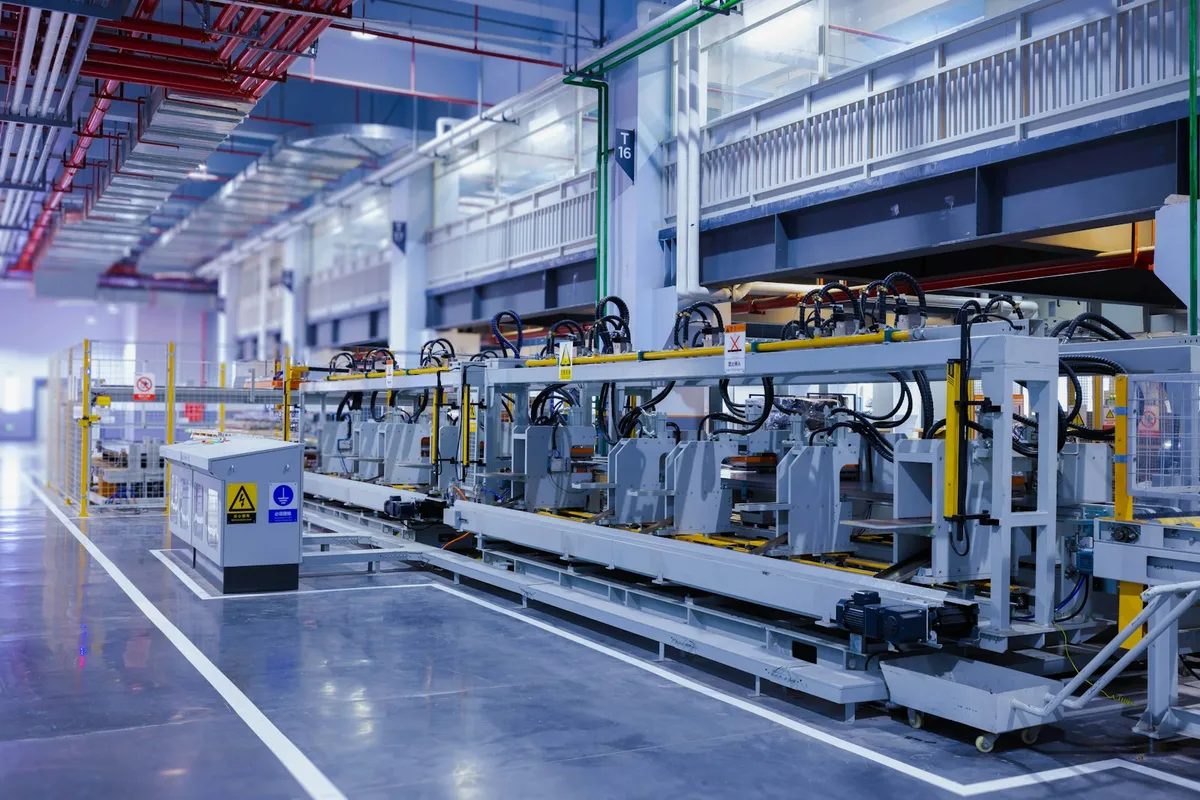 ManufacturingHow aReception handles contractor entry in automotive, chemicals, food and other industries.Manufacturing
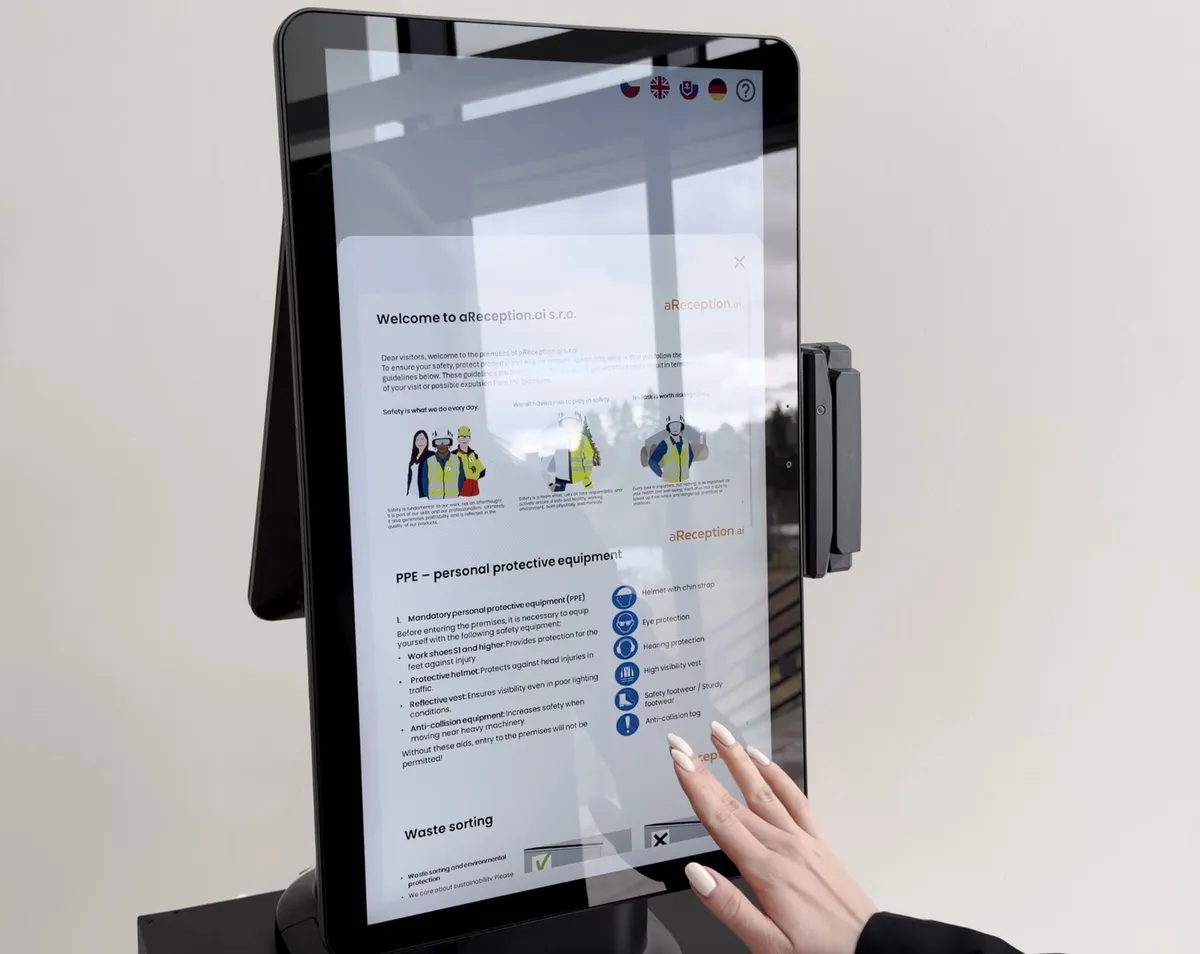 FeaturesEverything the kiosk and the Portal do, from the invitation to the evacuation list.Features
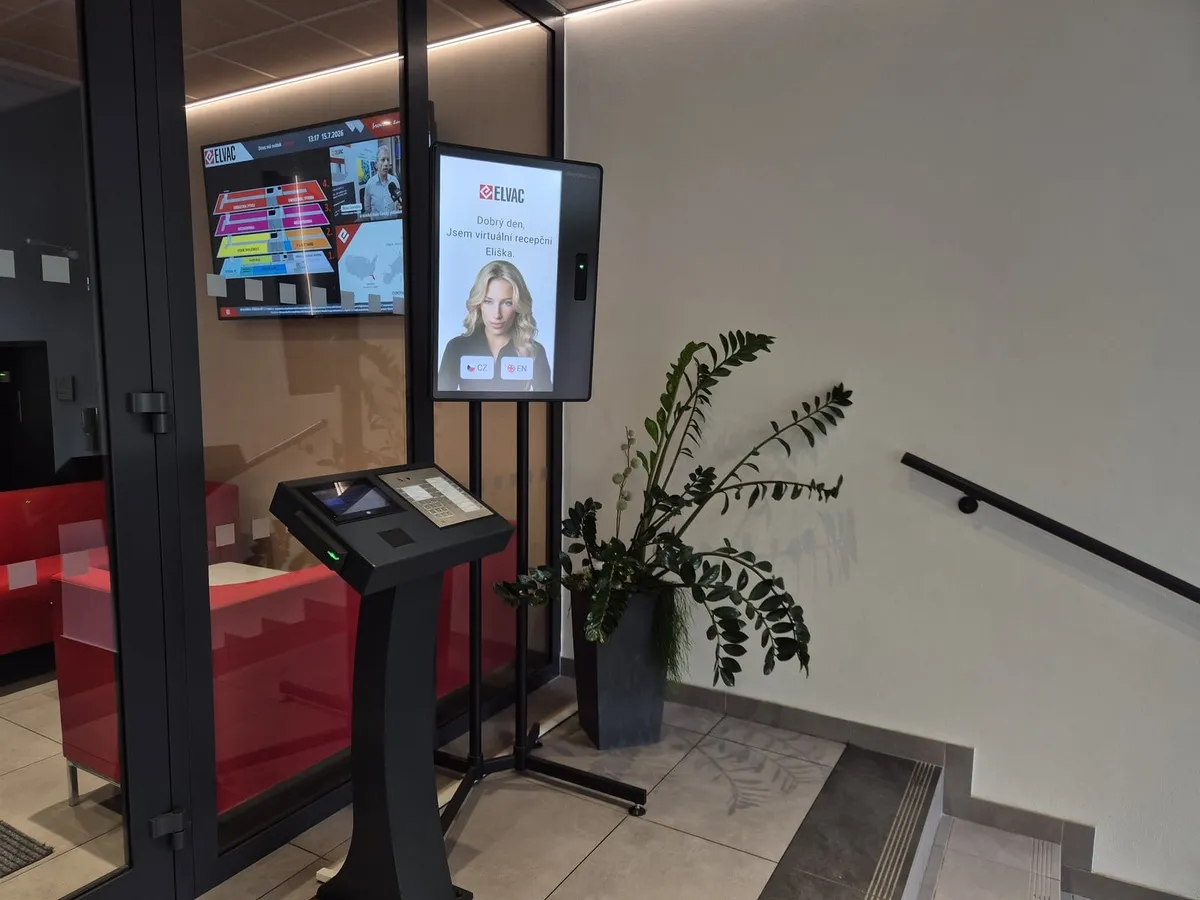 IntegrationsWe connect the kiosk to your turnstiles, barrier gates and access control. Integrations with ANeT, RON, Aktion, Cominfo, Salto, Genetec and others are ready‑made.Integrations
Frequently asked
For every contractor you have the confirmed risks, signed inductions and entry times on record. These records help in ISO 45001 and customer audits; aReception holds no certification itself.
You set the validity for each document separately. If they arrive with an expired induction, the kiosk has them go through it again before letting them in.
For each induction, the system stores the date and time, who signed, the drawn signature and the signed document.
The kiosk and the invitation come in 50+ languages. You provide the induction content, so you upload it in the languages your contractors understand.
They complete and sign the induction at the kiosk by the entrance.
Anyone who signed the induction in advance only checks in at the kiosk. The median of all kiosk check‑ins is 1 min 20 s. You can also limit their entry to the shutdown window.
You set how long records are kept.
Software for one kiosk starts from €499 a month on the Premium plan, billed annually. Turnstile and barrier connection is part of the Enterprise plan; the kiosk, accessories and the one‑off setup are billed separately. See all plans on the pricing page.
In 15 minutes, we'll show you the invitation with the site risk acknowledgment, the induction, check‑in at the kiosk and the report for audits.
In the meantime, watch a one‑minute video from a live site.
Pick a time nowTrusted at 70+ sites



 Filip, Tomáš or Luboš will replySales and deployment at aReception · we reply within one business day