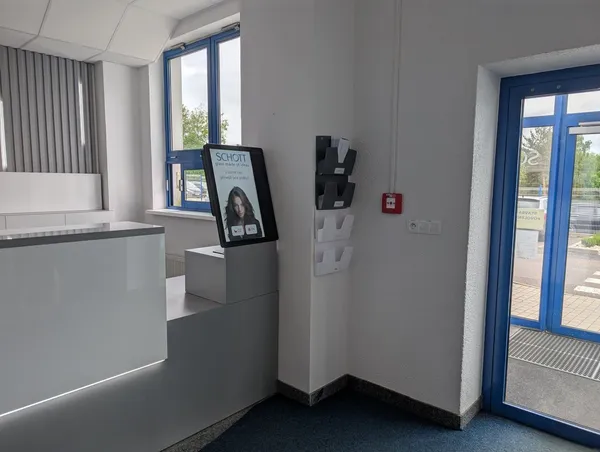
Visitors
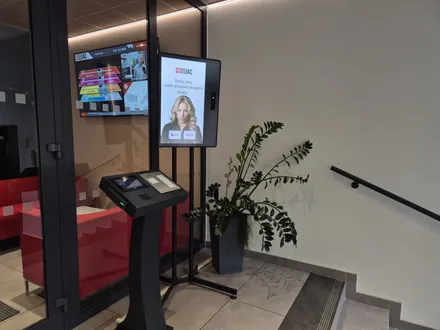
A visitor is on the list from check‑in at the kiosk until they check out.

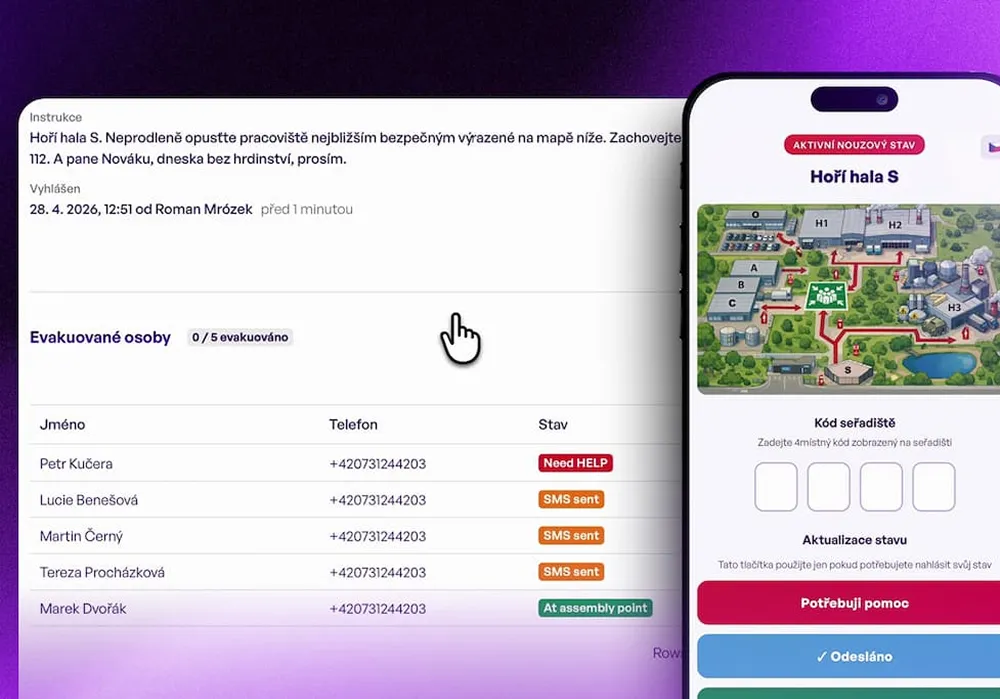
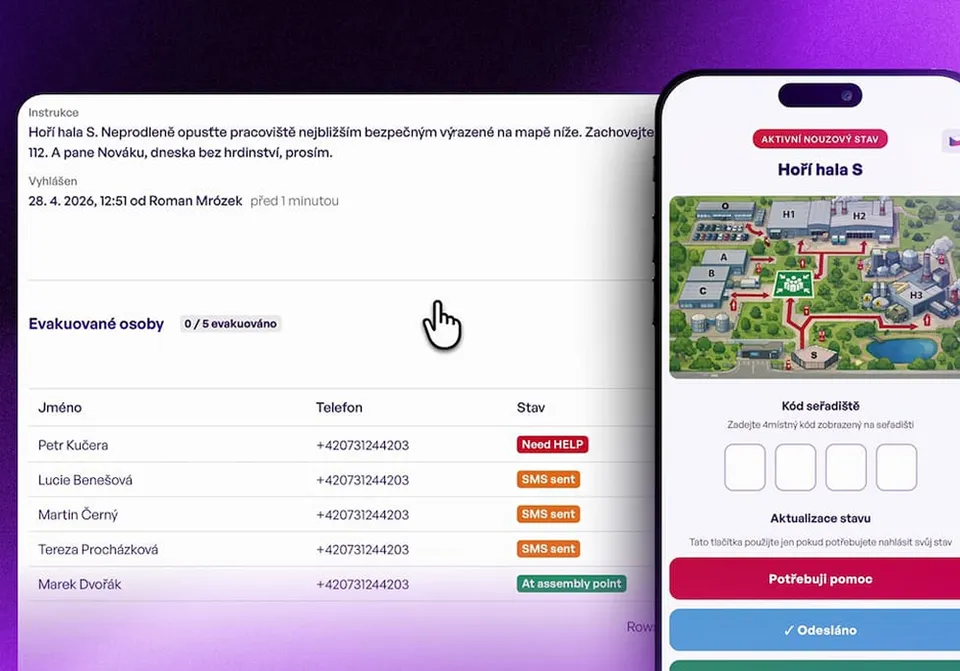
The Portal shows by name everyone who checked in at the kiosk and has not left. During an alarm you send them all an SMS, and each person confirms they are out with one tap.
Trusted at 70+ sites










How it works today
The gatehouse records every arrival, but often no exit. The guard knows card 15 has not come back, but not whose it is. Counting people at the assembly point then turns out to be impossible.
With aReception you have a muster list of everyone who checked in at the kiosk, and you see who has confirmed they are out.
The evacuation, step by step
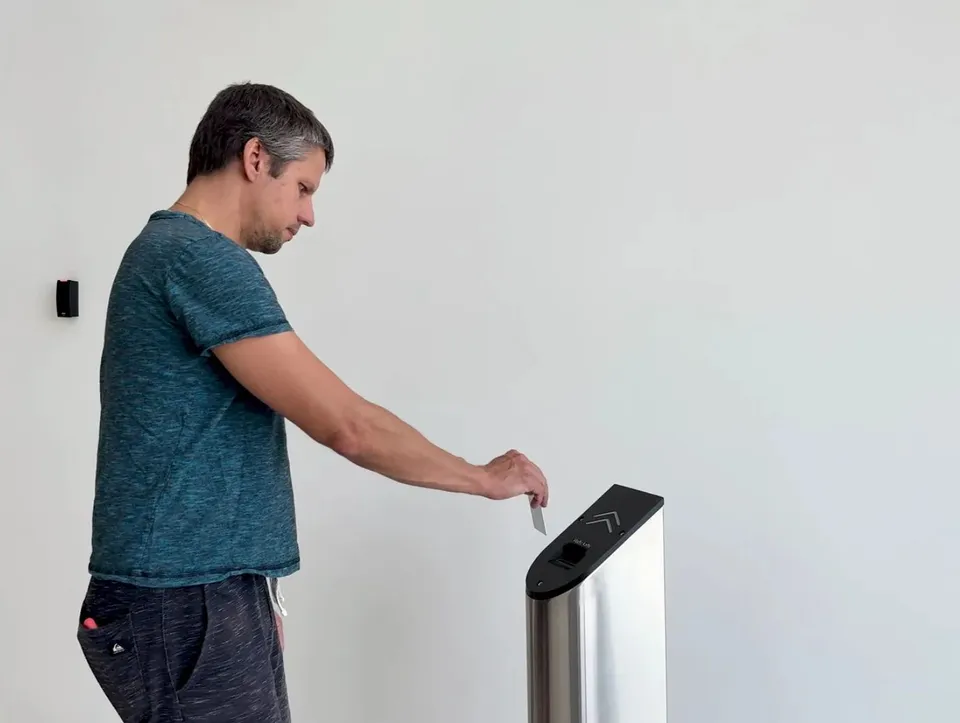
Visitors, contractors and drivers check in at the kiosk. Checking out, a connected turnstile or a click in the Portal records the exit.
During an alarm, they send it from the Portal to everyone on site with a phone number on file.
The SMS holds a site map and the evacuation instructions.
One tap is enough. The person in charge sees in the Portal who has not confirmed yet.
Who is on the list
A visitor is on the list from check‑in at the kiosk until they check out.
Contractors' technicians are on the list by name, not just as a card number.
A driver registers at the kiosk by the gate and is on the list from that moment.
After we connect your time and attendance or access control system, employees are on the list too. They get the SMS as well.
What you see in the Portal
We go through your entrances with you and the places where exits are recorded today.
Integrations
We have ready‑made integrations with the systems in the first tab. We are glad to connect to the others through their API, including systems not listed here. Employees then appear on the evacuation list alongside visitors and contractors.
 ANeT
ANeT RON
RON Aktion
 Cominfo
 Suprema
 Honeywell WIN‑PAKHoneywell Pro‑Watch
 Salto
Salto Brivo
Brivo Genetec
 Avigilon
Deployment
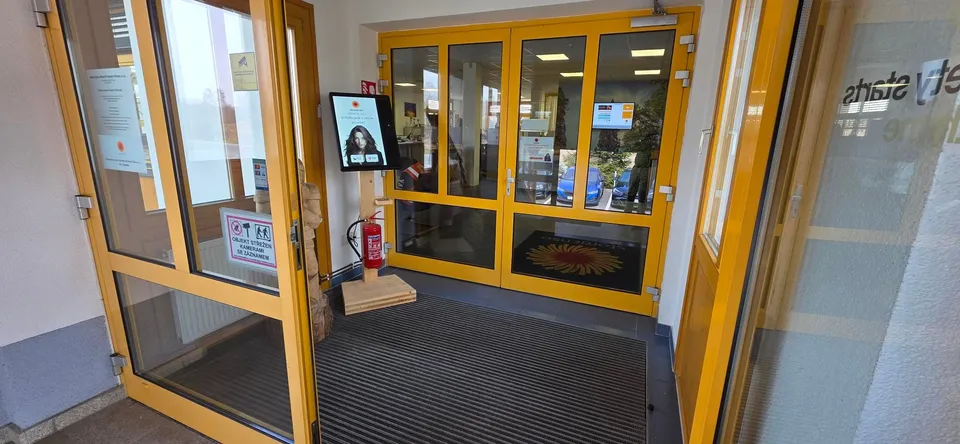
We bring the kiosk, install it and connect it to your gatehouse. Together we set up the check‑in steps and the languages.
We deploy the kiosk within 14 days of your order. The timing of the time and attendance connection is agreed separately.
Happy customers
At last I can see everyone on site in real time, and we are ready for both an inspection and an evacuation.
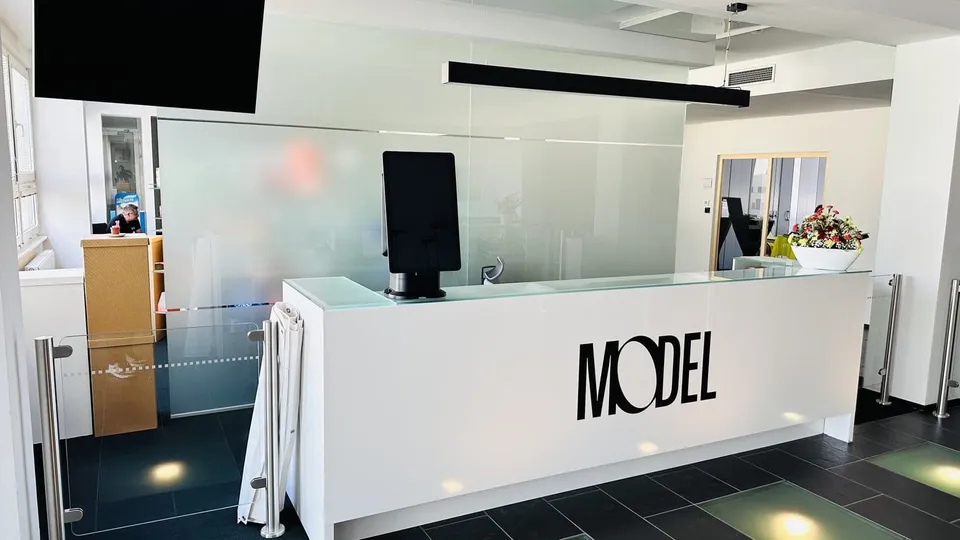
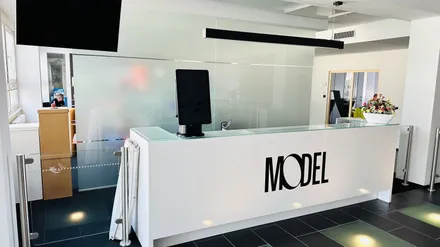
 Pavla BolackáH&S Manager, Model Obaly a.s.
We always know which trucks are on site, and the old spreadsheet is gone for good. On top of that, we are sure every driver received the safety instructions before arriving at our site.
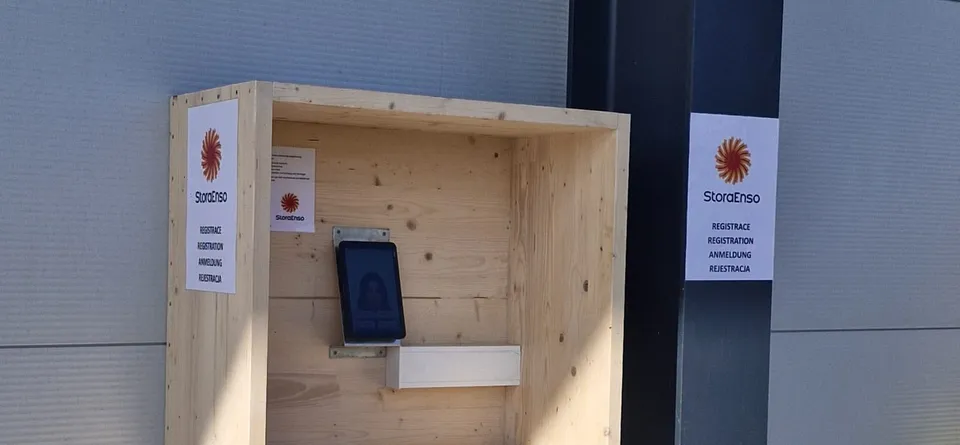
 Karel ŘípaSafety Manager, Stora Enso Wood Products Ždírec
Questions and answers
Yes, once we connect to the time and attendance or access control system you use. Employees then get the SMS too. Integrations with ANeT, RON, Aktion, Cominfo, Salto, Genetec and others are ready‑made. Access control integration is part of the Enterprise plan.
Anyone who does not confirm they are out stays in the Portal among those who have not confirmed yet. The person in charge sees them by name. They can also print the muster list.
By checking out at the kiosk, with one click in the Portal, or automatically at a connected turnstile. Where a turnstile cannot be connected, the person drops their card into the card collector on the way out, and that ends their visit.
No. The person in charge sends the SMS with a map and instructions from the Portal. We can still connect to the fire alarm panel.
The SMS contains the static site map, which comes with every plan. The Enterprise plan adds an interactive map and custom evacuation scenarios.
Yes, for example at the Model Obaly plant in Opava. During an evacuation everyone on site gets an SMS and confirms with one click that they are out. Read the case study.
We go through the way people enter your site and where exits are recorded. We show you the SMS with the map, the “I’m out” confirmation and the list in the Portal.
In 15 minutes, we'll show you the muster list and the evacuation SMS. We reply within one business day.
In the meantime, watch a one‑minute video from a live site.
Pick a time nowTrusted at 70+ sites



 Filip, Tomáš or Luboš will replySales and deployment at aReception · we reply within one business day