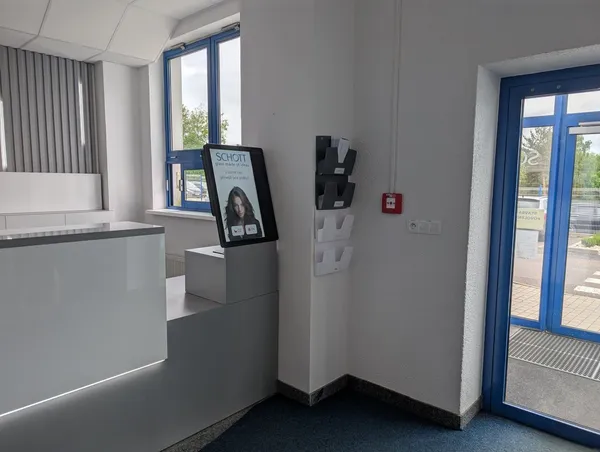
A morning queue at the gate blocks traffic
Until eight hardly anything happens at the gate, then the trucks all arrive at once. The queue stands on the access road and blocks traffic.

The gate stays clear, and dispatch sees in the Portal who is waiting at the holding area and for how long.
Trusted at 70+ sites










What gets in the way
Until eight hardly anything happens at the gate, then the trucks all arrive at once. The queue stands on the access road and blocks traffic.
The driver doesn't speak the local language and the guard struggles to explain which dock to pull up to.
Dispatch phones the warehouse and the drivers to find out who is already waiting and which dock is free.
The guard copies license plates and delivery note numbers into Excel by hand. Foreign drivers' names end up misspelled in it.
How it works
At the gate kiosk the driver picks a language and enters the license plate, phone number and, depending on the site's settings, the delivery note or loading number.
At the gateThe driver moves to the holding area, out of the way. Dispatch sees the driver in the Portal as Registered.
At the holding areaWhen dispatch assigns a dock in the Portal, the driver gets an SMS with its number in their language.
Called inThe gatehouse or dispatch records departure in the Portal with one click. Once connected, a plate‑reading gate records it automatically.
On departureWhat you see in the Portal
Stora Enso Ždírec
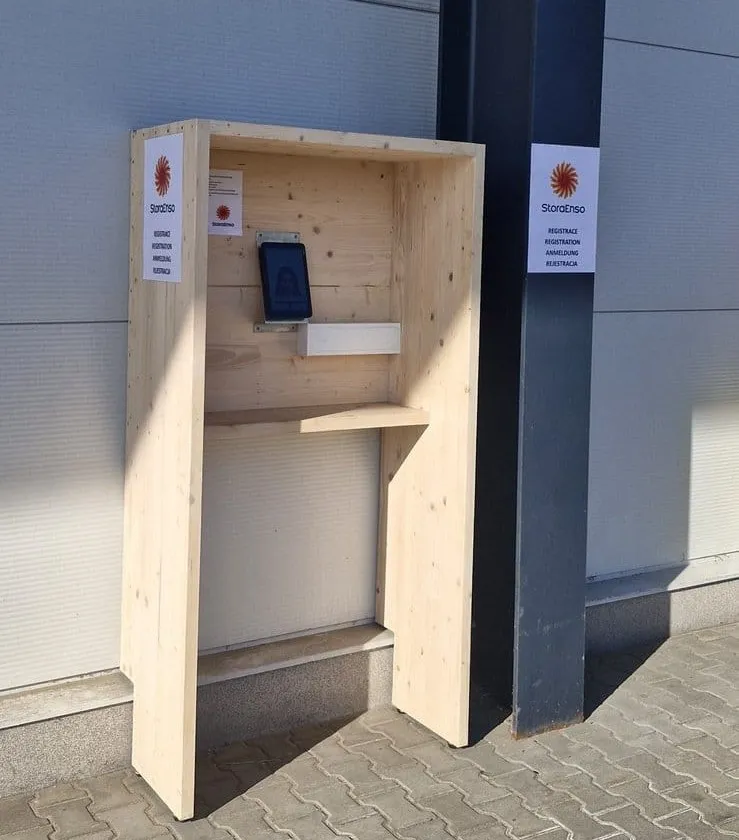
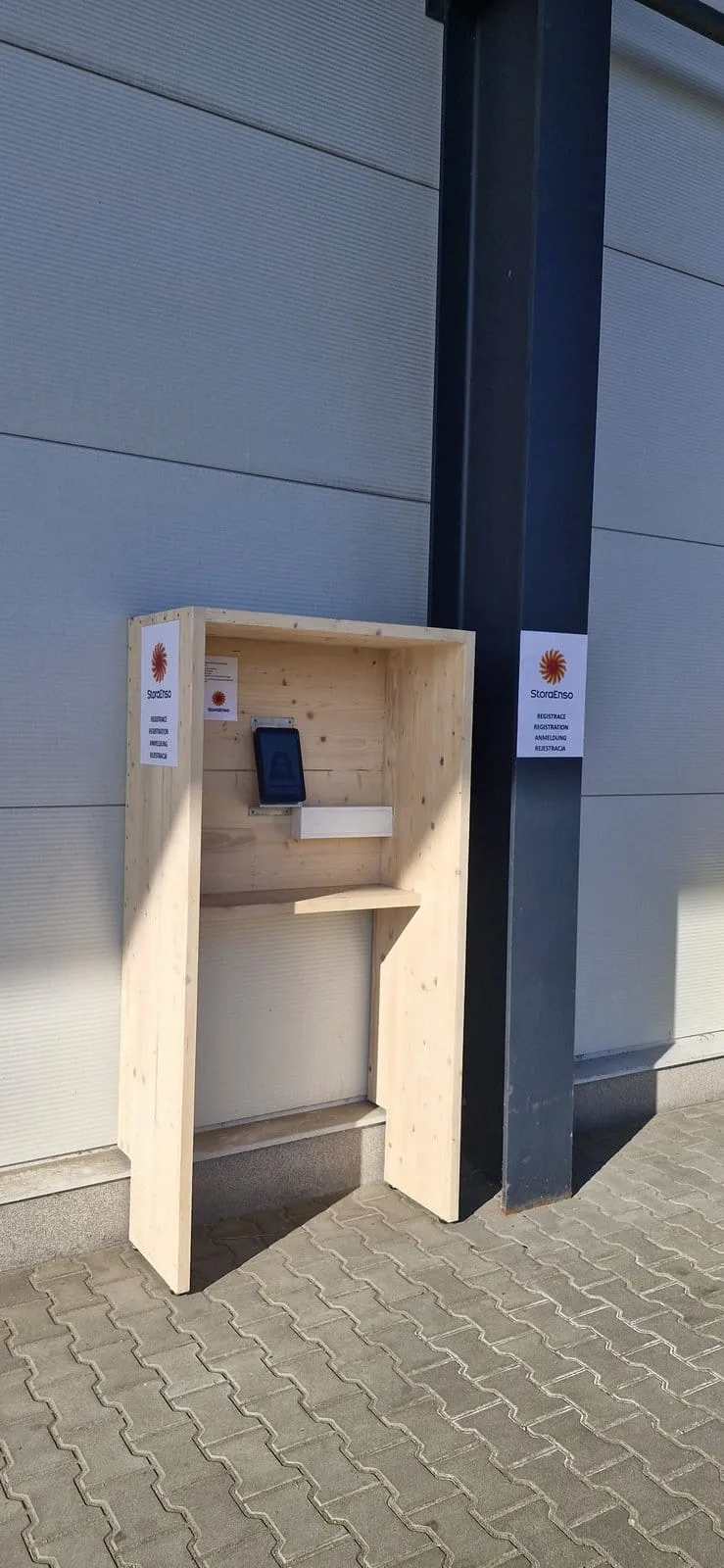
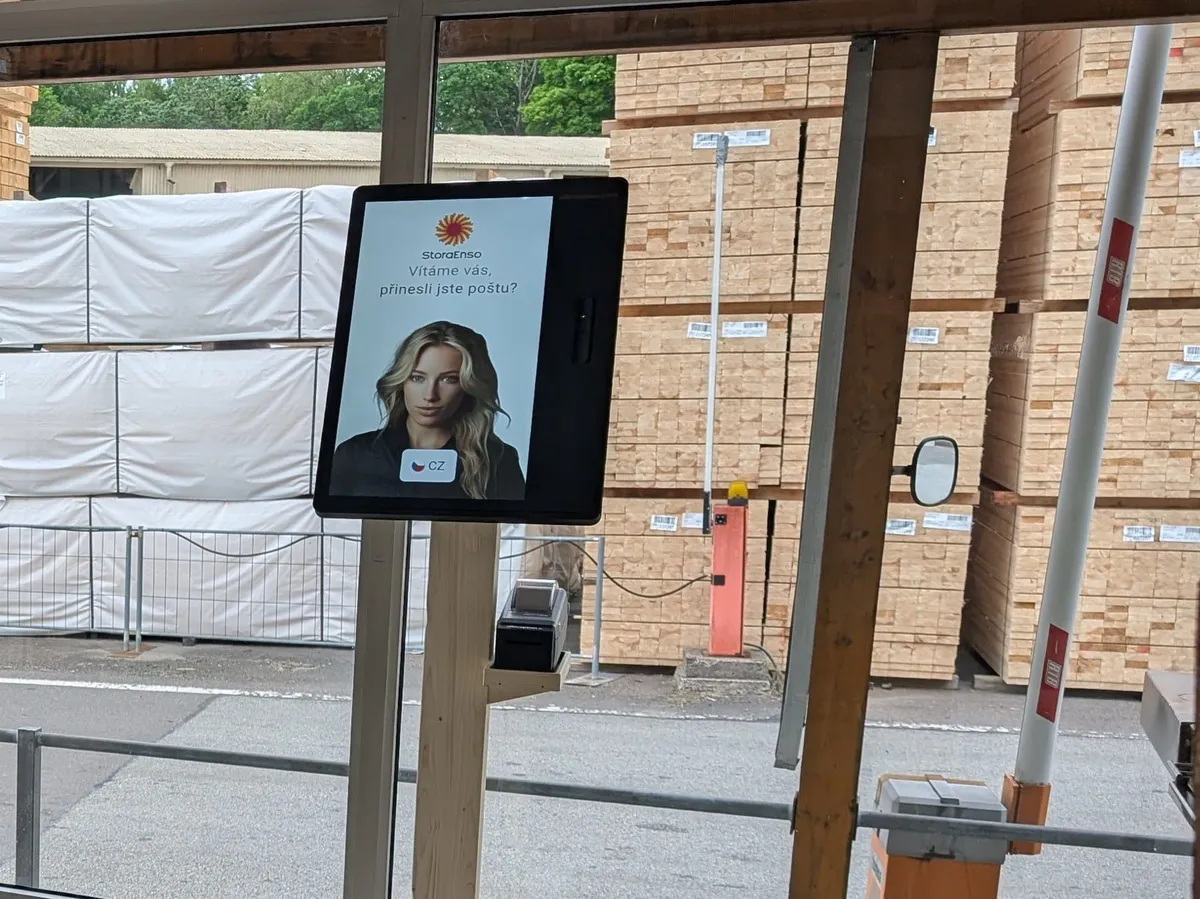
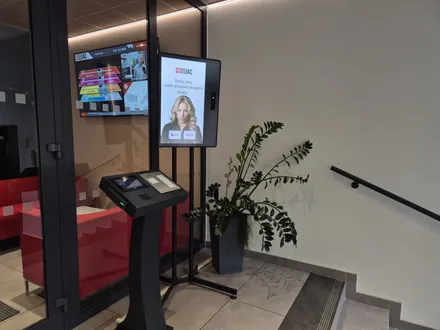
Roughly four in five drivers register themselves at the outdoor kiosk.
Stora Enso ŽdírecRead the case studyCzech, Polish, German and English on one kiosk.
Stora Enso ŽdírecRead the case studyThe gatehouse no longer types drivers into a spreadsheet.
Stora Enso ŽdírecRead the case studyCustomer
Drivers now register themselves at the gate in their own language and we guide them into the site by SMS, so the queue finally moves on its own. On top of that, we are sure every driver received the safety instructions before arriving at our site.
 Karel ŘípaSafety Manager, Stora Enso Wood Products Ždírec
Who it is for
A few trucks a week need no more than a guard. Large distribution centers with hundreds of trucks a day run a full yard management system (YMS). aReception is for the sites in between.
Goods in and dispatch with dozens of trucks a day, often with foreign drivers.
Trucks with logs and timber. Stora Enso in Ždírec checks in over 40 a day.
One of the steps of driver check‑in can be a hygiene declaration.
Price
Truck driver check‑in is on the Premium plan, billed annually, with unlimited check‑ins. The kiosk, accessories and setup are billed separately; gate arm integration is on the Enterprise plan.
More
 Truck driver check‑inThe whole flow from driver registration to departure, the gate connection and common questions.Truck driver check‑in
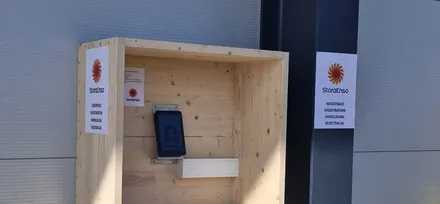
 Kiosks and hardwareDrivers can use the outdoor Zebra kiosk with gloves on.Kiosks and hardware
 IntegrationsConnections to the barriers and license plate cameras you already have at the gate. We also connect to your warehouse system.Integrations
Frequently asked
The kiosk comes in 50+ languages. The SMS arrives in the language the driver chose at the kiosk.
No. The driver registers at the kiosk by the gate and gets instructions by SMS.
Dispatch. The Portal shows who is waiting, and when dispatch assigns a dock, the driver gets an SMS with its number.
Yes. Every state change is stored with its time. You export waiting time, time on site and total turnaround time to Excel.
The outdoor Zebra kiosk works in rain and at temperatures from −4 to 122 °F (−20 to +50 °C). Drivers can use it with gloves on.
The paid trial runs for 30 days and costs €499, with no hardware cost and no long contract. If it doesn't help, we take the kiosk away.
Truck driver check‑in is part of the Premium plan: software for one kiosk from €499 a month, billed annually. The kiosk, accessories and the one‑off setup are billed separately. See all plans on the pricing page.
In 15 minutes, we'll show you driver registration, the SMS with the dock and waiting times in the Portal.
In the meantime, watch a one‑minute video from a live site.
Pick a time nowTrusted at 70+ sites


 Filip, Tomáš or Luboš will replySales and deployment at aReception · we reply within one business day