 Česky
 English
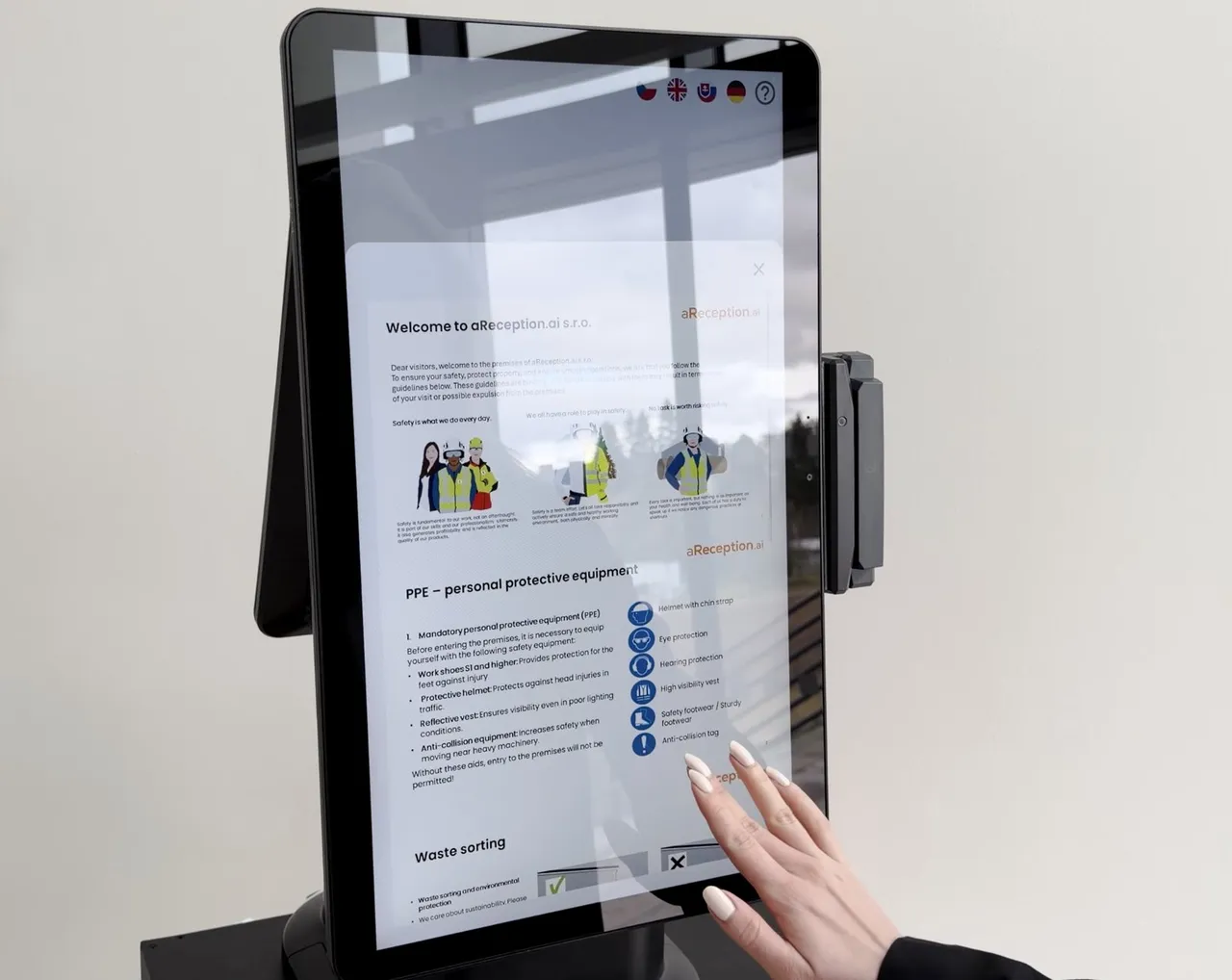
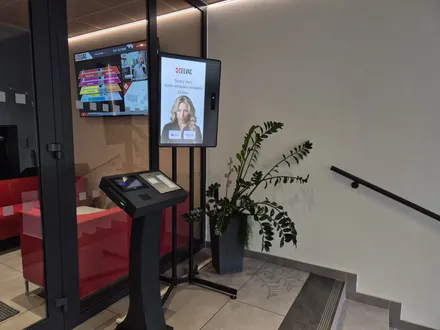
Safety induction at the kiosk
Contractors take your PDF or video induction and sign it.

With a connected turnstile, only inducted contractors get through. Visitors, couriers and drivers check themselves in.
Contractors
Contractors take your PDF or video induction and sign it.
Add a test. You decide what happens if they fail.
Contractors acknowledge site risks through the invitation link.
Contractors choose: in the web app beforehand, or at the kiosk.
The kiosk has contractors with an expired induction retake it.
A connected turnstile lets only inducted contractors through.
Each issues its own card type, such as visitor, contractor, VIP.
Welders or electricians can upload certificates before they arrive.
Portal
Each signature stores the date, time, signer and signed document.
See who was on site when, with which induction.
The system reminds the contractor and you before documents expire.
A contractor sees only their documents, the EHS manager everything.
We import your old records at no extra cost.
Turn check‑in steps on or reorder them for each entrance.
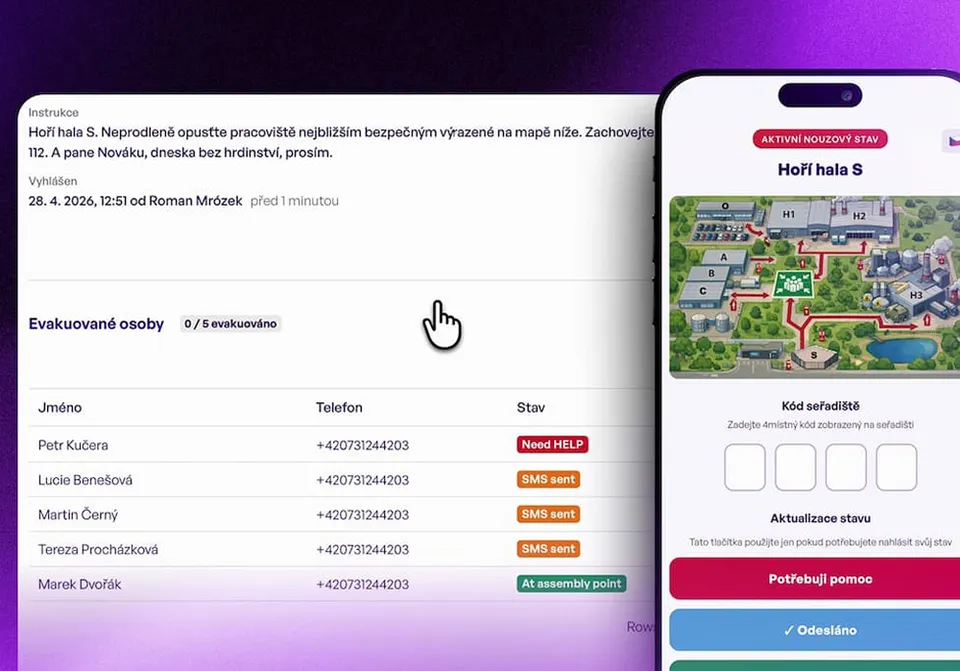
Evacuation
Visitors and couriers
An invited guest scans the QR code; the host is notified.
A pre‑registered visitor scans the QR code at the entrance, the connected barrier gate opens and the host gets an SMS. The code is valid only for the visit window.
They enter who they are visiting, and the kiosk calls the host.
Invite visitors from Outlook or Google Calendar.
The kiosk prints a label with the name and validity.
The kiosk scans passports, ID cards and eDoklady digital IDs.
The courier drops off the parcel; the recipient is notified.
The kiosk tells visitors the floor and office to go to.
See who is on site and export the visitor log to Excel.
Truck drivers
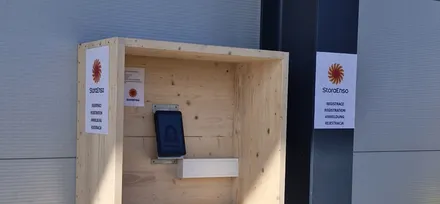
Drivers enter license plate and phone at the outdoor kiosk.
The dispatcher assigns a dock; the driver gets an SMS.
Truck driver check‑inDrivers wait in the holding area until the SMS calls them.
The dispatcher sees which vehicles are on site right now.
Questions and answers
Before arriving, the contractor completes the site risk acknowledgment through the link in the invitation, and at the kiosk takes the induction unless they signed it in advance. The link opens the web app, where they confirm the site's risks and fill in the risks of their own work; you approve them, and the system saves the signed version. The risk acknowledgment is the only step they should do before arriving; they can take the induction in the web app or at the kiosk. The kiosk has a contractor with an expired induction take it again before letting them through.
The kiosk has them answer again until they get it right, or sends you a notification so you decide whether to let them through.
Whichever suits them: they sign the induction in advance in the web app from the invitation, or at the kiosk at the entrance. The record is the same either way.
The kiosk interface and the invitations come in 50+ languages. You provide the induction content in the languages you need.
A pre‑registered visitor opens the barrier gate with the QR code from the invitation, valid only for the visit window. At the vehicle entrance, the visitor holds the QR code to the reader, the barrier gate opens and the host gets an SMS notification. We connect to your existing barrier gates.
You set up the same check‑in flow at all your plants.
In 15 minutes, we'll show you contractor inductions, visitor check‑in and the evacuation roll call. We get back to you within one business day.
In the meantime, watch a one‑minute video from a live site.
Pick a time nowTrusted at 70+ sites



 Filip, Tomáš or Luboš will replySales and deployment at aReception · we reply within one business day