Drivers now register themselves at the gate in their own language and we guide them into the site by SMS, so the queue finally moves on its own.
 Karel ŘípaSafety Manager, Stora Enso Wood Products Ždírec
Drivers check in at the gate in their language and an SMS sends them to the dock. The Portal shows every truck on site.
Trusted at 70+ sites










How it goes today
Until eight almost nothing happens at the gate, then the trucks arrive at once. The guard copies license plates and delivery note numbers, dispatch calls the warehouse, and a driver who doesn't speak the language doesn't know where to go.
With aReception the driver checks in on their own and an SMS sends them to the dock. Dispatch sees who is waiting and for how long.
The check‑in, step by step
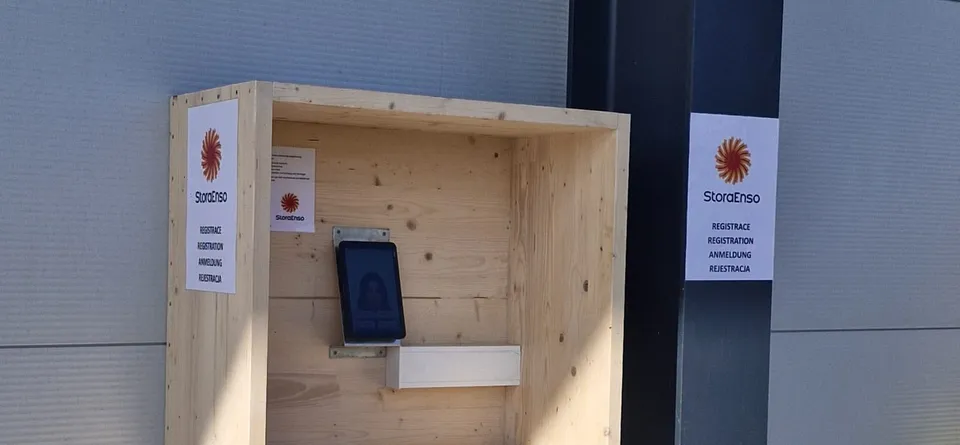
At the gate kiosk they enter, in their language, the license plate, phone number and, if needed, the delivery note or loading number.
The truck appears in the Portal as Registered. Dispatch sees who is waiting and for how long.
When dispatch assigns a dock, the driver gets an SMS with its number.
The gatehouse or dispatch records departure in the Portal with one click, or a connected plate‑reading gate does it automatically. The Portal calculates waiting time and time on site.
What you see in the Portal
Stora Enso Ždírec
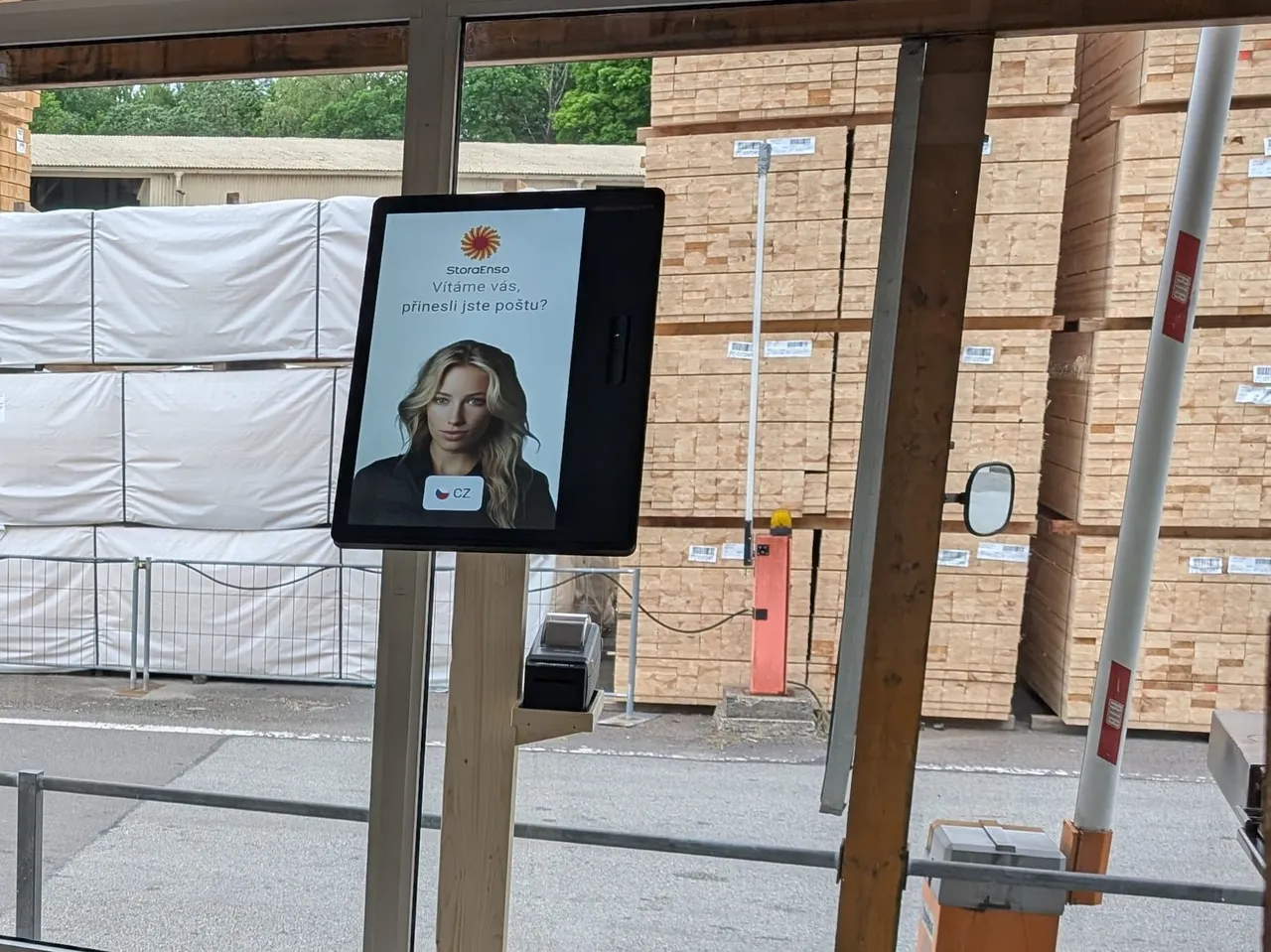
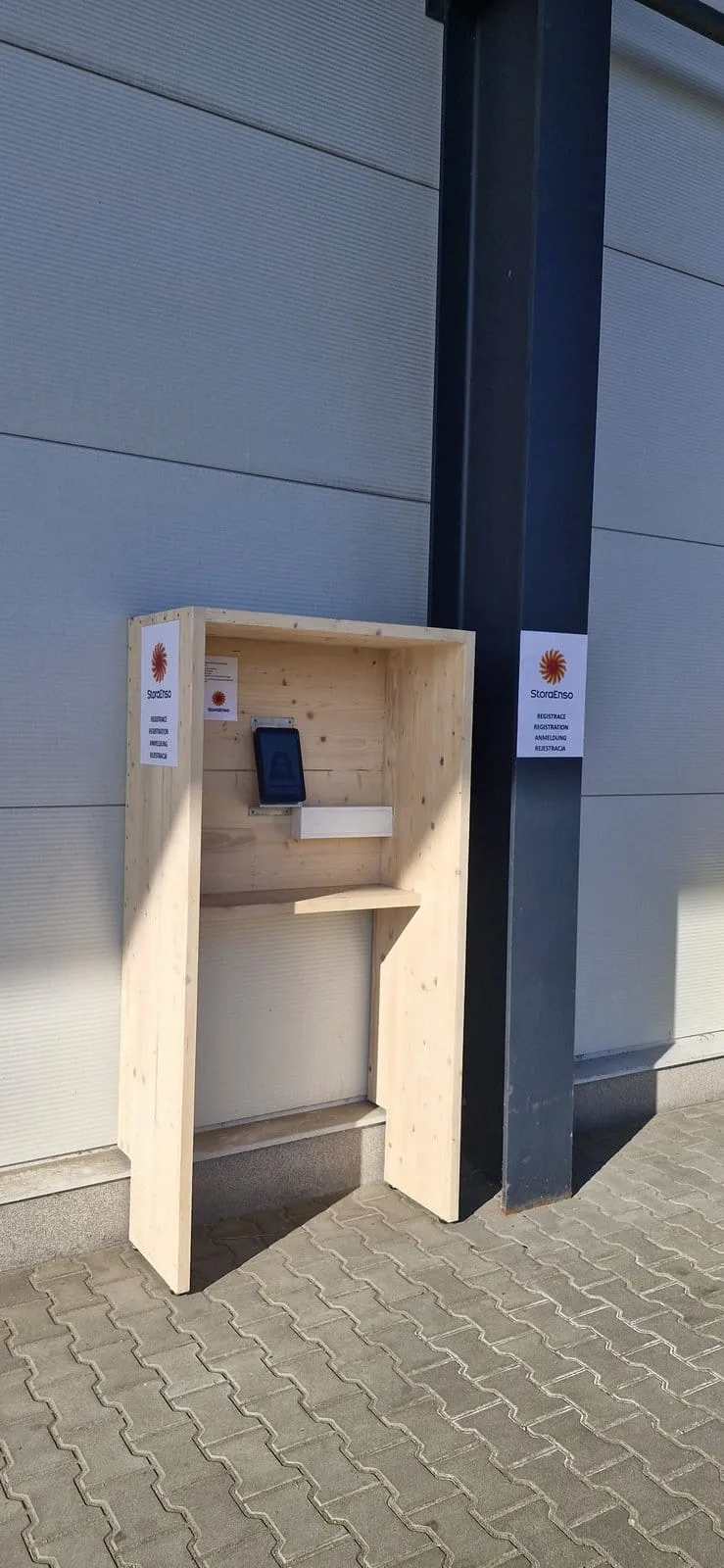
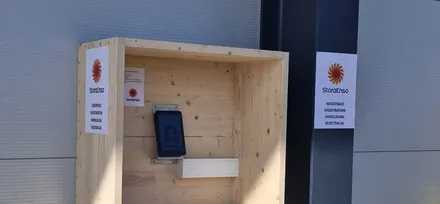
Roughly four in five drivers register themselves at the outdoor kiosk.
Stora Enso ŽdírecRead the case studyCzech, Polish, German and English on one kiosk.
Stora Enso ŽdírecRead the case studyThe gatehouse no longer types drivers into a spreadsheet.
Stora Enso ŽdírecRead the case studyCustomer
Drivers now register themselves at the gate in their own language and we guide them into the site by SMS, so the queue finally moves on its own.
Karel ŘípaSafety Manager, Stora Enso Wood Products ŽdírecBarrier and gate
We connect barriers on the Enterprise plan. We don't supply turnstiles or barriers, we connect to yours.
When the driver may enter, the barrier opens on a signal from the ExtHUB box next to the kiosk, or through an API.
We connect to your existing license plate cameras. Where that is not possible directly, we work it out with your supplier.
Every state change can call your warehouse management system.
Who it is for
A few trucks a week need no more than a guard. Large distribution centers with hundreds of trucks a day run a full yard management system (YMS). aReception is for the sites in between.
Goods in and dispatch with dozens of trucks a day. Drivers check in themselves and an SMS sends them to the dock.
Trucks with logs and timber, often with foreign drivers. Stora Enso in Ždírec checks in over 40 a day.
You plan the morning raw material trucks and outbound finished goods in the Portal, so the gatehouse knows who arrives today.
Price
Truck driver check‑in is on the Premium plan, billed annually, with unlimited check‑ins. The kiosk, accessories and setup are billed separately.
Frequently asked
The kiosk comes in 50+ languages. The SMS arrives in the language the driver chose at the kiosk.
No. The driver registers at the kiosk by the gate and gets instructions by SMS.
No. The camera in the gate or barrier at the entrance reads the plate. aReception verifies the vehicle and tells the gate to open. We connect to the plate cameras you already have. If a direct connection is not possible, we find a solution with your supplier.
The outdoor Zebra kiosk works in rain and at temperatures from −4 to 122 °F (−20 to +50 °C). Drivers can use it with gloves on.
Yes, for example at the Stora Enso sawmill in Ždírec nad Doubravou, where over 40 trucks arrive every day. Read the case study.
Truck driver check‑in is part of the Premium plan: software for one kiosk from €499 a month, billed annually. The kiosk, accessories and the one‑off setup are billed separately. See all plans on the pricing page.
In 15 minutes, we'll show you driver registration, the SMS with the dock and the overview in the Portal. We discuss connecting your barrier based on what your gate has.
In the meantime, watch a one‑minute video from a live site.
Pick a time nowTrusted at 70+ sites


 Filip, Tomáš or Luboš will replySales and deployment at aReception · we reply within one business day