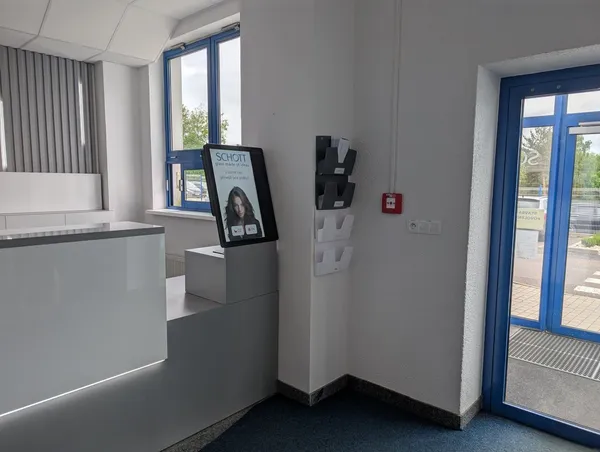
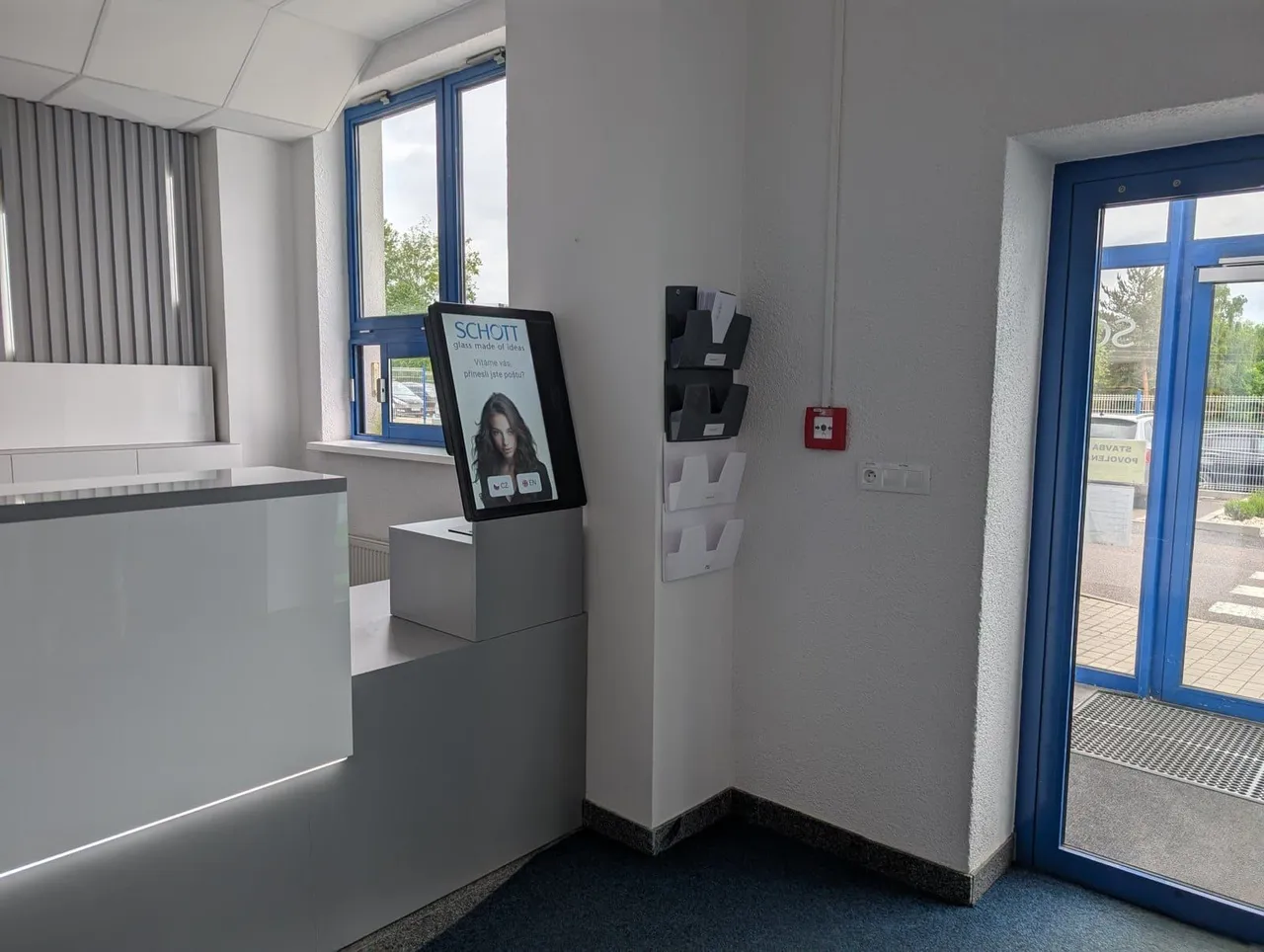
Many tenants, one terminal
Each tenant has its own check‑in flow, opening hours and message recipients.

Visitors check themselves in at the terminal and the host knows at once that their guest has arrived.
Trusted at 70+ sites











How it works today
Visitors write themselves into a paper book. Reception staff retype their details, phone the host and hand out cards. When reception is busy or closed, visitors wait.
With aReception, visitors check themselves in and every visit is on record.
The visit, step by step
Step 1
Invite them from Outlook, Google Calendar, MS Teams or the Portal. The visitor gets a QR code. Uninvited visitors register at the terminal.
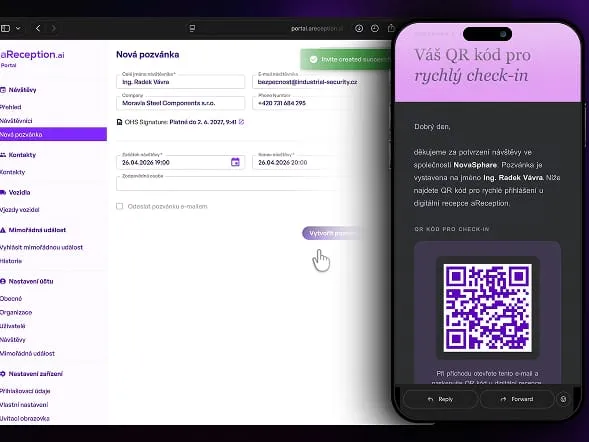
Step 2
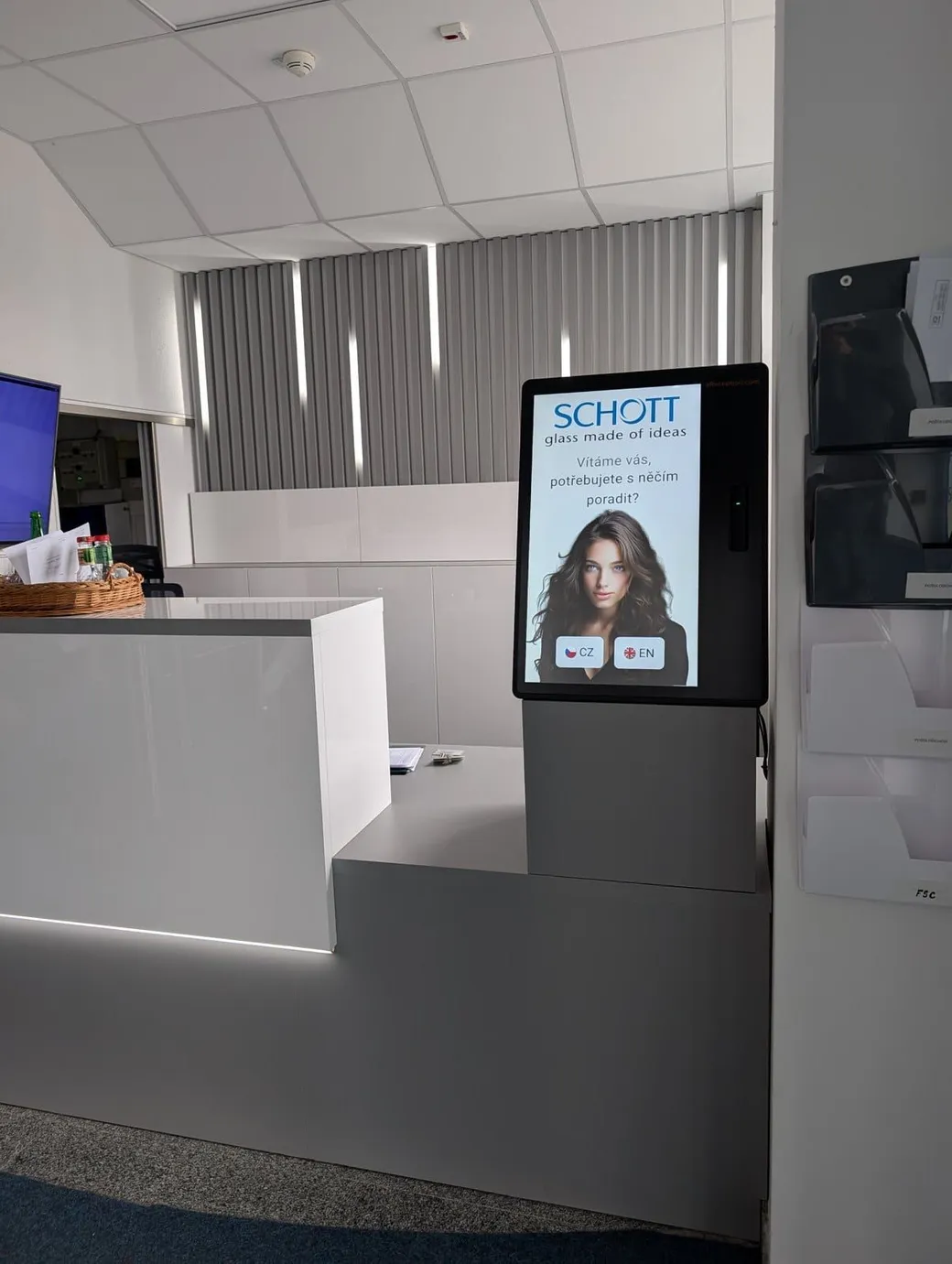
The visitor scans the QR code from the invitation or enters their name, in their own language. No retyping details at reception.
Step 3
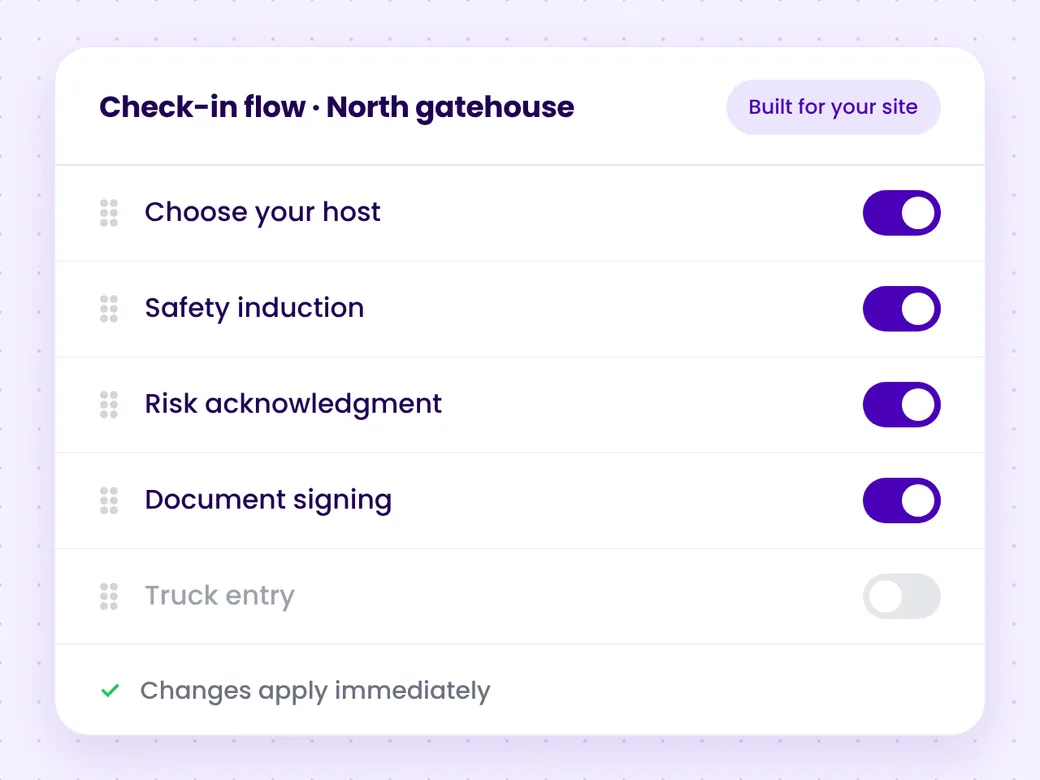
What the visitor signs depends on your settings: the site rules, an NDA or consent to data processing. Documents are saved automatically.
Step 4
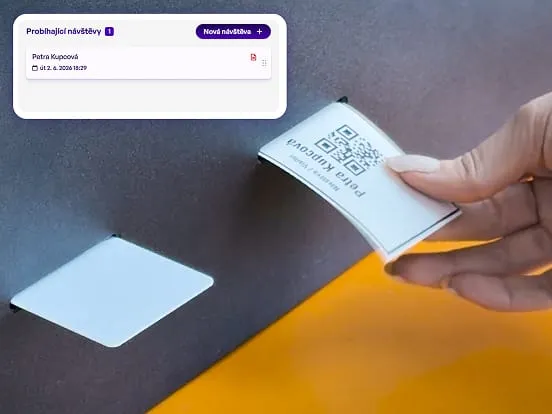
The host is notified by Microsoft Teams, email or SMS. Depending on your settings, the terminal prints a visitor label or issues an access card.
Step 5
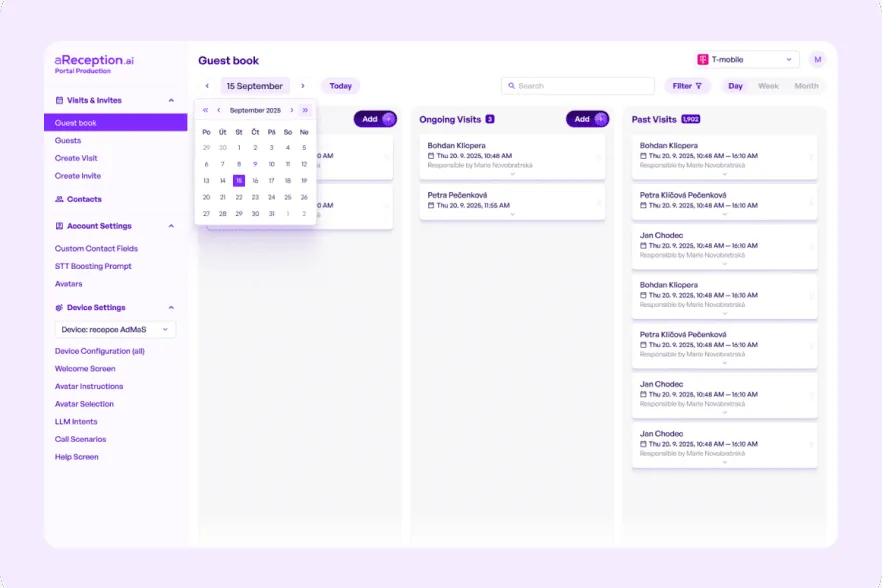
Depending on your settings, the visitor checks out at the terminal, you check them out with one click in the Portal, or a connected turnstile records the exit.
Offices and business centers
Each tenant has its own check‑in flow, opening hours and message recipients.
Each tenant has its own users in the Portal and invites its own visitors.
Depending on your settings, the terminal calls the tenant's next contact or the back office, or texts the host or the next contact.
Your staffed reception stays. The terminal covers for it after hours and when the receptionist is away.
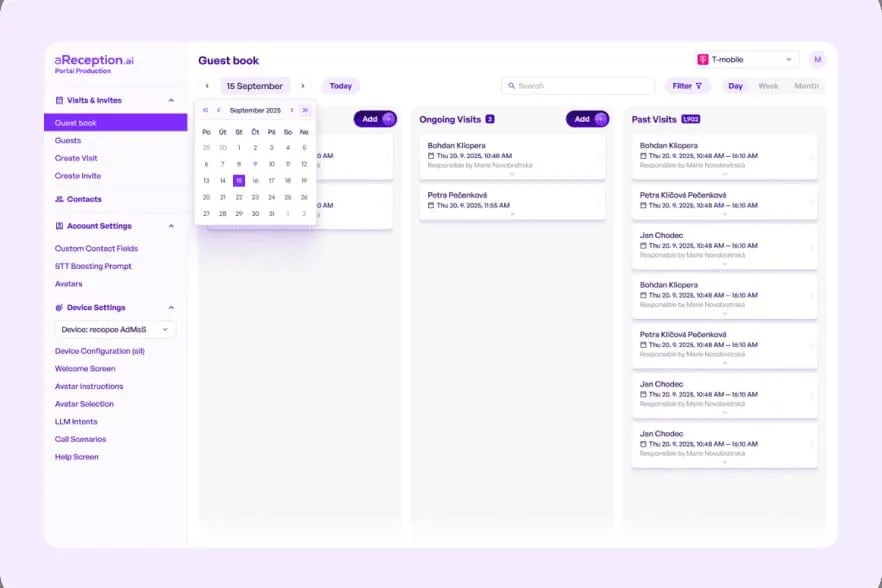
Overview and records
Customer results
A multi‑tenant building in Prague 4. The terminal checks visitors in and the elevator takes them only to their tenant's floor.
Antal Business CentreRead the case studyA business park in Brno. Contactless entry by QR code and NFC across the whole site.
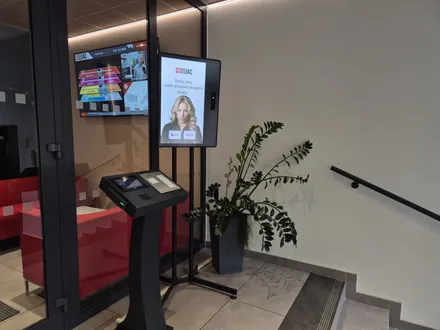
Purkyňka Business ParkRead the case studyA technology company in Ostrava. The terminal connects visitors to their host by phone and opens the door for them.
ELVACRead the case studyIntegrations
Our verified integrations are in the tabs without “via API”. We are glad to connect to other systems through their API, including systems not listed here.
 ANeT
ANeT RON
RON Aktion
 Cominfo
 Suprema
 Honeywell WIN‑PAKHoneywell Pro‑Watch
 Salto
Salto Brivo
Brivo Genetec
 Avigilon
Deployment
The Basic plan comes preconfigured. On the Premium and Enterprise plans, we work with you to set up the check‑in steps, languages and documents to sign. The terminal only needs internet. Without an integration it needs no access to your internal network, with one only to the connected system. The license includes updates and remote monitoring.
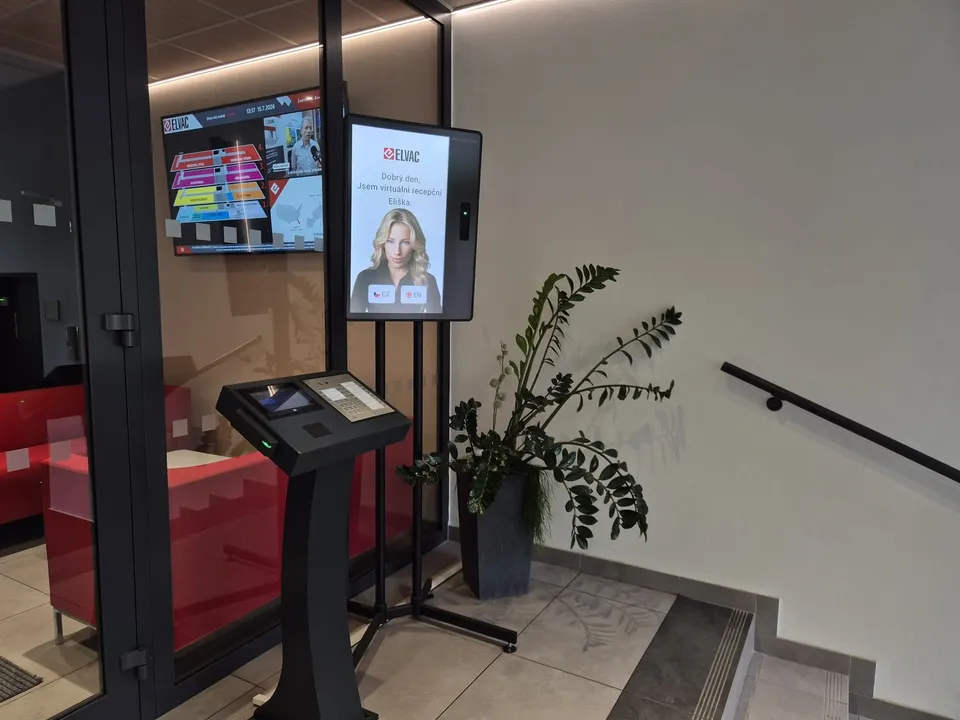
Thanks to the integration with our ELIN system, it always works with current contacts.
 Jaromír DrozdekOperations Director, ELVAC a.s.
We chose aReception to modernize and automate our entrance. We needed a multi‑tenant workflow with per‑tenant rules and elevator control.
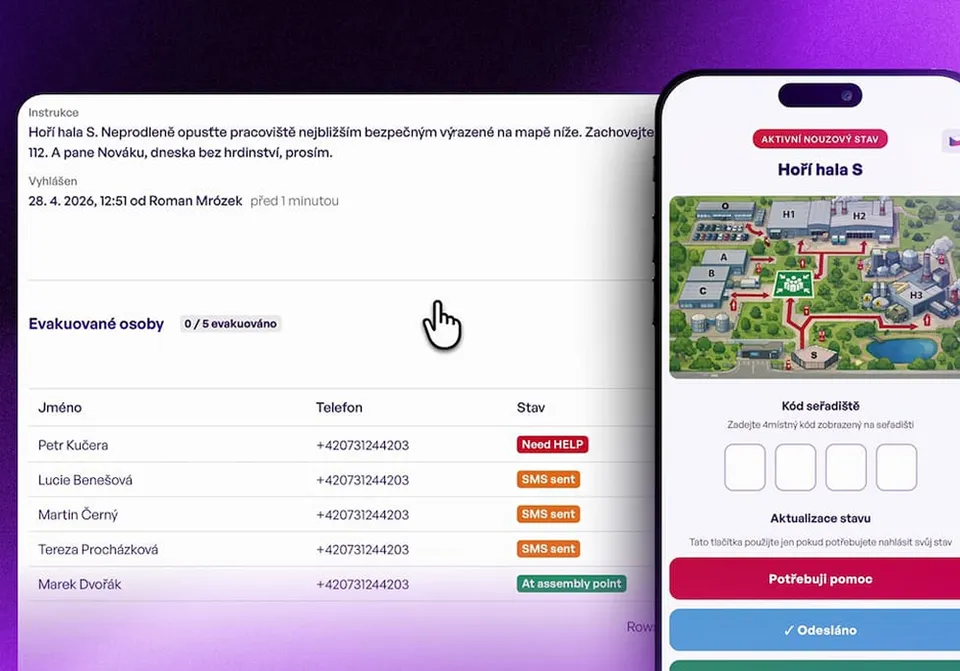
At last I can see everyone on site in real time, and we are ready for both an inspection and an evacuation.
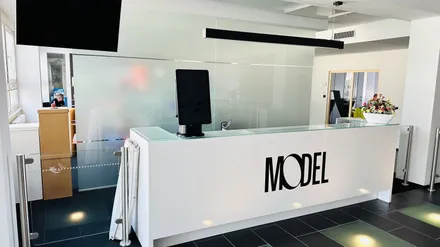
 Pavla BolackáH&S Manager, Model Obaly a.s.
Questions and answers
No. An invited visitor scans the QR code. Anyone else registers at the terminal and enters who they are visiting.
The terminal sends them a notification by MS Teams, email or SMS. The visitor can also call the host straight from the terminal.
The terminal interface comes in 50+ languages. You provide the documents in the languages you need.
A visitor management system replaces the paper visitor book at reception or the gatehouse. You invite a visitor from Outlook, Google Calendar, MS Teams or the Portal, and they get a QR code. They check themselves in at the terminal, in their own language: they scan the QR code, or enter their name and who they are visiting. What they sign during check‑in, such as the site rules, an NDA or consent to data processing, depends on your settings. The host gets a notification by MS Teams, email or SMS. The visit and the signed documents are saved in the Portal. There you see who is on site right now, who is expected today and what each visitor signed, and you have a muster list for evacuation.
Software for one terminal starts at €199 a month, billed annually, on the preconfigured Basic plan. Label printing, card issuing, ID scanning and opening doors and elevators via relay are on the Enterprise plan. From the Premium plan up, each company in the building can have its own check‑in flow. The terminal is paid for separately and stays your property. Details are on the pricing page.
In Google Cloud. The data is encrypted and backed up regularly. The system is GDPR‑ready and you set how long records are kept.
In 15 minutes, we'll show you check‑in, host notifications and the overview of who is on site. We reply within one business day.
In the meantime, watch a one‑minute video from a live site.
Pick a time nowTrusted at 70+ sites
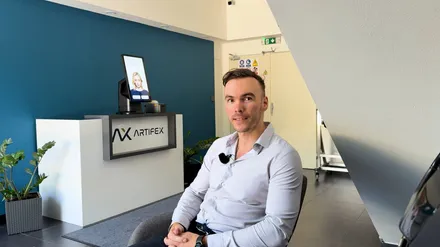


 Filip, Tomáš or Luboš will replySales and deployment at aReception · we reply within one business day