Validity for each document
You set the validity for each document separately. Anyone arriving with an expired induction goes through it again at the kiosk.

Through the invitation link, contractors acknowledge your site risks and can take the induction before arrival. With a connected turnstile, only inducted contractors get in.
Trusted at 70+ sites









How it works today
For a shutdown, a contractor sends different people from the ones they announced. The guard checks on paper which of them hold a valid induction.
The risk acknowledgment lives partly on paper and partly in emails. The worker gets the instructions, but their signature can't be found later.
With aReception, the contractor acknowledges your site risks ahead, and every induction leaves a signed record.
Step by step
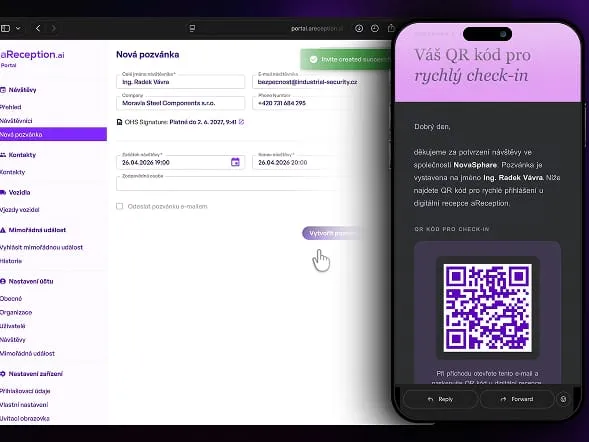
You send the contractor an invitation from the Portal. It carries a link to a web app.
Through the link, they confirm your site's risks and fill in the risks of their own work. Once you confirm, the signed version is saved.
They can complete the induction ahead through the same link. Anything left, they finish and sign at the kiosk by the entrance.
The kiosk can issue a card only to someone who signed the induction. Once your turnstile or barrier is connected, only they get through.
Settings
You set the validity for each document separately. Anyone arriving with an expired induction goes through it again at the kiosk.
You can set a different induction for visitors, contractors and drivers.
When your site changes its risks, the system asks the contractor to confirm them again.
Entry can be valid only for the maintenance or shutdown window, or for a set number of days.
The system reminds both the contractor and the EHS manager ahead of time that a document or certificate expires soon.
The kiosk and the invitations come in 50+ languages. You upload the induction content in the languages your contractors understand.
What you see in the Portal
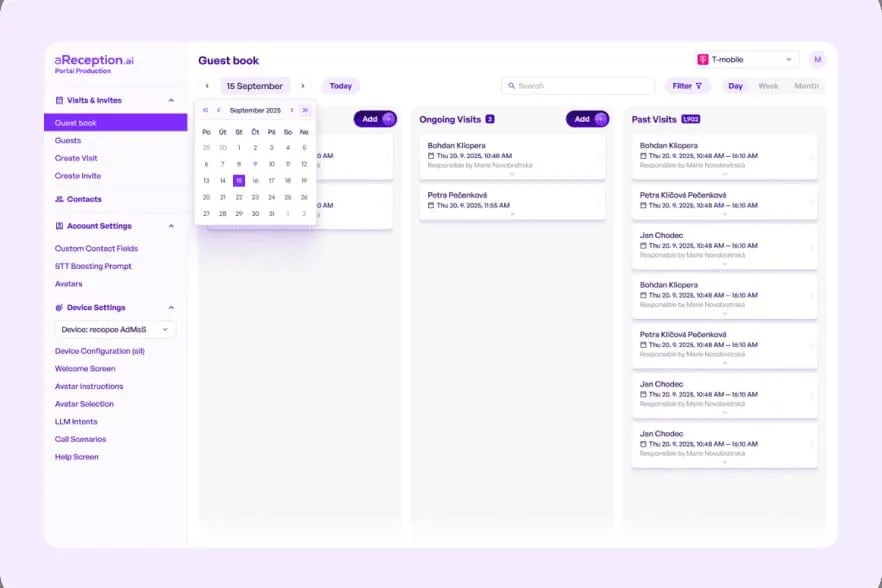
Artifex Lozorno
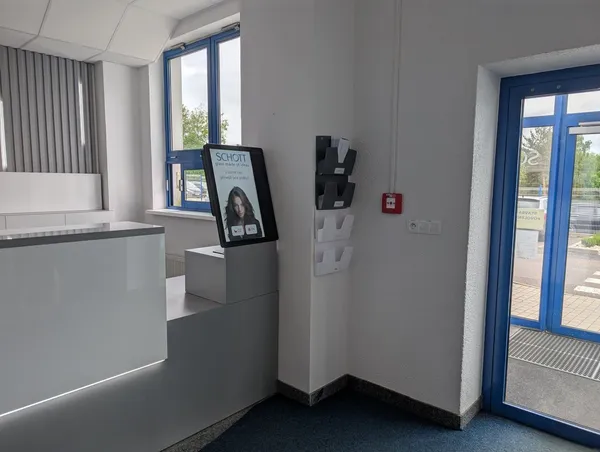
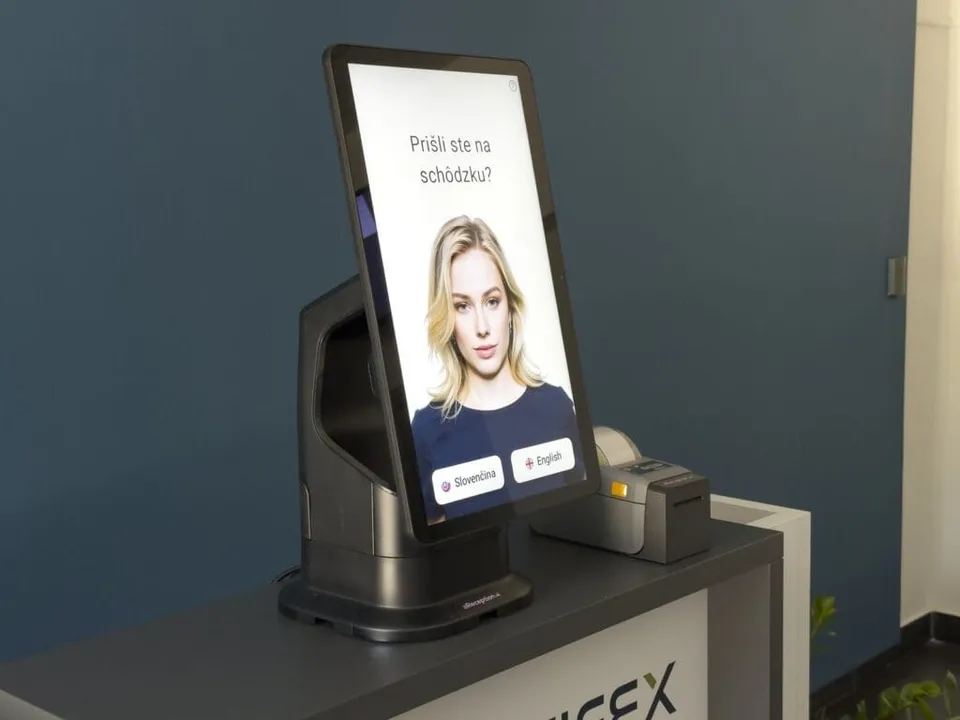
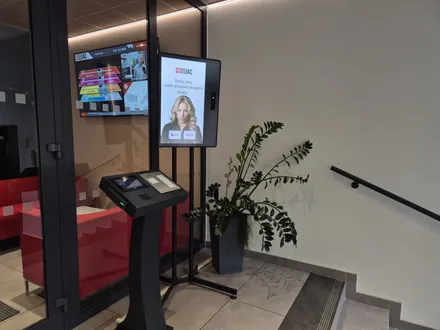
Contractors complete the safety induction and sign it right at the kiosk.
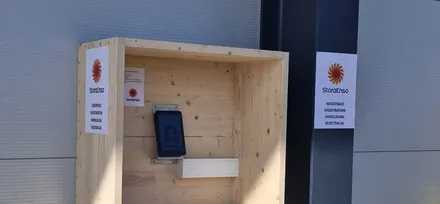
ArtifexRead the case studyThe kiosk checks in visitors and contractors with no permanent reception staff.
ArtifexRead the case studyThe kiosk checks in visitors and contractors around the clock, with no permanent reception staff.
ArtifexRead the case studyTurnstiles and access
We supply no turnstiles or barriers, we connect to yours. We have ready‑made integrations with the systems in the first tab. We are glad to connect to the others through their API, including systems not listed here. Turnstile and barrier connection is part of the Enterprise plan, which also includes integration with an access control system.
 ANeT
ANeT RON
RON Aktion
 Cominfo
 Suprema
 Honeywell WIN‑PAKHoneywell Pro‑Watch
 Salto
Salto Brivo
Brivo Genetec
 Avigilon
Deployment
Together we prepare your site risks, the inductions for each type of person, document validity and languages. We bring the kiosk and install it at your gatehouse.
We deploy within 14 days of the order. Integrations with ANeT, RON, Aktion, Cominfo, Salto, Genetec and others are ready‑made; we plan a connection to any other access control system with its supplier.
Customers
Contractors and their workers now complete the site risk acknowledgment and sign their safety training before they even enter. I finally have a real‑time overview of everyone on site, and we are ready for an inspection or evacuation.
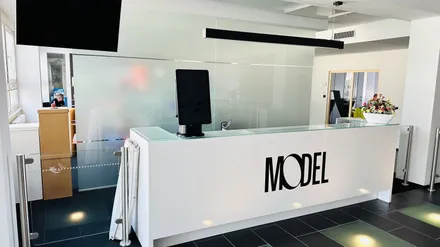
 Pavla BolackáH&S Manager, Model Obaly a.s.
The introduction of aReception lets us welcome and brief every visitor consistently, without tying up our team. The safety briefing with signature runs automatically, and the numbers speak for themselves.
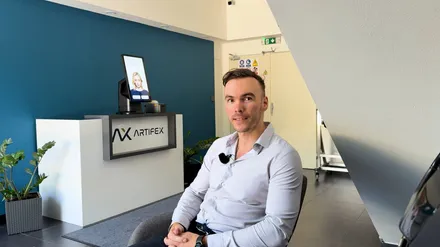
 Tomáš FicekHR digital transformation lead, Artifex
Frequently asked
Site risk acknowledgment happens through the invitation link, before the contractor arrives. The contractor confirms your site's risks and fills in the risks of their own work. You confirm them, and the Portal saves the signed version. It is the one step a contractor should complete in advance. They can complete the induction through the same link, or finish and sign it at the kiosk by the entrance. When your site changes its risks, the system asks the contractor to confirm them again. Before an audit, you can pull up the current signed version for every contractor. Under the Czech Labour Code (section 101), employers whose people work at the same workplace must inform each other about risks; the signed version helps you show it.
The kiosk has them complete the induction and sign it. Once connected to your turnstile or barrier, it lets them through only after that. The kiosk can also issue a card only to someone who completed and signed the induction. Turnstile and barrier connection is part of the Enterprise plan.
No, not while their induction is valid. You set the validity for each document separately. The median of all kiosk check‑ins is 1 min 20 s, measured over 10,207 check‑ins across 14 customer accounts.
Yes. A contractor's representative can upload their own workers. Each then gets an invitation with a link to acknowledge your site risks, upload documents and complete the induction.
For each induction, the system stores the date and time, who signed, the drawn signature and the signed document.
They complete and sign the induction at the kiosk by the entrance. The site risk acknowledgment, though, works only through the invitation link. Depending on your settings, they get a card only after signing.
It depends on your settings. The kiosk can have the technician answer again until they get it right, or send you a notification so you decide whether to let the technician through.
We help you upload the induction during setup. It goes into the Portal as you have it, as a PDF, video or text, and you can also upload it yourself.
The price depends on the turnstile and on working with its supplier; you get the exact price in our quote. Turnstile connection is part of the Enterprise plan.
Software for one kiosk starts from €499 a month on the Premium plan, billed annually. The kiosk, accessories and the one‑off setup are billed separately. See all plans on the pricing page.
In 15 minutes, we'll show you the site risk acknowledgment, the signed induction and the turnstile connection. We reply within one business day.
In the meantime, watch a one‑minute video from a live site.
Pick a time nowTrusted at 70+ sites


 Filip, Tomáš or Luboš will replySales and deployment at aReception · we reply within one business day