 Česky
 English

























Turnstiles and doors
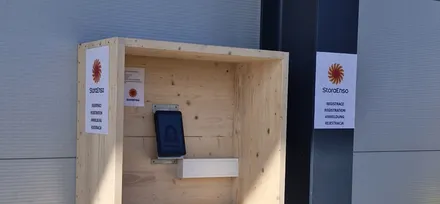
Doors open through the relay in ExtHUB, a box by the kiosk, turnstiles through an API. The host can open both by phone.

Integrations with ANeT, RON, Aktion, Cominfo, Salto, SAP, Okta and others are ready‑made. We connect to other systems through their API.
Turnstile
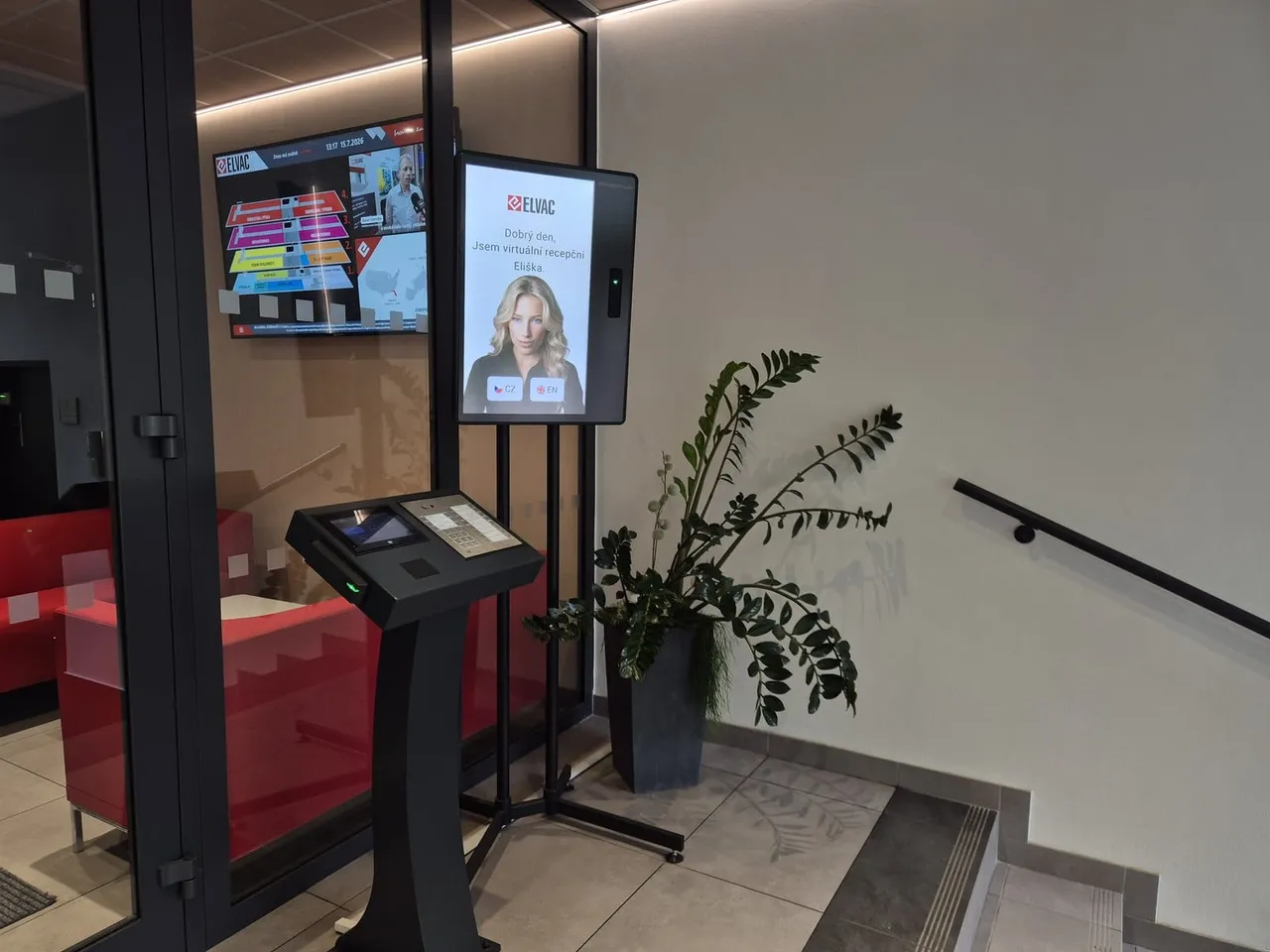
The contractor completes the induction at the kiosk and signs it.
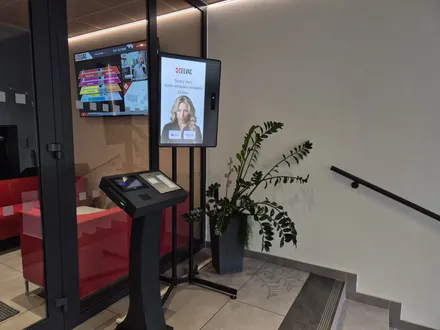
The kiosk issues a card through your access control system, or the turnstile opens through an API.
The turnstile lets through only contractors with a valid induction.
On the way out, the contractor drops the card into the collector or goes through the connected turnstile. That ends the visit.
Systems
We are glad to connect through their API to systems not listed here.
Devices
Doors open through the relay in ExtHUB, a box by the kiosk, turnstiles through an API. The host can open both by phone.
The kiosk calls an elevator that goes only to the visitor's floor, once the elevator is connected.
The kiosk prints a self‑adhesive label with the name and validity.
One kiosk takes up to three dispensers, each issuing its own card type.
We send license plates through the API to the whitelist of your barrier gate system.
IT and security
Flows and API
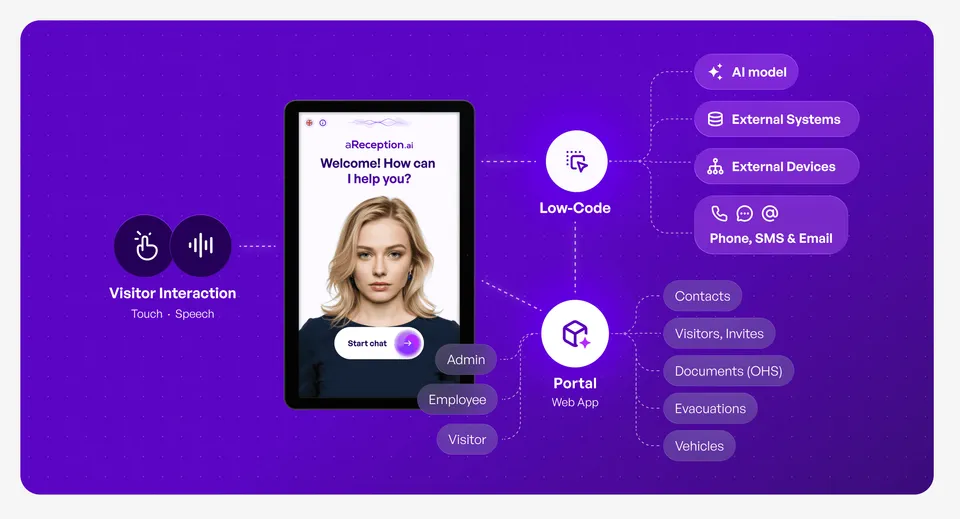
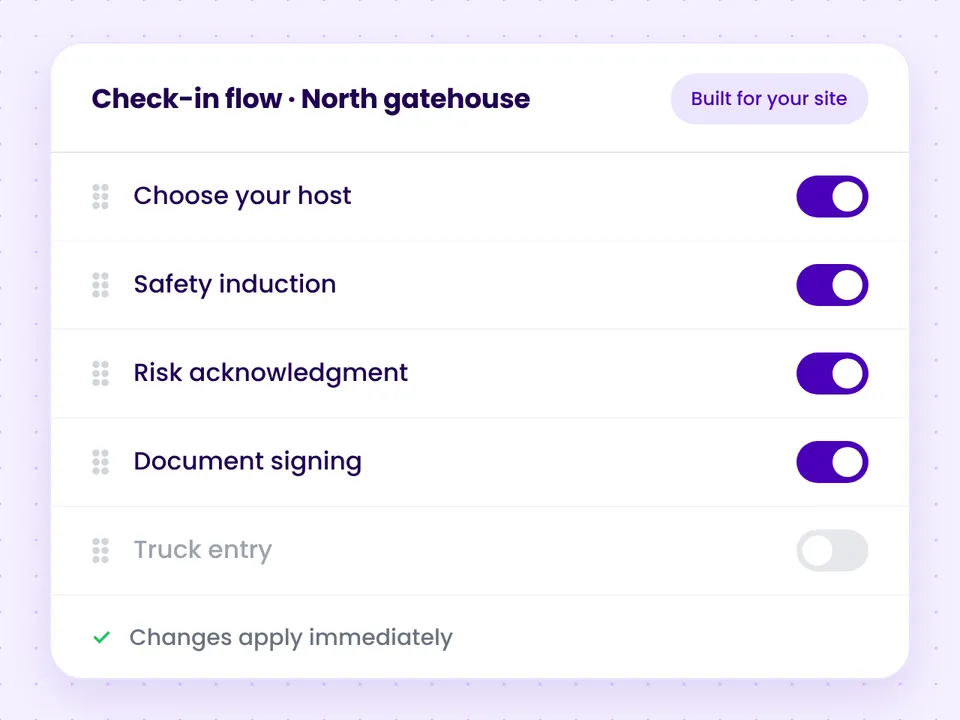
You can set up flows yourself, in a visual editor with no coding.
Partners
 Securitas Czech RepublicProvides security services and guarding across the Czech Republic, as part of Securitas AB.Partner profileSecuritas SlovakiaProvides security services and guarding in Slovakia.Partner profile
 ANeTSupplies time and attendance and access control systems.Partner profile
 EBISProvides IT services, hardware, system integration and support.Partner profile
 ICT NWTIntegrates communication solutions and provides outsourcing.Partner profile
 OKIN FACILITYProvides facility management and outsourced services.Partner profile
Questions and answers
We connect to your turnstile through an API. Integrations with access control and attendance systems such as ANeT, RON, Aktion, Cominfo and Salto are ready‑made; we connect to others through their API, as a project with their supplier. The turnstile then lets through only contractors with a valid induction and signature. On the way out, the contractor goes through the connected turnstile, and that ends the visit. Where the access control vendor provides no API to report the exit, the contractor drops the card into the collector. The kiosk only needs internet; with an integration it needs access only to the connected system, and no VPN. aReception is live within a month, including the connection, and you can connect the turnstile later too.
Yes. We connect to it through its API, as a project with your access control supplier.
aReception is live within a month, including a turnstile or access control connection. Without integrations, we deploy within 14 days of the order.
It depends on the turnstile or access control system and on working with its supplier. We call the supplier and agree on the price for each project.
No. The kiosk only needs internet and access to the one system we connect.
We set them up. We connect through their API to systems not in the tabs, or your system connects through our public REST API, as we agree with its supplier. We set up the check‑in flows with you, and you can also adjust them yourself in a visual editor.
We send license plates through the API to the whitelist of your barrier gate system.
In 15 minutes, we'll go through your entrance and the systems you use. We'll tell you which integrations are ready and what we'd arrange with your supplier.
In the meantime, watch a one‑minute video from a live site.
Pick a time nowTrusted at 70+ sites


 Filip, Tomáš or Luboš will replySales and deployment at aReception · we reply within one business day