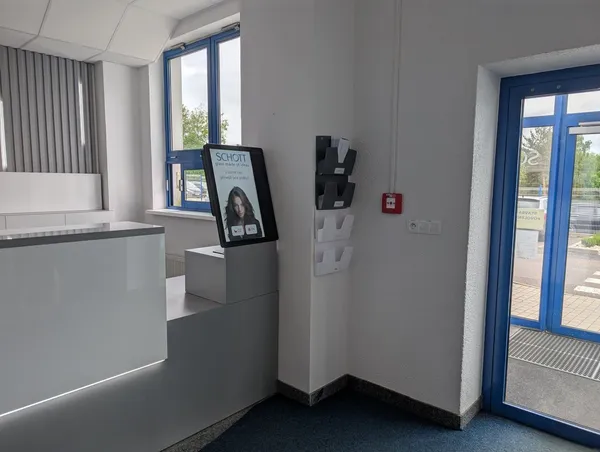
Reception is staffed only part of the day
The building is often open longer than reception. In the evening and at weekends nobody is at the entrance and visitors can't reach their host.

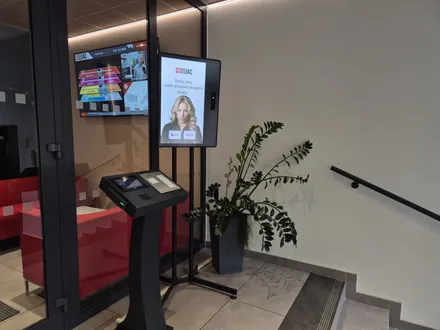
Outside reception hours, the lobby kiosk checks visitors in and the tenant gets a message. During the day your receptionist works with it in one visitor system.
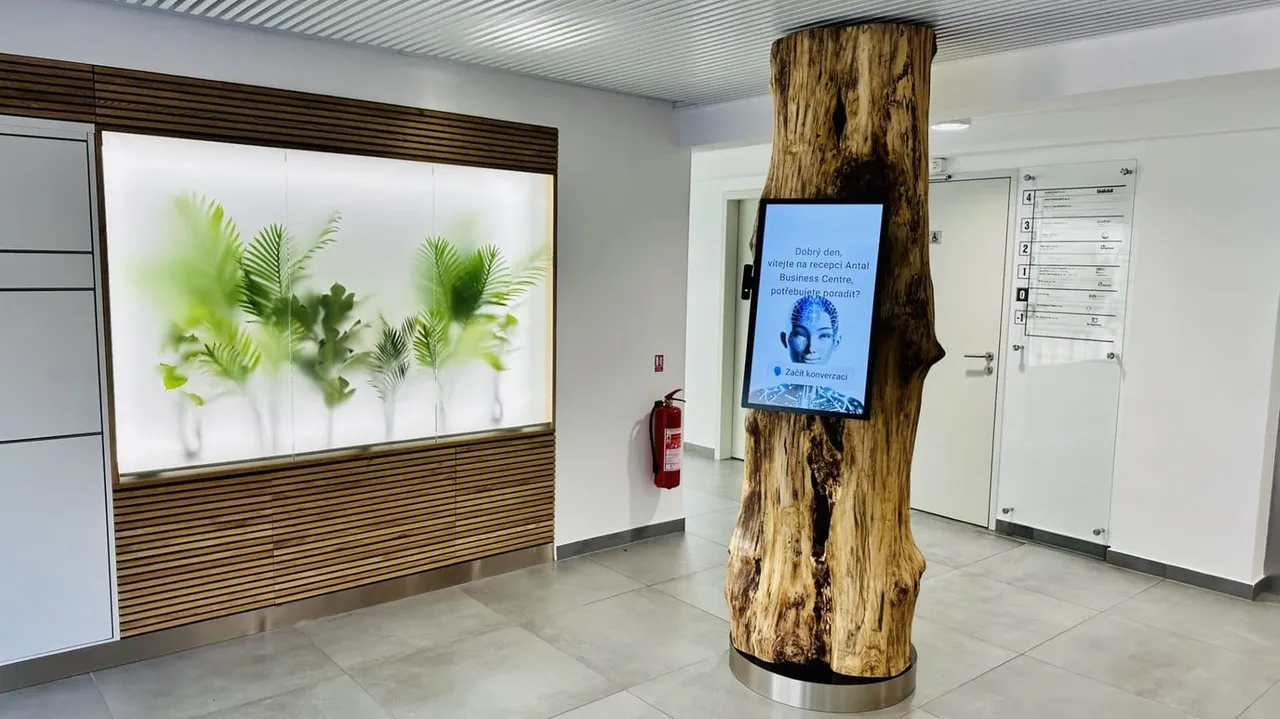
Trusted at 70+ sites






What gets in the way
The building is often open longer than reception. In the evening and at weekends nobody is at the entrance and visitors can't reach their host.
When the receptionist is away, someone else from the company has to stand in at reception.
A visitor without an invitation waits in the lobby until reception staff reach someone at the company they came to see.
How it works
The tenant sends an invitation from the Portal. Invited visitors get a QR code in advance and get through faster.
Before arrivalThe terminal calls the host. Depending on your settings, if they don't answer, it calls the next contact or texts the host or the next contact.
In the lobbyOnce approved, the kiosk says where to go, such as "3rd floor, office 305". With doors and elevator connected, the door opens and the elevator goes only to the tenant's floor.
On the way to the hostStart simple
Check‑in by voice or touch, a message or call to the tenant, and the visitor log in the Portal.
Doors and elevators via relay, label printing and card dispensing. Add them when the building needs them.
For building management
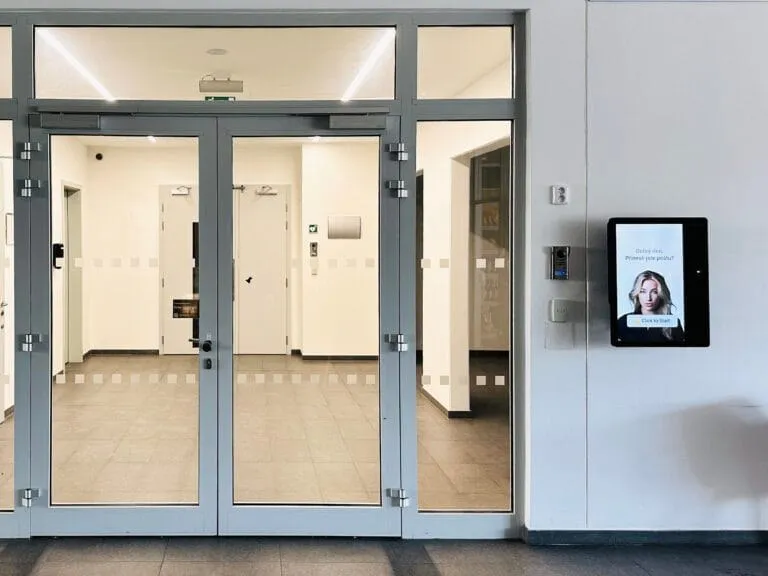
Case studies
A multi‑tenant building in Prague 4. The kiosk checks in 350+ visitors a month and the elevator goes only to the tenant's floor.
Antal Business CentreRead the case studyA business park in Brno. Visitors check themselves in 24/7 and enter buildings and elevators with QR and NFC.
Purkyňka Business ParkRead the case studyA technology company in Ostrava. The kiosk connects visitors to their host by phone and opens the door for them.
ELVACRead the case studyHappy customers
We chose aReception to modernize and automate our entrance. We needed a multi‑tenant workflow with per‑tenant rules and elevator control.
We particularly value the flexibility and scalability of the system and how smoothly it fits into our day‑to‑day operations.
 Radek FialaPFM Group Management
Planning a refit?
We're happy to call you, go through the entrance plans and recommend where to put the kiosk, where to run cable and power, and what to connect.
Connections and accessories
The ExtHUB box by the kiosk opens the door to the elevator lobby and calls the elevator. Visitors go only where their role allows.
On the Enterprise plan we connect to the access control system the building already has. In an evacuation, the list then shows tenants' employees too.
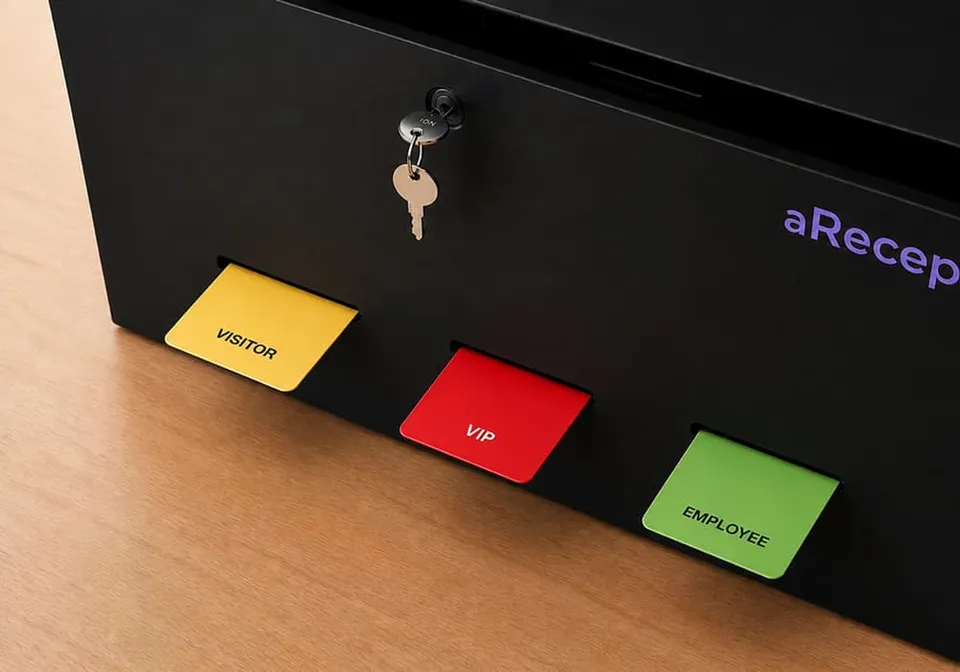
The kiosk prints a self‑adhesive label with name and validity, or issues a card from the dispenser.
Couriers hand over parcels at the kiosk and the recipient is notified.
Price
The price is for the Basic plan billed annually and includes updates and unlimited check‑ins. Doors and elevators via relay and label printing come with Enterprise. The kiosk and accessories are billed separately.
Frequently asked
No. Invited visitors get a QR code in the invitation; others check in right at the kiosk.
It depends on your settings: the terminal calls the company's next contact or texts the host or the next contact.
Each tenant manages its own users, contacts and check‑in flow in the Portal.
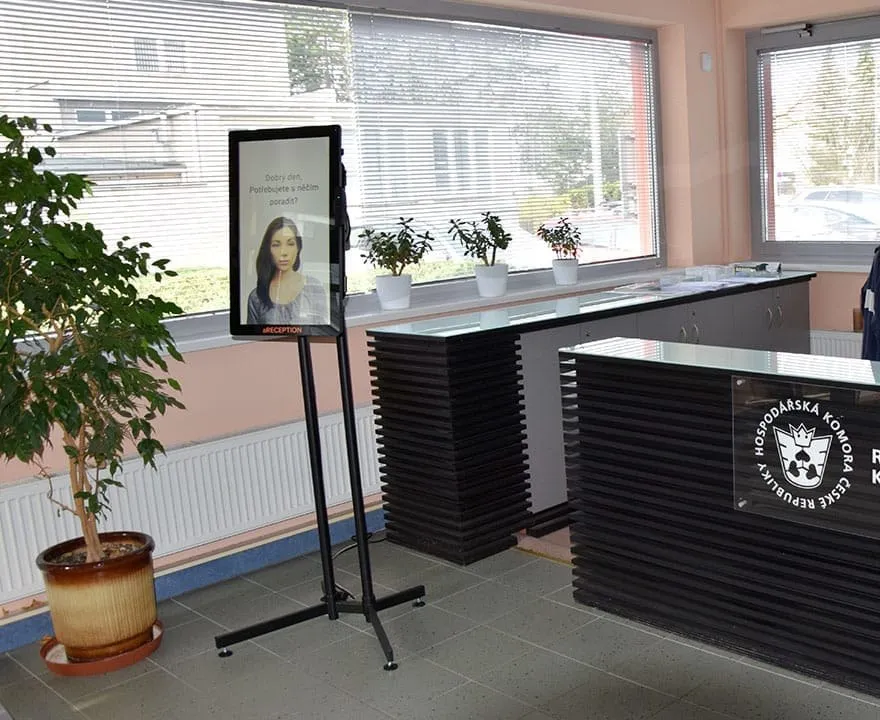
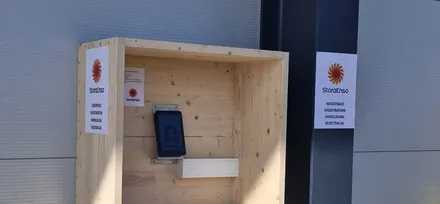
On a floor stand, a desk or the wall, as close as possible to the door it opens. We choose the spot together based on your entrance.
Yes, both on the Enterprise plan. We connect doors and elevators via relay. Integrations with ANeT, RON, Aktion, Cominfo, Salto, Genetec and others are ready‑made.
The kiosk and the invitation come in 50+ languages.
Software for one kiosk starts from €199 a month on the Basic plan, billed annually. Basic comes preset and needs no setup; the kiosk is billed separately. See all plans on the pricing page.
In 15 minutes, we'll show you kiosk check‑in, the call to the tenant, door opening and the visitor log. We discuss connections based on what your building has.
In the meantime, watch a one‑minute video from a live site.
Pick a time nowTrusted at 70+ sites


 Filip, Tomáš or Luboš will replySales and deployment at aReception · we reply within one business day