
 Česky
 English
Contractor management system: what it includes and how to set one up
Who invites, who approves, who checks the gate, and what each visit leaves behind.
 Jiří Mouka, CMO, aReception.ai · 2 min read
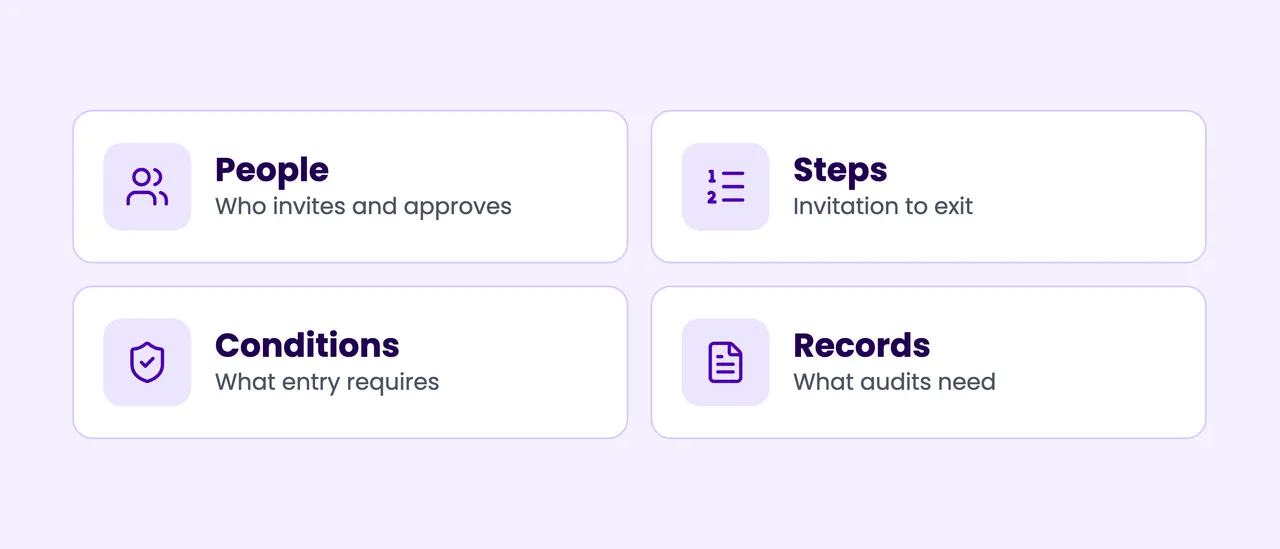
A contractor management system can mean the software or the process it supports. This guide covers the process: the roles, steps, entry conditions and records your site uses for external workers.
What the system includes
Which four parts does it have?
- People: maintenance invites, the EHS manager approves documents.
- Steps: site risk acknowledgment, induction, check‑in, exit.
- Conditions: what entry requires.
- Records: name, time, induction, signature.
What does it look like on paper?
The visitor book is at the gatehouse, inductions in a binder, site risk acknowledgments in email. Staff connect them by hand before every audit.
How it works on a normal day
What happens to a crew of eight?
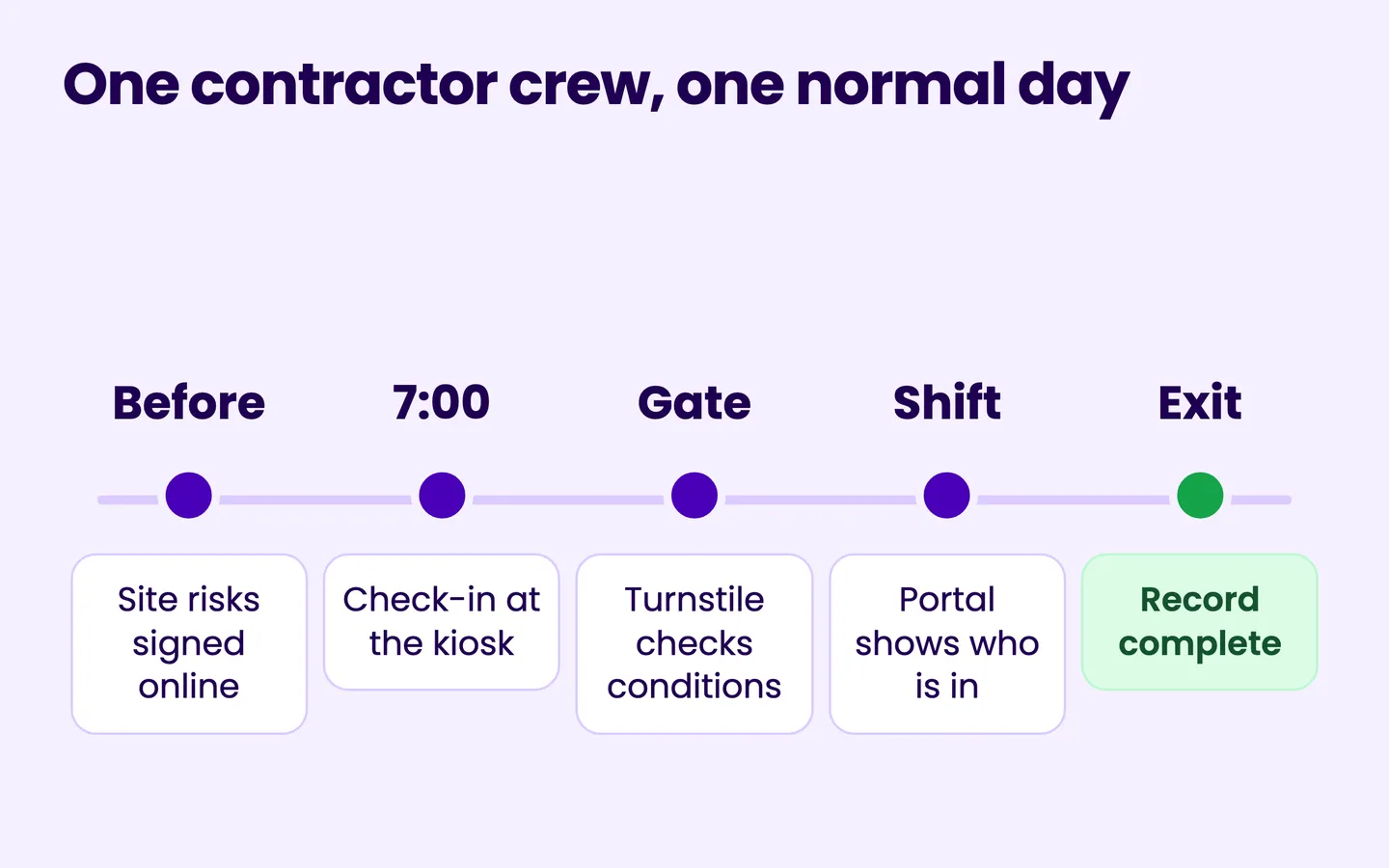
A worker with an expired induction completes it again at the kiosk. In an evacuation, the muster list goes to the muster point.
How to set it up
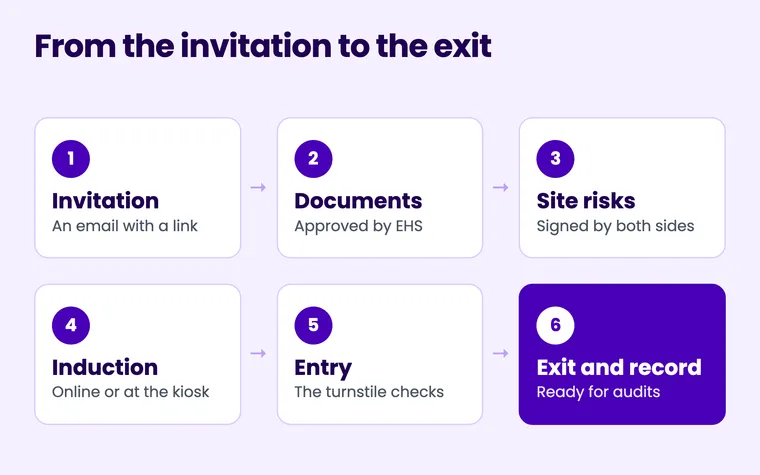
- 1Name one owner, usually the EHS manager.
- 2List the contractors that come every week.
- 3Set the conditions for each type of work.
- 4Write the steps for one entrance, with one person per step.
- 5Decide which records you must show at an audit.
- 6Run it with one contractor for two weeks, then add the next.
Is your system complete?
- InvitationsEvery worker gets one before arrival.
- CertificatesTracked for each worker, with expiry dates.
- Site risksSigned by both sides, renewed when they change.
- InductionSigned before entry, in a language the worker understands.
- On site nowOne list, also for an evacuation.
- Any past dayWho was on site and which induction was valid.
For each box you cannot tick, decide whether your site needs it. Then note who will close the gap.
Where software fits
Software sends invitations, stores documents and sends a reminder before they expire. Connected to a turnstile, it checks the conditions before entry. Guide to contractor management software
Records from aReception can help at audits under ISO 45001, ISO 9001 and IATF.
A real site
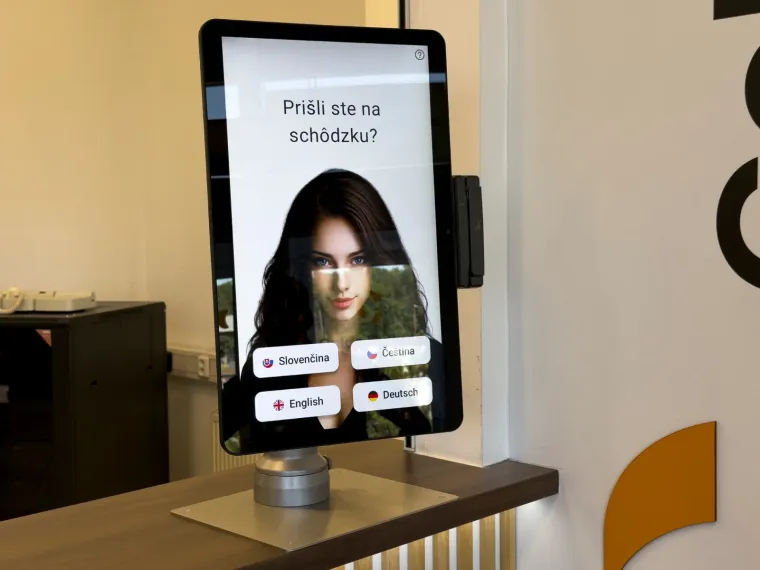
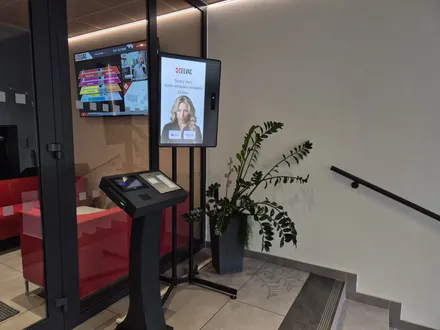
At Golde in Lozorno, Slovakia, security used to keep a paper book. Today one kiosk works with the existing turnstiles and issues three types of card. Golde Lozorno case study
Related: what contractor management is, contractor induction software and workplace safety 2026.
FAQ
Questions about contractor management systems
Is a system the same as software?
The terms overlap. Here, the system is your roles and steps; software runs them and keeps the records.
Who should own it?
Usually the EHS manager, who sets the entry conditions. Security runs the gate.
What if a worker's induction has expired?
The kiosk lets them complete it again before entry. The system sends a reminder before it expires.
Can contractors add their own workers?
Yes. Their representative adds workers in the Portal, and each one gets an invitation.
How long does setup take?
aReception goes live within 14 days. With a turnstile connection, up to a month.
Keep reading
Related guides and case studies
 BlogContractor management software: what it does at a site and how to roll it out14 November 2026 · 3 min read
What contractor management software does at a plant or warehouse, what stays manual, and how to roll it out.
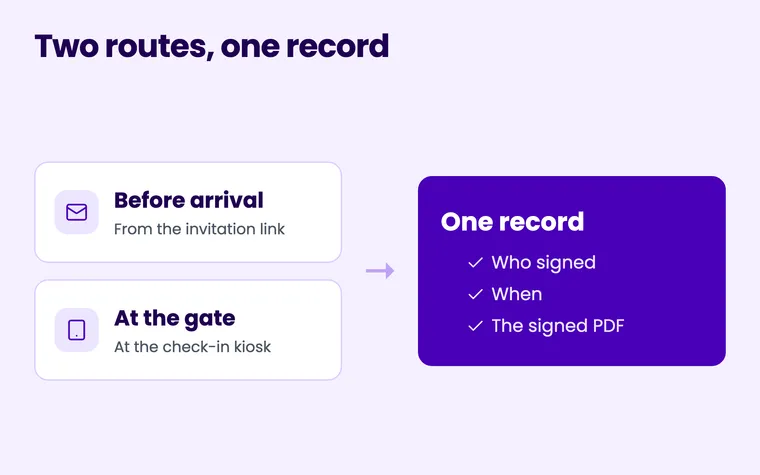 BlogContractor induction software: from the invitation link to the turnstile14 November 2026 · 2 min read
How contractor induction software runs the induction before arrival or at the gate, what the signed record holds, and how to set it up.
 Manufacturing and industry
 Golde LozornoCentral Europe
A kiosk connected to the existing turnstiles issues three card types: visitor cards, extended‑access cards and replacement cards for employees.
- access card types from one kiosk
- 3
- visits a month
- 50+
Setting up a contractor management system?
In 15 minutes, we'll show you one contractor from invitation to turnstile. We reply within one business day.
Got it. We will get back to you within one business day.
In the meantime, watch a one‑minute video from a live site.
Pick a time now


 Filip, Tomáš or Luboš will replySales and deployment at aReception · we reply within one business day