
 Česky
 English
Contractor management software: what it does at a site and how to roll it out
One record per contractor's worker, from the invitation to the exit.
 Jiří Mouka, CMO, aReception.ai · 3 min read
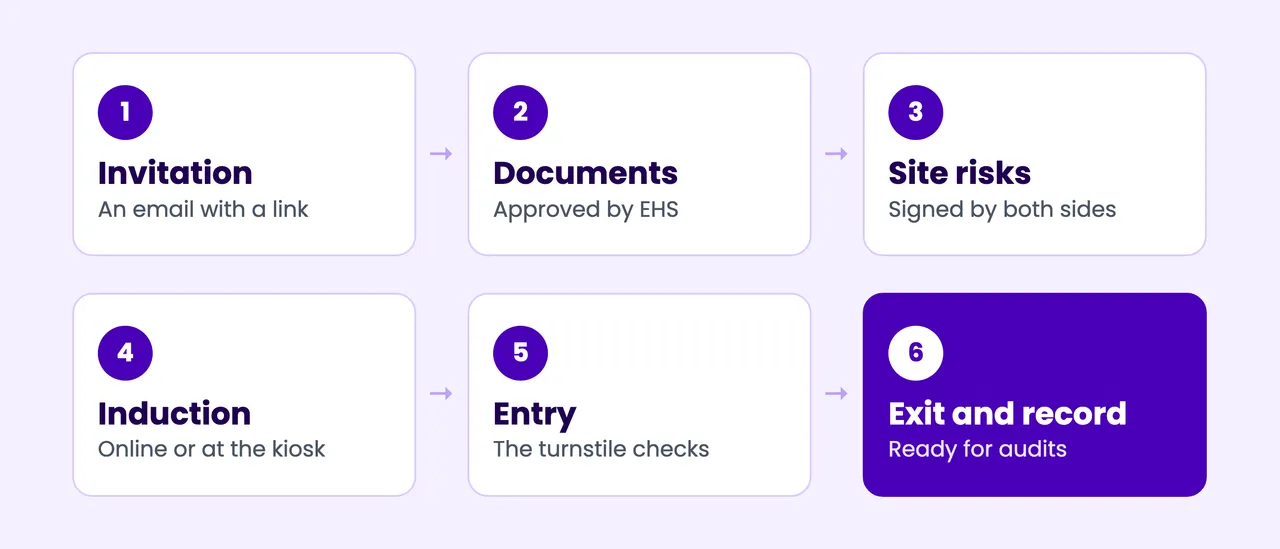
Contractor management software keeps each external worker's documents, site risk acknowledgment, induction and visits in one record. Features vary by product, so test how each tool handles your entry requirements.
What contractor management software does
Which software is this about?
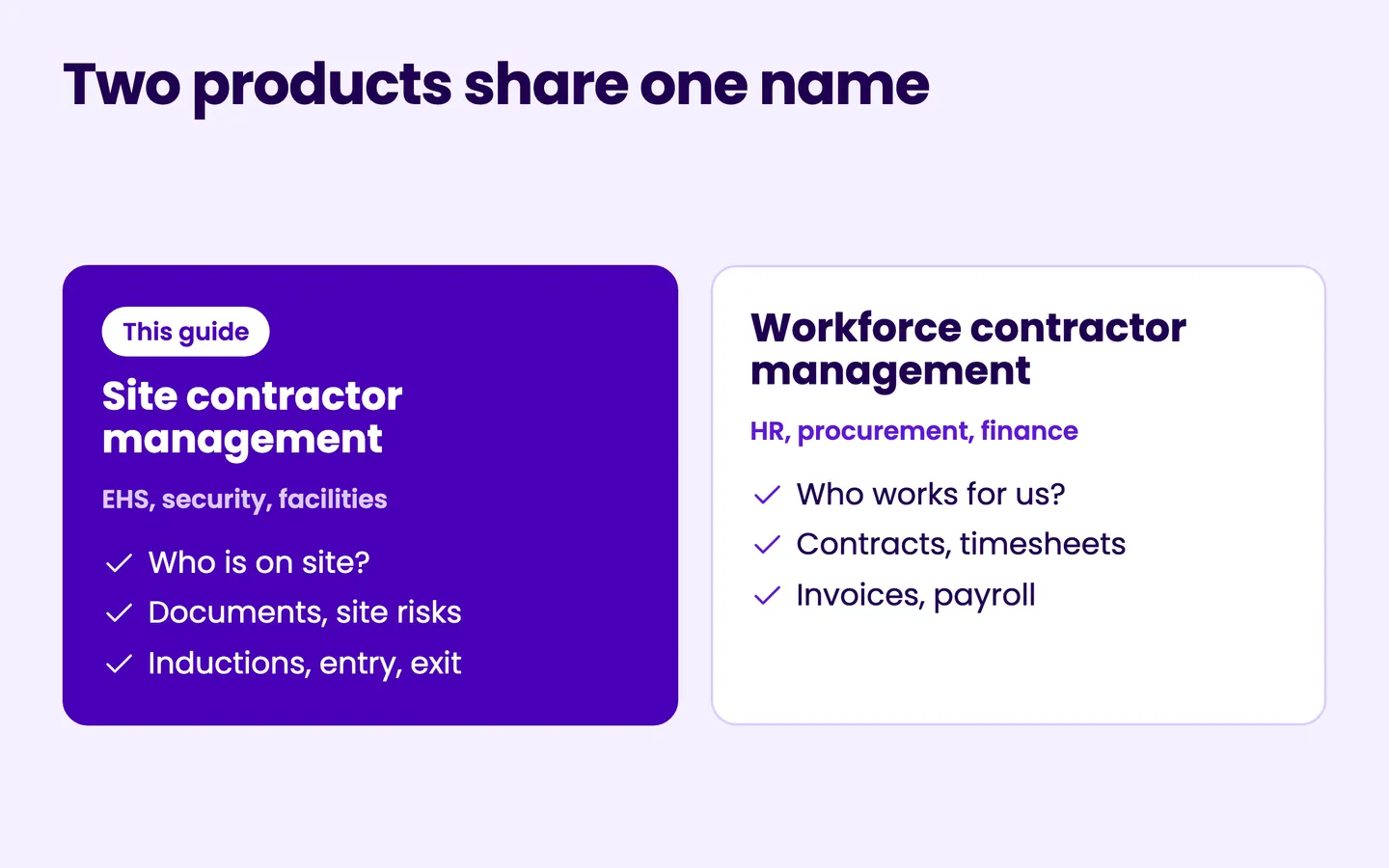
Some tools pay and manage freelancers for HR. Others run contractors' entry to a site for EHS and security. Check which one a supplier sells before you book a demo.
What happens at each step?
- 1The site invites each worker by email, with a link to a web app.
- 2The worker uploads certificates. The EHS manager approves them in the Portal.
- 3The contractor signs your site risks and adds the risks of their work.
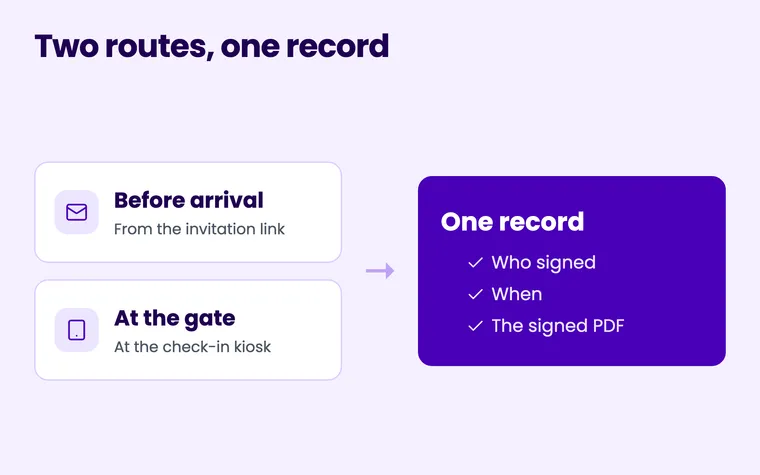
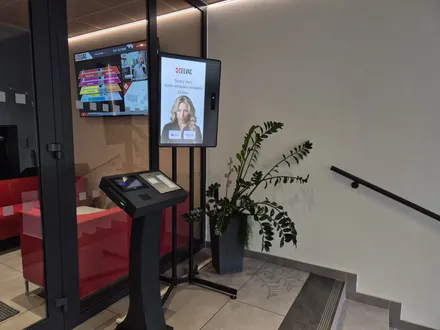
- 4The worker signs the induction online or at the check‑in kiosk.
- 5Connected to a turnstile, the system lets in only workers who met every condition.
- 6The exit is recorded at the kiosk, in the Portal or by the turnstile.
After an incident or before an audit, you get a report for each person: visit times, induction and signature.
What to look for
- Documents for each workerWith expiry dates and a reminder.
- Site risks signed by both sidesA new version asks for a new signature.
- Induction online or at the gateSame record either way.
- Entry tied to the conditionsThe turnstile lets in only the inducted.
- The worker's languageInterface in 50+ languages.
- A report for each personReady after an incident or audit.
More demo questions: how to choose the best contractor management software.
How to roll it out
Where do you start?
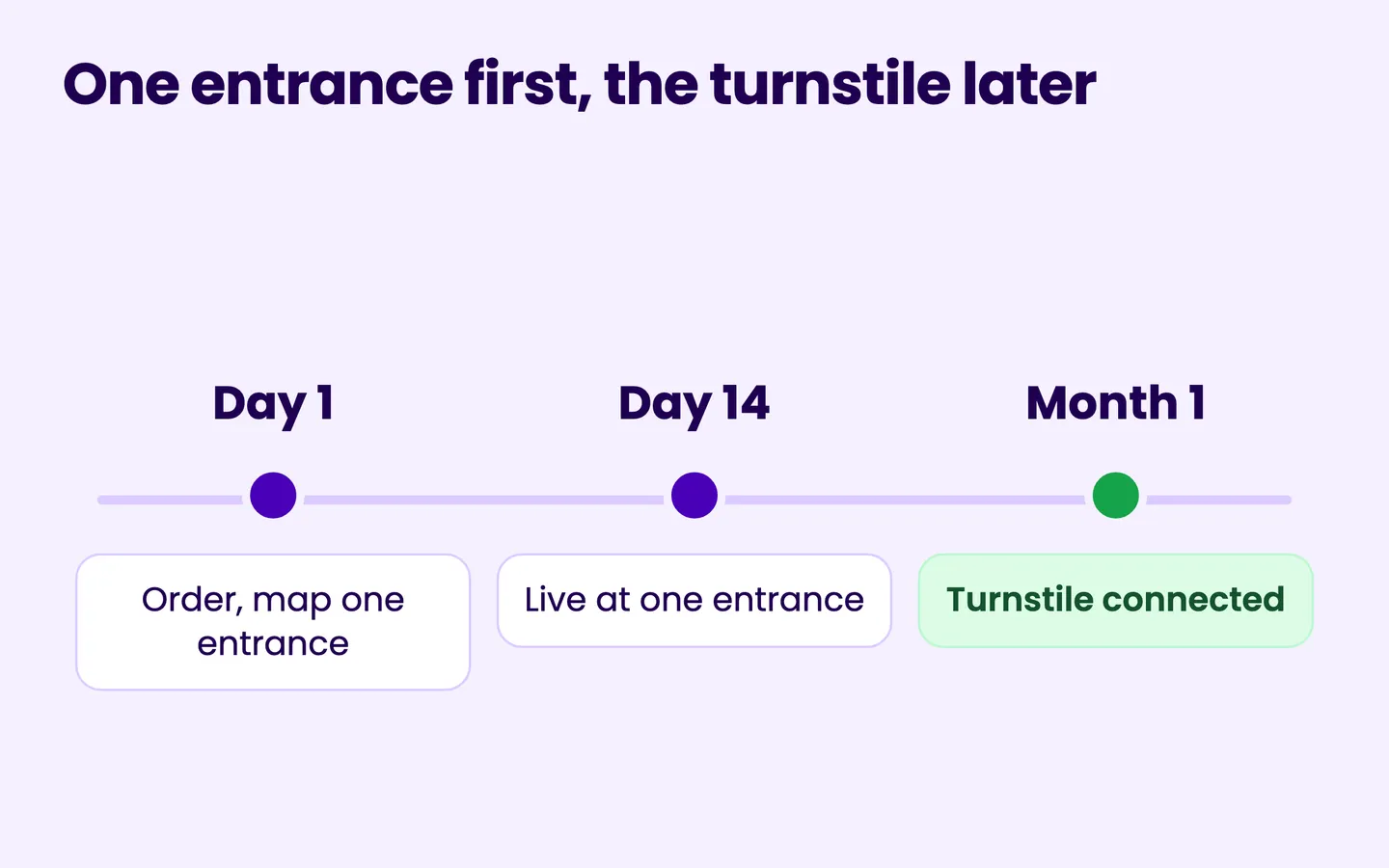
- 1Map one entrance: who does what from the invitation to the exit.
- 2Choose the conditions for entry, such as a signed induction.
- 3Upload the induction you already use: PDF, video or text.
- 4Start with one contractor that comes every week.
- 5Connect the turnstile when the process works.
What stays manual?
Your EHS manager still writes the induction and decides which risks apply. Someone approves the documents. The software stores the records, checks the conditions and sends reminders.
What it costs
Compare the first year, not the monthly license. Ask each supplier to price the same scope: license, hardware, setup, integration and support.
At aReception, software for one kiosk costs €499 a month on the Premium plan, billed annually, excluding VAT. Turnstile integration is in Enterprise. See pricing.
A real site
Artifex in Lozorno, Slovakia, used to run a paper gatehouse. Today 73+ inductions a month are signed at its kiosk. Artifex case study
Related: what contractor management is, contractor management system, contractor induction software and workplace safety 2026.
FAQ
Questions about contractor management software
Do we need a turnstile to start?
No. Start with check‑in, inductions and records at the kiosk. Connect the turnstile later.
Which access control systems does aReception connect to?
Salto, Brivo, Suprema, HID, ANeT, RON, Aktion and Cominfo. Any other access control system with an API, or a relay.
What if a worker skipped the induction online?
They complete and sign it at the kiosk. The record is the same.
What if a contractor sends a replacement?
The contractor's representative adds the worker in the Portal. The new worker gets an invitation.
What if a worker does not understand English?
The kiosk interface is in 50+ languages. You supply the induction in the languages your contractors understand.
Keep reading
Related guides and case studies
 BlogContractor management system: what it includes and how to set one up14 November 2026 · 2 min read
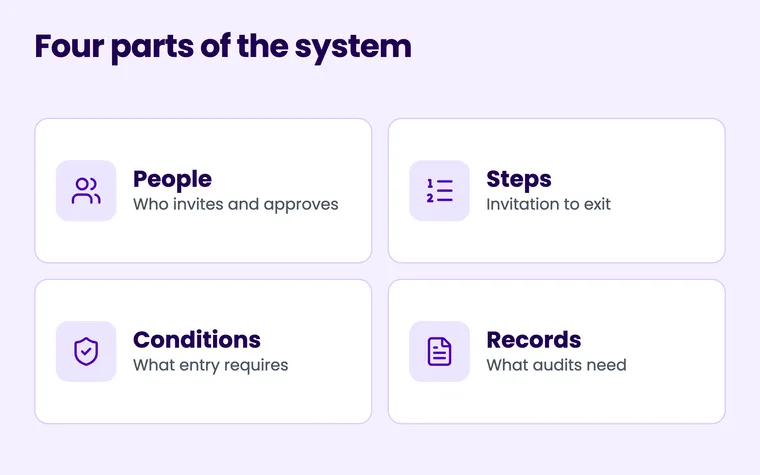
A contractor management system is people, steps and records for every external worker at your site. What it includes and how to set it up.
 BlogContractor induction software: from the invitation link to the turnstile14 November 2026 · 2 min read
How contractor induction software runs the induction before arrival or at the gate, what the signed record holds, and how to set it up.
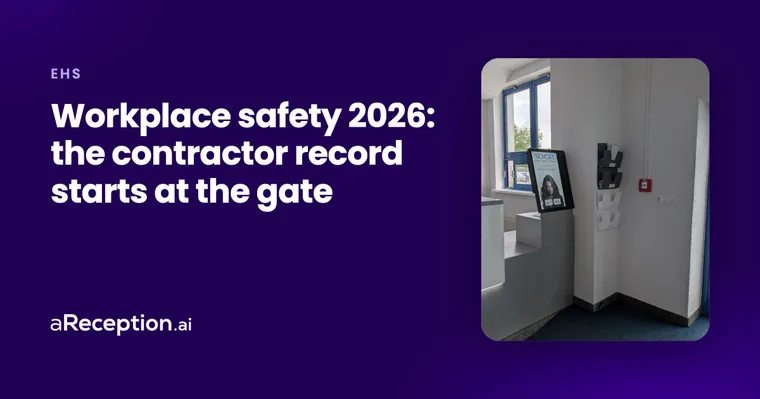 BlogWorkplace safety 2026: the contractor record starts at the gate10 March 2026 · 3 min read
2026 brought contractors no new paperwork. It brought the question of who was on site when and which induction was valid. The answer has to start at the gate.
Comparing contractor management software?
In 15 minutes, we'll show you one contractor from invitation to report. We reply within one business day.
Got it. We will get back to you within one business day.
In the meantime, watch a one‑minute video from a live site.
Pick a time now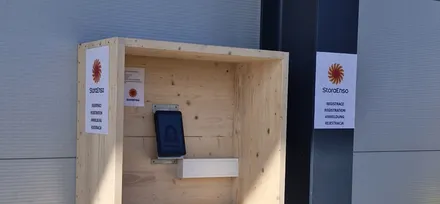



 Filip, Tomáš or Luboš will replySales and deployment at aReception · we reply within one business day