
 Česky
 English
Integrating visitor management with access control at the gate
The visitor has signed the induction, but the guard still opens the door. Facilities needs to define which system makes the entry decision and which one records the departure.
 Jiří Mouka, CMO, aReception.ai · 6 min read
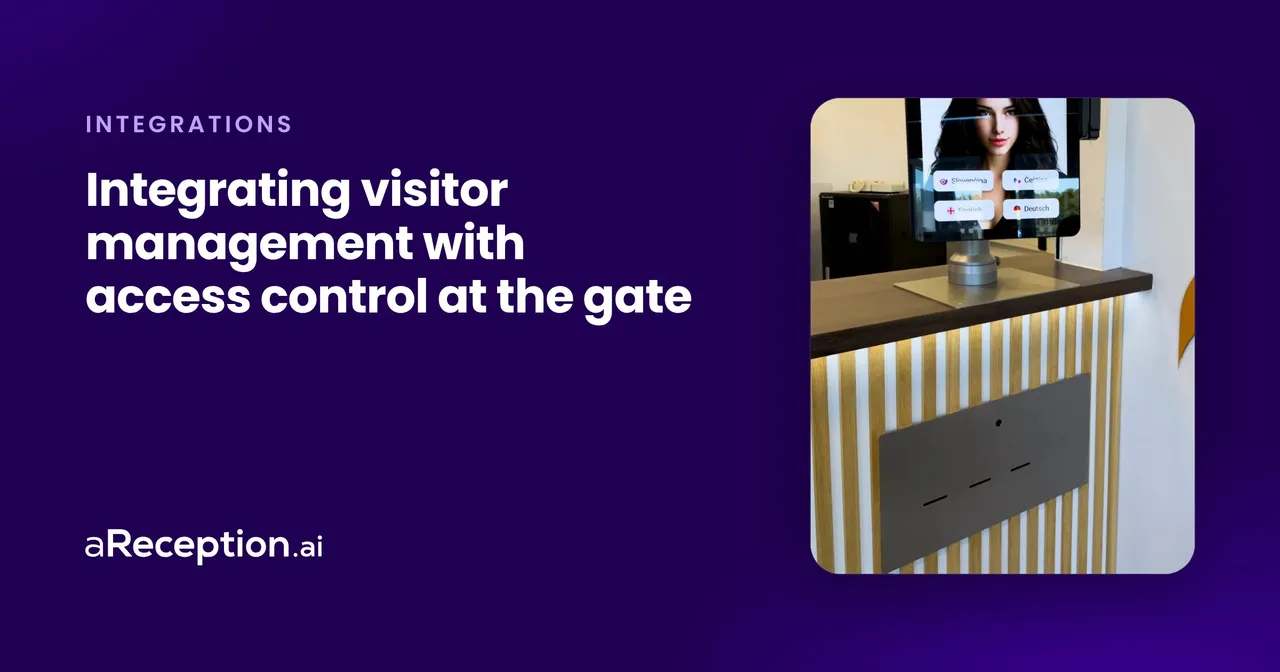
Integrating visitor management with access control starts with an event map
At the gatehouse, a technician completes the induction while a guard reaches for an access card. The record and the physical entrance still depend on separate actions. Scope the integration of visitor management and access control around those actions.
Start by mapping what happens to a person at the entrance. EHS needs the entry conditions applied, Facilities needs the existing doors to work with the process, and the site manager needs an accurate account of arrival and departure.
For each step, name the input, the expected outcome and the system owner. A command to open a door is different from an event that records someone leaving, and card issue is a third step. Keep these apart in procurement so a demo of one action is not mistaken for the whole visit.
Keep the access control owner in the project
aReception has ready‑made integrations with the ANeT, RON, Aktion and Cominfo time and attendance and access control systems, and connects to any other system that has an API. Integration is optional, and we connect to the systems that control your equipment. We do not supply or install turnstiles or barrier gates.
Ask the owner of the existing system to describe the interfaces available at your site and the equipment each event relates to. Put the split of responsibilities into the scope: visitor process, access permissions, equipment and acceptance.
API for turnstiles, relays for doors
aReception connects to turnstiles and barrier gates through an API. A relay in the ExtHUB, the kiosk accessory, opens doors and elevators.
Treat the action at the entrance and the record afterward as separate design decisions. If the buying team needs the departure in the visitor record, write that requirement into the scope. A door opening in a demo proves only the physical action; ask the technical owners to show the record your team will use as well.
| Event | Acceptance question | People to involve |
|---|---|---|
| Induction completed | Is the entry condition met? | EHS and the visitor system owner. |
| Card issued | Can the card be traced to the visitor it was issued to? | Facilities and security. |
| Door opened | Did the expected entrance respond? | The access control owner. |
| Person departed | Does the visit show the departure as expected? | Facilities and the visitor system owner. |
Turnstiles and the induction condition
When connected to your turnstile or barrier gate, aReception lets a person through only after they have completed the induction and signed it. It also stops the workers of a contractor that has not completed the site risk acknowledgment. You can set a different induction for visitors, contractors and drivers.
Ask EHS to prepare one visit with an incomplete induction and one with a completed induction. Observe the result at the actual controlled entrance, then complete the process and repeat the scenario. Record what was demonstrated against the agreed scope.
A contractor's path from invitation to turnstile
The contractor completes the site risk acknowledgment in advance through the link in the invitation, once for the whole firm. You add the contractor's workers in the Portal, or the contractor's representative uploads them. Each worker gets an invitation with a link to the web app, where they can take the induction and sign it before arriving.
In the web app, the contractor also uploads documents and certificates in advance, such as a welder's or an electrician's. Documents with an expiry date are recorded for each worker separately. The system reminds both the contractor and the EHS manager before a document expires.
At the gatehouse, the worker scans the QR code from the invitation. Whatever they did not finish in advance, they complete and sign at the kiosk. When aReception is connected to the turnstile, the worker gets through only with a valid induction and valid documents, and once their firm has completed the site risk acknowledgment.
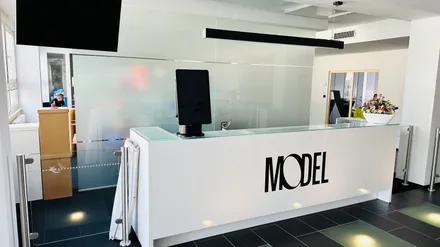
At Model Obaly, access runs through ANeT. The dispenser issues a card and aReception activates it in ANeT. A contractor without a valid site risk acknowledgment does not get an active card. The Model Obaly case study shows the whole process.
Card dispenser: specify the card handling
The kiosk issues a card only to someone who has completed the induction and signed it. Card issue and return are recorded against the person. Up to three card dispensers connect to an indoor kiosk through the ExtHUB, each with a different card type, such as visitor, contractor and VIP.
Be precise about whether the site needs a reusable access card from a card dispenser or a printed visitor label. Review the card type and the permission process with your access control owner, and ask for that relationship to be described in the proposal.
Include the return journey in the card discussion. Name who prepares cards for reuse and what the site does when a person uses another exit.
At Golde Lozorno, the kiosk is connected to the existing access control, so neither the turnstiles nor the access rights changed. Three dispensers issue visitor cards, extended‑access cards and replacement cards for employees, and a card collector stands at the exit. Security no longer writes visitors in or hands out cards. The Golde Lozorno case study shows the whole process.
A card collector where there is no API
Departure is recorded by signing out at the kiosk, with one click in the Portal, or at the turnstile if it is connected. Where the access control supplier does not provide API access, aReception provides its own card collector. When leaving, the person returns the card to the collector, and that ends the visit.
Review the dispenser and the collector as one visit scenario. Ask to see a card issued to a named person and returned, and then check the visit status that follows. Walk any other exit route with security and agree how those visits will be closed.
The list of people on site
The list of people on site includes everyone who checked in at the kiosk, and employees too once aReception is connected to time and attendance or access control. During an evacuation, employees are on the muster list too.
Identify which check‑ins and which access control records feed that list, and which entrances the proposed integration covers. The evacuation feature page gives more context for discussing the list with EHS.
Handover based on observed outcomes
Finish with an acceptance sheet of site scenarios and expected results: incomplete induction, completed induction, missing site risk acknowledgment, card issue, card return and departure. Assign each result to the person who can verify it, and keep technical questions open until the responsible owner answers them.
Frequently asked
Questions about this topic
What should a visitor management and access control integration include?
The entry conditions, the action at each entrance and the records needed afterward. Card issue, door operation and departure records are separate steps, so agree each with Facilities, EHS and the access control owner.
Can aReception work with an existing turnstile?
Yes, through an API connection to the system that controls the turnstile. The connection is optional, and we do not supply or install the turnstile itself.
Can a visitor get through the turnstile without signing the induction?
No, not when aReception is connected to your turnstile or barrier gate: it lets a person through only after they have completed and signed the induction. It also stops the workers of a contractor that has not completed the site risk acknowledgment.
Is there an option without an API to the turnstile system?
Yes. Where the access control supplier does not provide API access, aReception provides its own card collector, and returning the card ends the visit. Card issue and return are recorded against the person.
How is departure recorded?
By signing out at the kiosk, with one click in the Portal, at a connected turnstile, or by returning the card to the collector.
Keep reading
Related reading
 BlogSigned risk acknowledgments get lost in the emails after signing10 October 2026 · 3 min read
Plants do get risk acknowledgments signed by their contractors. The signed version gets lost afterwards, in emails and binders. How Model Obaly in Opava solves it.
 BlogThe contractor induction signature you can't find in the binder10 October 2026 · 3 min read
After a contractor's accident, someone searches the binder for their induction signature, and often it isn't there. How Artifex handles 73+ inductions a month.
 BlogYour roll call is only as accurate as your departure records10 October 2026 · 2 min read
At the assembly point, people look for workers who left hours ago. A roll call is accurate where a turnstile or card collector records the exit.
Review your process in a demo
Bring a sample visit and your site requirements. Use the form to tell us which part of the process you want to review.
Got it. We will get back to you within one business day.
In the meantime, watch a one‑minute video from a live site.
Pick a time now



 Filip, Tomáš or Luboš will replySales and deployment at aReception · we reply within one business day