
 Česky
 English
Digital site induction: what the signed record holds
After a contractor incident, EHS retrieves a signed induction. The next task is explaining who signed, what it covered and how it connects to the site visit.
 Jiří Mouka, CMO, aReception.ai · 5 min read
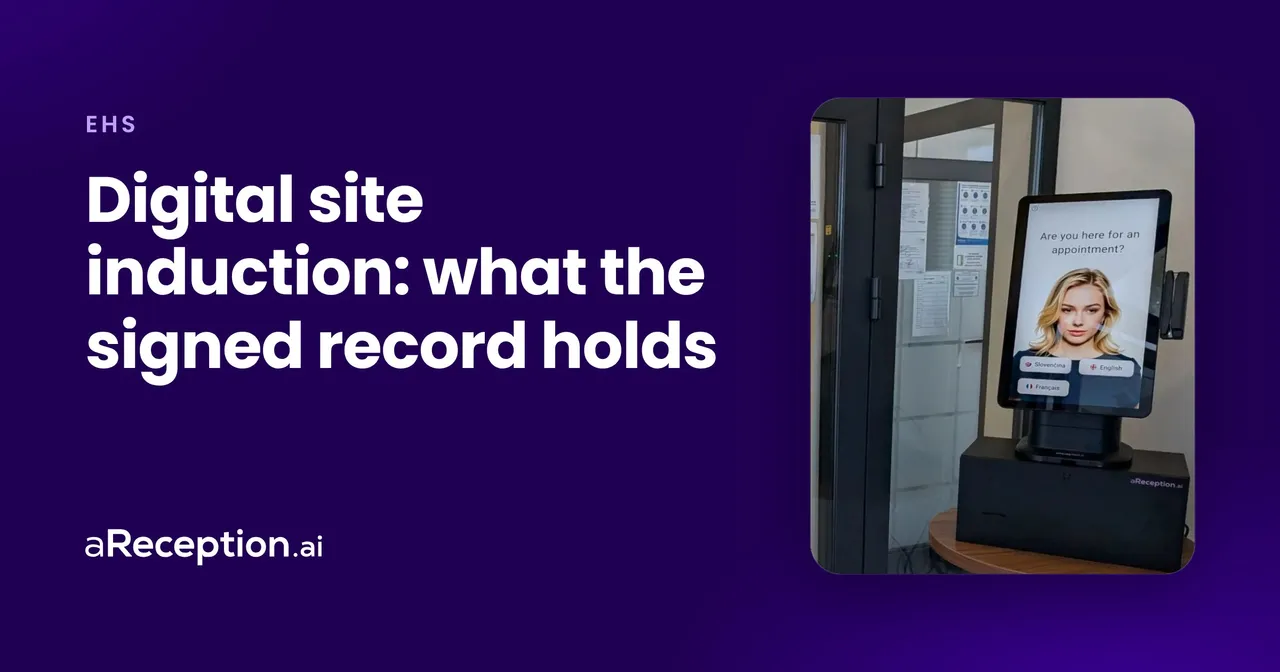
A digital site induction record after an incident
After an incident in a maintenance area, the EHS manager opens a contractor’s signed induction. The digital site induction record is there, but the review still has to establish who signed, what the induction covered and when the person signed relative to the visit.
Build your record requirements around that explanation. The signature is part of the record; the process around it supplies the context. Ask the vendor to show the record for one visit, and let EHS judge it against your own requirements.
Connect the person, the signed induction and the visit
Define how the site will link an individual to the signed induction, to the content they were asked to review, and to the visit it relates to. EHS explains why each item is needed, and Facilities makes sure the entrance process supports it.
With every induction, aReception stores the date and time, who signed, the drawn signature and the signed document as a PDF in the Portal. A contractor can sign in advance in the web app, where an email login verifies the person, or at the kiosk, where an ID card does. After an incident or during an inspection, you get a report listing each person straight away: who was on site and when, their induction and their signature.
Inspect the record of one particular visit, not a summary of completion rates, and ask how the identity check is tied to that person’s record.
Contractor induction content belongs in the record
In aReception, you create the induction content as video or text. The contractor gets an invitation with a link to the web app, where they can take the induction and sign it before arrival. Anything they do not finish, they complete and sign at the kiosk.
When a contractor arrives with an expired induction, the kiosk has them take it again before letting them in. You set the validity for each document separately, and the system sends a reminder before it expires.
Decide who approves the induction content and its changes. Keep the general site induction separate from instructions for a particular maintenance task, and read into a signature only what the signed content covered. The contractor site induction article covers the arrival workflow.
Documents and the site risk acknowledgment are separate records
A contractor can upload documents and certificates in advance, such as a welding or electrical qualification. The system reminds both the contractor and the EHS manager before a document expires. The Portal shows whether the EHS manager has approved the contractor’s documents.
The contractor completes the site risk acknowledgment once for the whole company, in advance through the link in the invitation. It cannot be done at the kiosk. The contractor confirms your site’s risks and fills in the risks of their own work, your team confirms them, and a signed version is retained.
Keep the required documents distinct in your review pack. The signed induction, the certificates and the site risk acknowledgment each answer a different question, and a signature on one does not fill a gap in another.
Entry conditions and the order of events
The kiosk issues a card only to someone who has completed the induction and signed it. When connected to your turnstile or barrier gate, aReception lets a person through only after they have completed and signed the induction. It also stops someone whose document has expired, and the workers of a contractor that has not completed the site risk acknowledgment.
Include an incomplete induction in your acceptance scenarios. Observe the entry outcome, then complete the process and observe it again. Write down the entrance tested and the condition applied.
Retrieval and retention
In the aReception Portal you see who was on site, when, and which induction they had. You filter visits by company, day and status, export them to XLSX and open the overview on a phone. Record retention can be configured.
Run a retrieval exercise with someone who did not handle the original arrival. Give them the information an incident review would supply and ask them to find the visit. Where they need help, improve the written procedure.
Review retention and access to records with your data protection officer. Name who can release records for an investigation and how the material is passed on.
A record review sheet for EHS
| Review item | What to establish |
|---|---|
| Person | How the signed induction is linked to the individual. |
| Content | Which instructions the signed induction covers and who approved them. |
| Time | When the person signed in relation to the visit. |
| Related records | Which certificates or site risk acknowledgments are relevant. |
| Retrieval | Who can find and explain the material. |
| Handling | Who approves retention and release for the review. |
Use this sheet on a sample visit before accepting the process. EHS reviews the content, and Facilities checks the entrance sequence. The contractor management feature page gives the product context for that discussion.
Frequently asked
Questions about this topic
What should a digital site induction record show?
Who signed, which content they signed, when they signed and which visit it belongs to. aReception stores the date and time, who signed, the drawn signature and the signed document as a PDF in the Portal.
Is only the signature image stored?
No. With the drawn signature, aReception stores the date and time, who signed and the signed document. The signature is stored as an image, not as biometric data.
What does the record show after an incident?
A report listing each person shows who was on site and when, their induction and their signature. Check a sample record against your EHS requirements during the demo.
Can contractors take the induction before arrival?
Yes. They open the web app from the link in the invitation, take the induction and sign it before arrival; anything they don’t finish, they complete and sign at the kiosk.
What happens when a returning contractor’s induction has expired?
The kiosk has them take the induction again before letting them in. You set the validity for each document separately, and the system sends a reminder before it expires.
Keep reading
Related reading
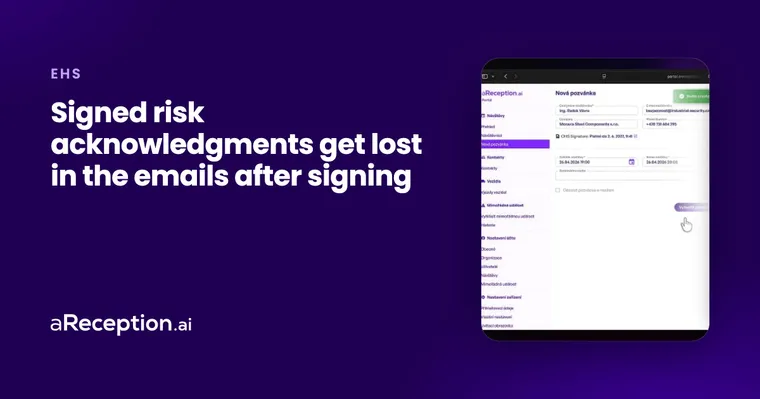 BlogSigned risk acknowledgments get lost in the emails after signing10 October 2026 · 3 min read
Plants do get risk acknowledgments signed by their contractors. The signed version gets lost afterwards, in emails and binders. How Model Obaly in Opava solves it.
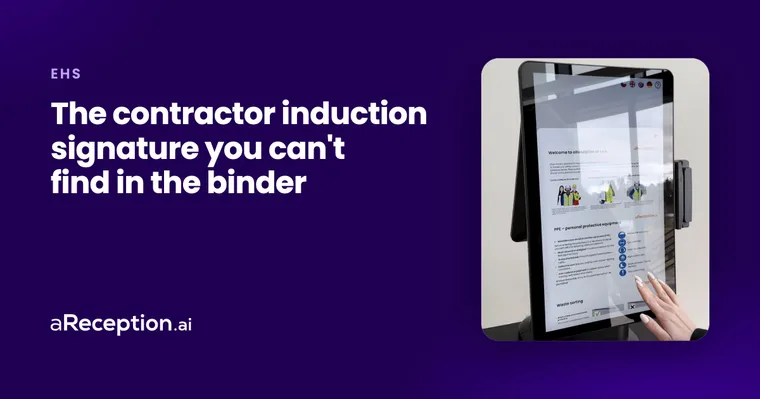 BlogThe contractor induction signature you can't find in the binder10 October 2026 · 3 min read
After a contractor's accident, someone searches the binder for their induction signature, and often it isn't there. How Artifex handles 73+ inductions a month.
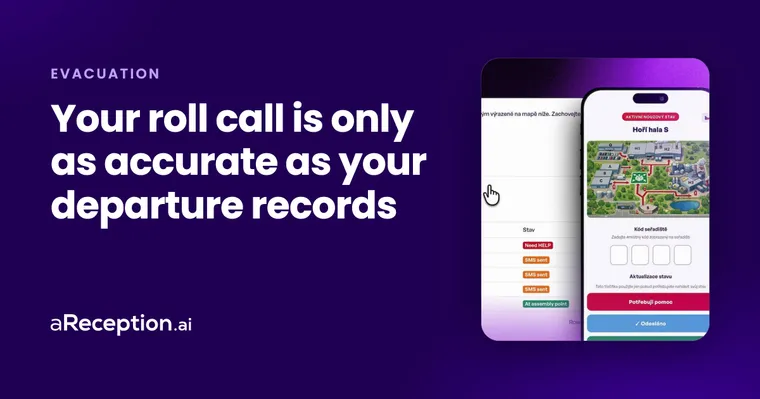 BlogYour roll call is only as accurate as your departure records10 October 2026 · 2 min read
At the assembly point, people look for workers who left hours ago. A roll call is accurate where a turnstile or card collector records the exit.
Review your process in a demo
Bring a sample visit and your site requirements. Use the form to tell us which part of the process you want to review.
Got it. We will get back to you within one business day.
In the meantime, watch a one‑minute video from a live site.
Pick a time now



 Filip, Tomáš or Luboš will replySales and deployment at aReception · we reply within one business day